
Showing 1–30 of 43 results

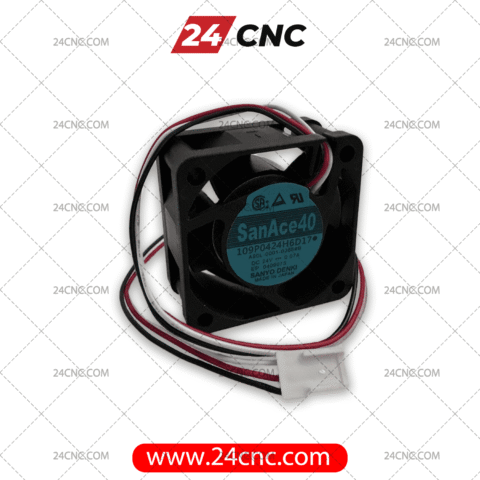


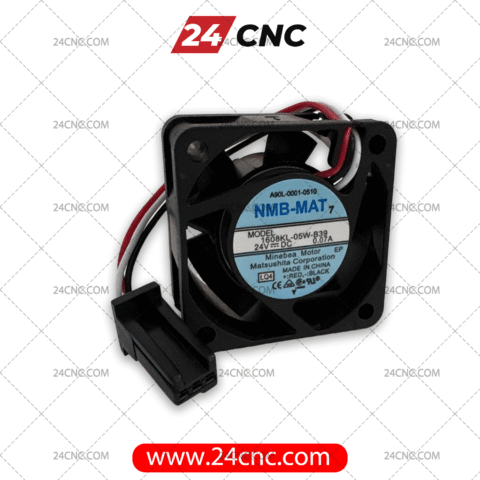


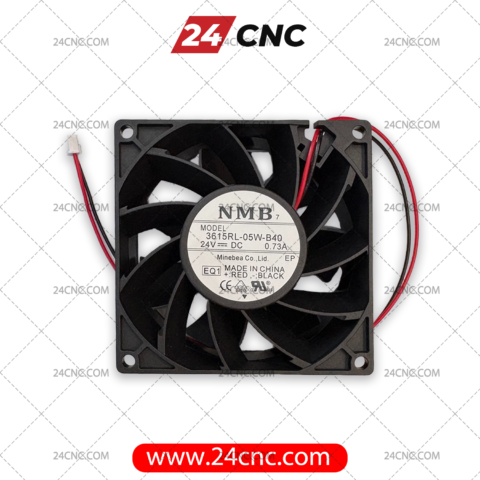


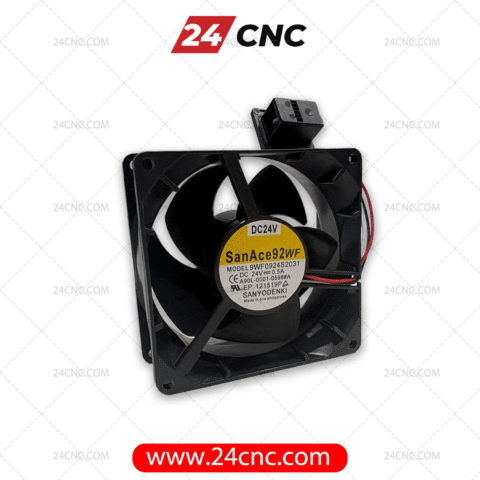

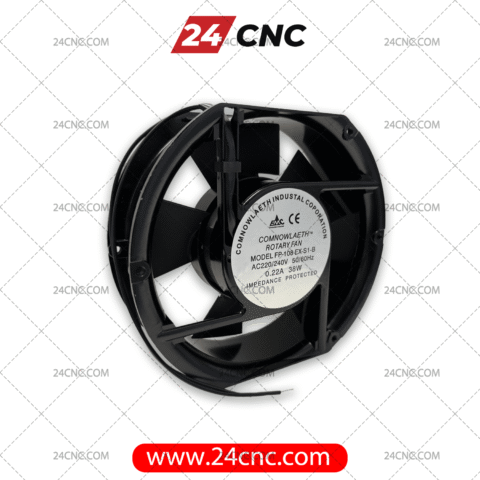


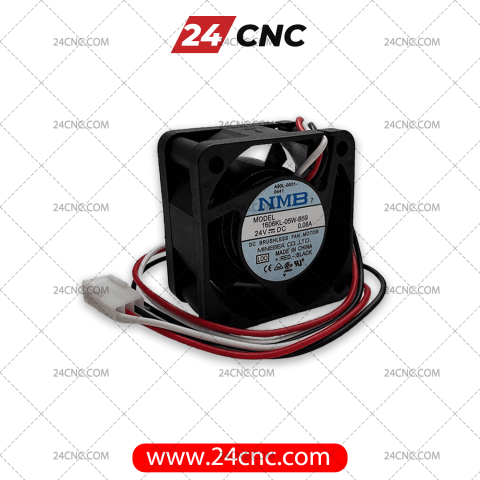


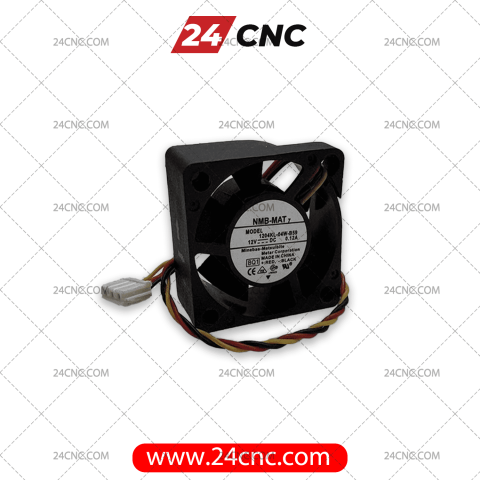


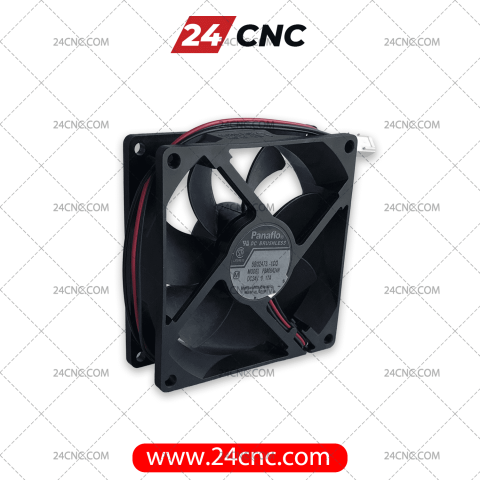
In the demanding environment of modern industrial machining, heat is the ultimate enemy of precision electronics. The drive controller fan is a critical, yet frequently overlooked, component responsible for regulating the temperature of your CNC machine’s servo amplifiers, spindle drives, and inverters. When these high-performance drives process massive amounts of electrical current to power servo motors, they generate significant thermal energy. Without adequate, continuous airflow from a premium cooling fan, your drive modules will rapidly overheat, triggering thermal alarms, unexpected machine halts, and potentially catastrophic failure of expensive internal components.
At 24cnc.com, we supply a comprehensive inventory of authentic, industrial-grade replacement cooling fans specifically designed for CNC drive units. Whether you are dealing with a dreaded Fanuc™ “OH” (Overheat) alarm on an Alpha i series drive, or a Siemens Sinamics S120 thermal warning, we have the exact OEM part you need to restore your machine’s reliability and protect your production schedule.
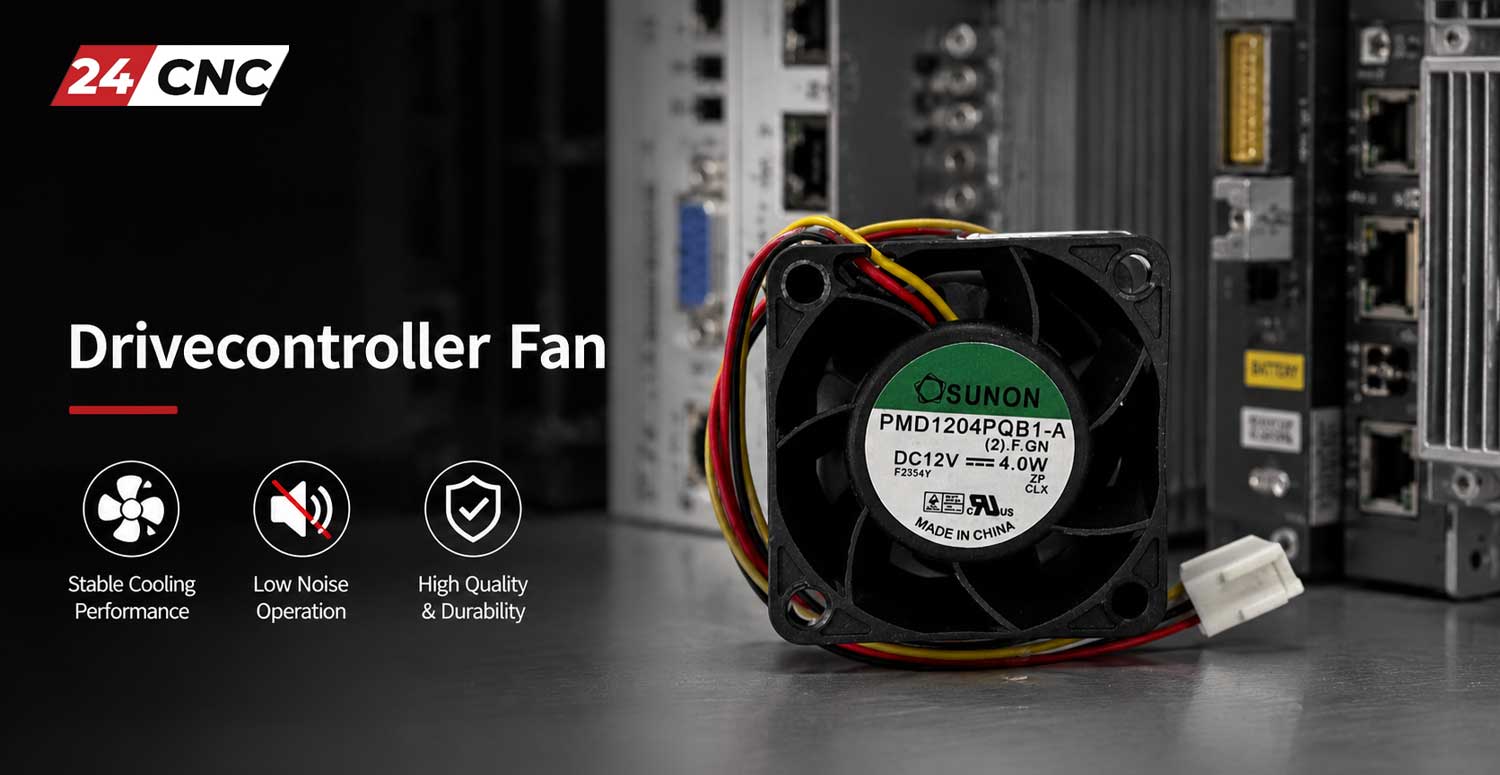
The Threat of Thermal Failure in CNC Drives
To understand the importance of the drive controller fan, one must understand what is happening inside the amplifier. Modern CNC drives rely on Insulated-Gate Bipolar Transistors (IGBTs) to switch high voltages and currents at high frequencies (often between 4kHz and 16kHz). This switching process is not 100% efficient. The power loss is dissipated entirely as heat. The conduction loss of an IGBT can be roughly approximated by the equation:
Where $P_{cond}$ is the conduction power loss, $V_{CE(sat)}$ is the collector-emitter saturation voltage, and $I_C$ is the collector current. When you multiply this loss across six IGBTs in a 3-phase inverter module running heavily loaded axes, you generate hundreds of watts of heat in a very confined space. If the drive controller fan fails to pull this heat away from the aluminum heat sink, the semiconductor junction temperature exceeds its maximum threshold (typically around $150^\circ C$), leading to thermal runaway and permanent hardware destruction.
The Science of CNC Drive Cooling: CFM and Static Pressure
Industrial CNC amplifiers rely on forced air convection. The required cooling capacity is dictated by the thermal output of the drive’s power electronics. Engineers calculate the required airflow in Cubic Feet per Minute (CFM) using thermal dynamics. A standard approximation for electronic cooling is defined by the formula:
Where $W$ represents the heat dissipated in Watts, and $\Delta T$ is the allowed temperature rise in degrees Fahrenheit. Because industrial drives operate at high wattages inside sealed electrical cabinets, standard PC cooling fans lack both the static pressure (the ability to push air through the tightly packed fins of a heat sink) and the raw CFM required to prevent thermal saturation. You must use specialized, high-RPM industrial fans with specific impeller geometries.
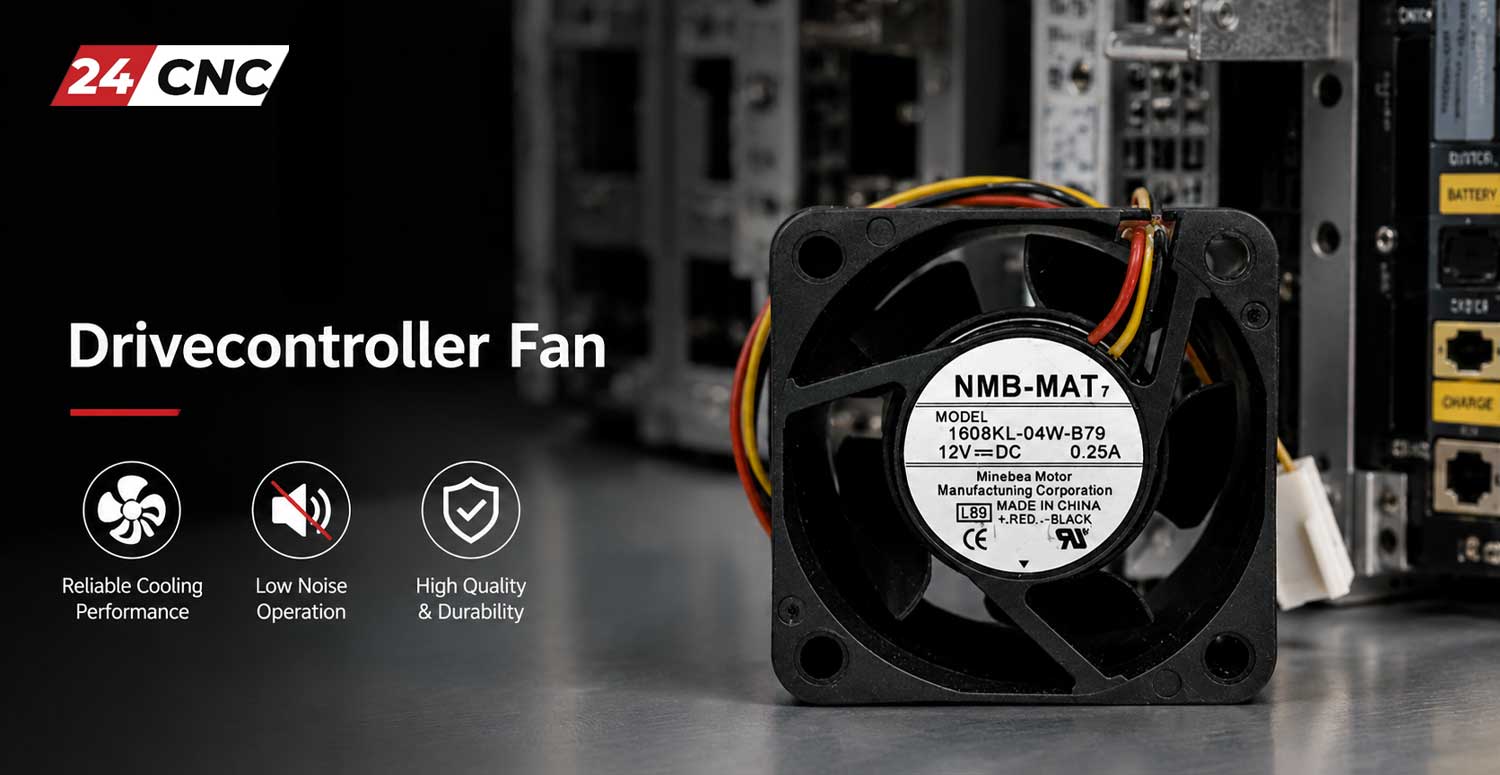
Anatomy of an Industrial Drive Controller Fan
Not all fans are created equal. The fans utilized by brands like Fanuc™, Yaskawa, and Siemens are engineered for a Mean Time Between Failures (MTBF) of 40,000 to 100,000 hours in harsh conditions. Key differentiators include:
- Dual Ball Bearings: Unlike cheap sleeve bearings that dry out and seize, industrial fans use precision dual ball bearings that operate flawlessly at high RPMs and high ambient temperatures, regardless of the fan’s mounting orientation.
- Brushless DC (BLDC) Motors: These motors provide high efficiency and eliminate brush wear, driven by advanced internal circuitry that resists electrical noise common in CNC cabinets.
- Ingress Protection: Many OEM fans feature conformal coated PCBs and specialized housings to resist degradation from aerated coolant mist, way oil, and conductive metallic dust.
- Flame Retardant Materials: Housings and impellers are molded from plastics carrying UL94V-0 flammability ratings to ensure cabinet safety in the event of an electrical short.
Understanding Fan Alarm Signals (The Third Wire)
One of the most frequent mistakes made by maintenance teams is attempting to replace a failed CNC drive fan with a generic computer fan. This immediately results in a drive alarm (such as a Fanuc Alarm 2 or Alarm 11, depending on the drive generation). This happens because industrial CNC controllers actively monitor fan health via a third sensor wire. There are two primary types of sensors used:
- Locked Rotor Sensor (Rotation Detector): Common in Fanuc drives. This sensor outputs a steady logic state (usually LOW) while the fan is spinning. If the fan seizes or the RPM drops drastically, the output flips (to HIGH), and the drive’s main control board immediately throws an error and cuts power to the servos to prevent a fire.
- Tachometer Output (Pulse Generator): Common in Siemens and Mitsubishi drives. This sensor outputs a square wave pulse train proportional to the fan’s RPM. The drive controller calculates the exact speed: $RPM = \frac{f \times 60}{PPR}$ (where $f$ is frequency and $PPR$ is pulses per revolution). If the RPM falls below the programmed threshold due to bearing wear or dirt accumulation, a warning is generated.
Why Choose Genuine OEM Fans from 24cnc.com?
- Exact Form & Fit: Our fans slide perfectly into the original manufacturer’s plastic housings, heat sink shrouds, and busboards. No modifications, Dremel work, or wire splicing is required.
- Correct Voltage & Amperage: Using an incorrect voltage (e.g., plugging a 24VDC fan into a 200VAC socket) will instantly destroy the fan and can short out the amplifier’s internal power supply. We categorize fans strictly by electrical spec.
- Guaranteed Sensor Compatibility: Our OEM replacement fans have the exact locked-rotor or tachometer circuitry required by your specific drive, ensuring alarms are cleared immediately upon installation.
- Top Tier Manufacturers: We stock OEM brands renowned for continuous 24/7 industrial operation, including Sanyo Denki (San Ace), NMB-MAT (Minebea), and Panaflo.
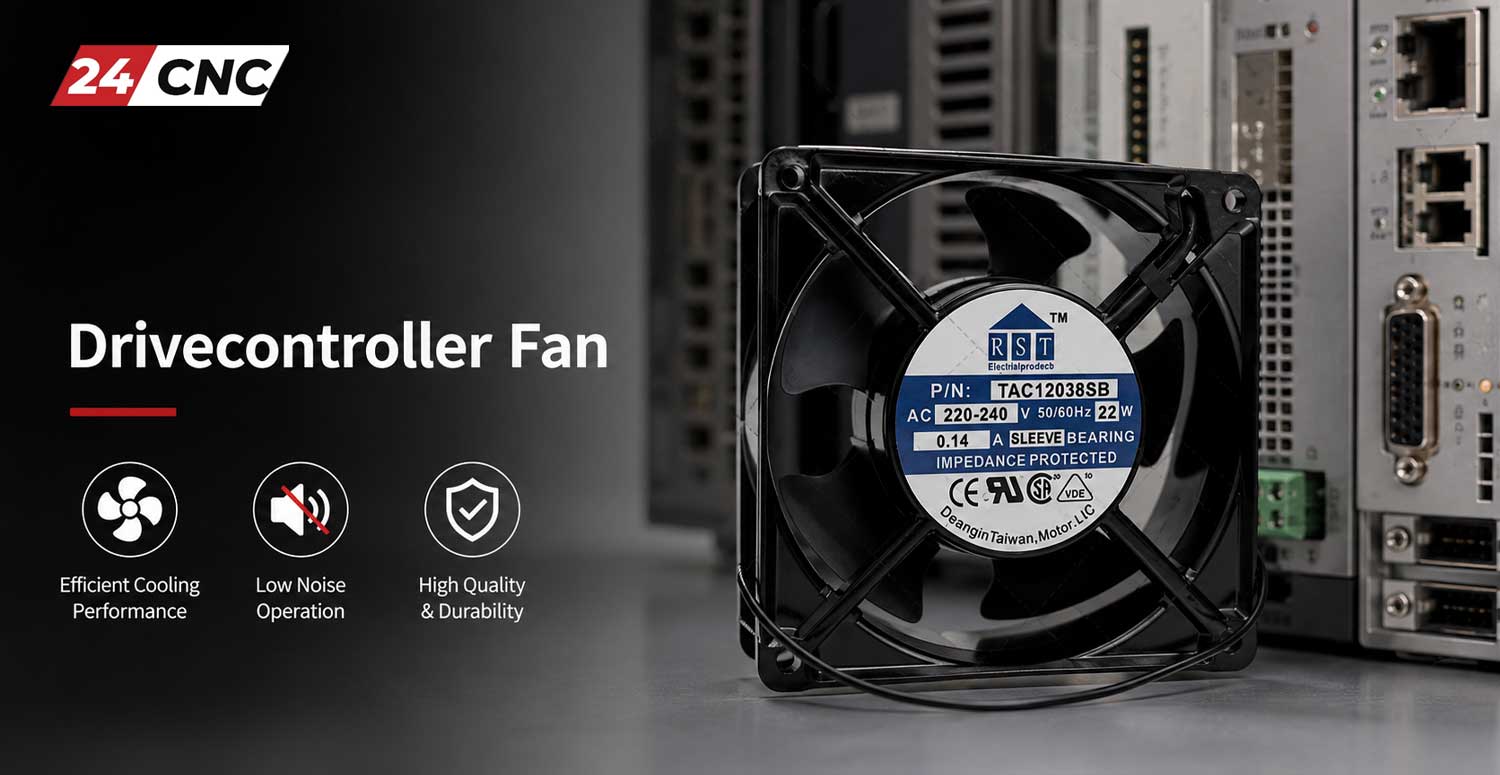
Selection Guide: Identifying Your Replacement Fan
Finding the correct replacement fan for your drive controller involves a precise identification process to ensure compatibility:
- Locate the Drive Part Number: Do not just look at the machine manual. Check the physical sticker on the side or front of your servo or spindle amplifier (e.g., Fanuc Alpha i series `A06B-6114-H104`). This is the most reliable way for our team to match the fan.
- Inspect the Fan Motor Label: If possible, remove the fan cartridge from the drive and look at the circular sticker on the fan hub. You are looking for manufacturer codes like `San Ace 40 9WF`, `NMB 1608KL-05W-B39`, or `Panaflo FBA06A24H`.
- Verify the Connector and Dimensions: Ensure the pinout and plug type match. Some fans use 3-pin standard drive-side connectors with wire leads, while others slot directly into a busboard without wires. Measure the frame size (e.g., 40x40x20mm, 60x60x25mm).
Technical Comparison: Top OEM Fan Brands
| Brand | Common CNC Application | Typical Voltages | Engineering Highlights |
|---|---|---|---|
| Sanyo Denki (San Ace) | Fanuc Drives, Spindle Units | 24VDC, 200VAC | Ultra-high lifespan dual ball bearings, highly accurate locked-rotor alarm sensors, aluminum frame options. |
| NMB-MAT / Minebea | Mitsubishi Drives, Yaskawa | 12VDC, 24VDC | Exceptional vibration resistance, compact internal footprint, precise tachometer pulse outputs. |
| Panaflo / Panasonic | Legacy Controllers, Power Supplies | 24VDC | Proprietary Hydro-Wave bearings for low acoustic noise and superior MTBF in high-dust environments. |
Frequently Asked Questions (FAQ)
1. Can I use a computer fan instead of a CNC drive fan?
Absolutely not. PC fans do not have the required RPM, static pressure, or the specific 3rd-wire alarm sensor required by industrial CNC controllers. Even if it fits physically, your machine will likely throw a permanent fan alarm, refuse to engage the servos, or eventually overheat due to lack of airflow.
2. What does an “OH” or “Overheat” alarm mean on my drive?
An overheat alarm points directly to a thermal buildup on the drive’s internal heat sink. This is almost always caused by a failed, failing, or clogged drive controller fan. When the fan stops spinning or loses efficiency due to coolant mist/dust buildup, the heat sink temperature rises rapidly until the drive shuts itself down to prevent melting internal IGBTs.
3. How often should I replace my CNC drive cooling fans?
For preventative maintenance, it is highly recommended to replace drive cooling fans every 3 to 5 years, depending on your shop’s environment. Running reactive maintenance (waiting for a fan to fail) risks expensive downtime and potential heat damage to the amplifier boards before the thermal sensors can trip the alarm.
4. How can I safely clean my drive fans?
Power down the machine completely. Use dry, compressed air regulated to a low pressure. Never use an air nozzle to spin the fan blades at ultra-high speeds, as this will destroy the ball bearings and turn the DC motor into a generator, potentially sending damaging voltage spikes back into the drive’s control board.
5. Do you ship replacement fans internationally?
Yes, 24cnc.com provides fast, reliable global shipping for all our replacement parts. We understand that a down machine costs you money, so we prioritize rapid dispatch of emergency replacement parts.
Machine Down Due to a Failed Drive Fan?
Don’t let a simple cooling fan stop your entire production line. We stock hundreds of genuine, OEM-spec replacement fans for immediate dispatch. Contact our engineering support team today to verify your amplifier part number and check live stock availability.