
Showing all 24 results
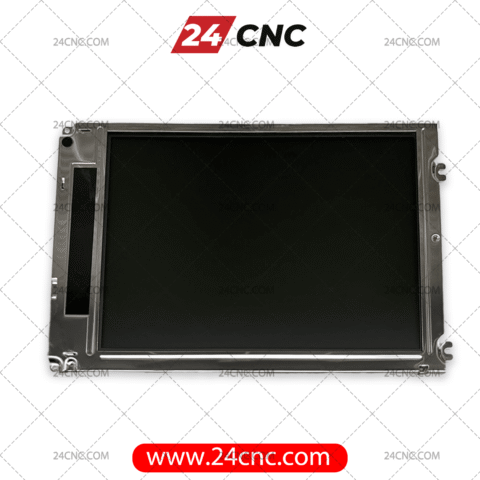


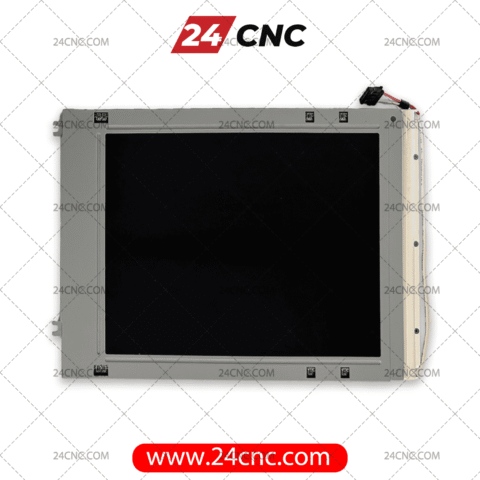
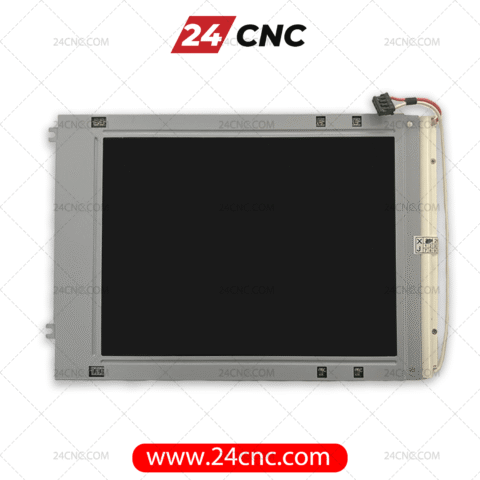


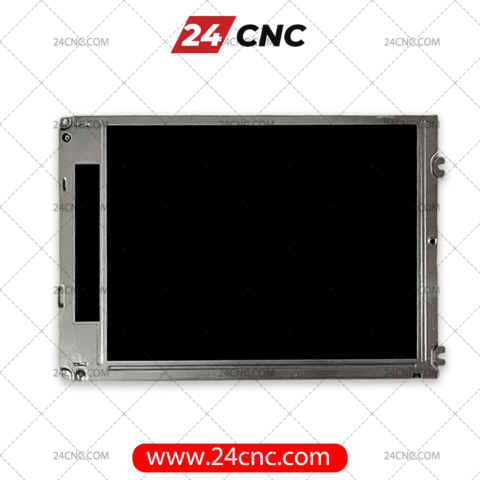
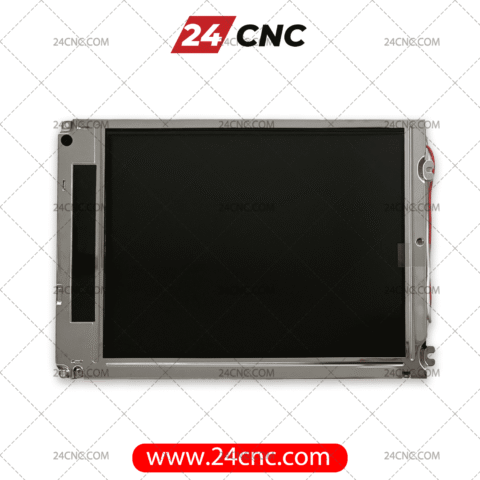
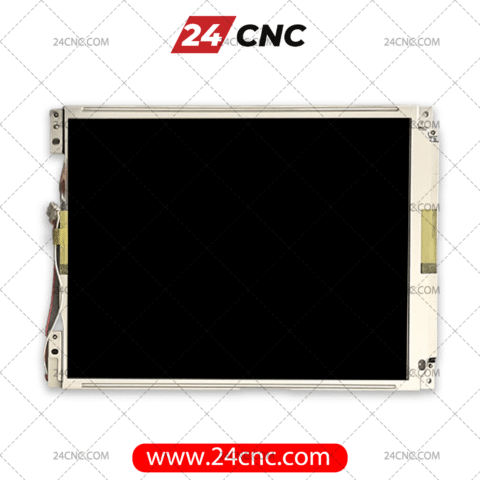
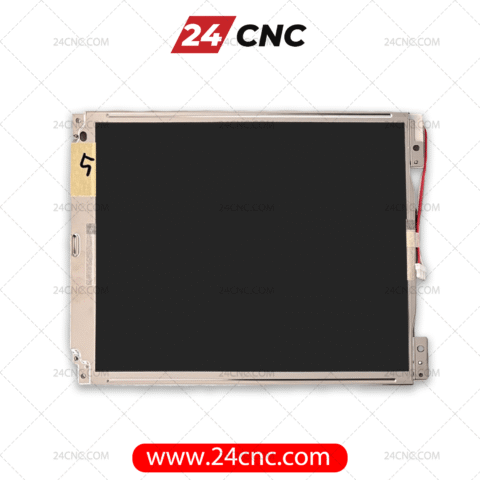
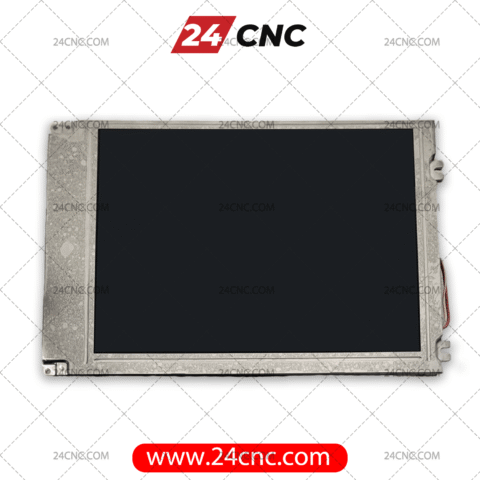
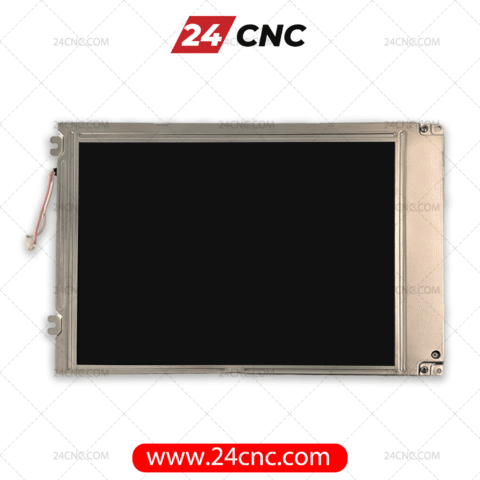


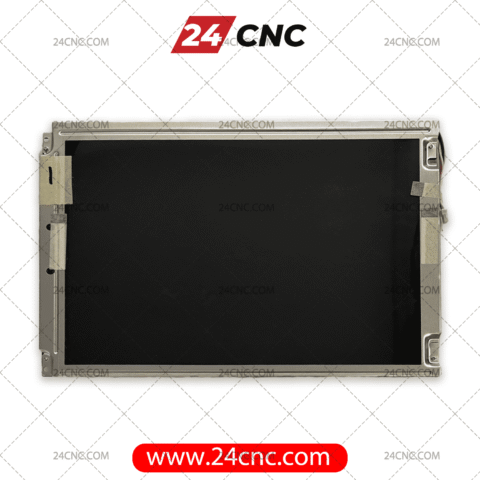
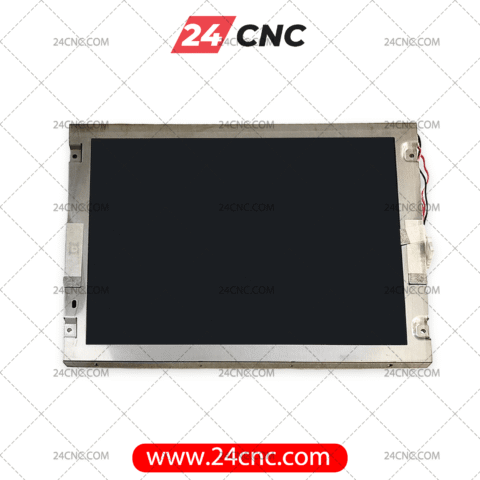
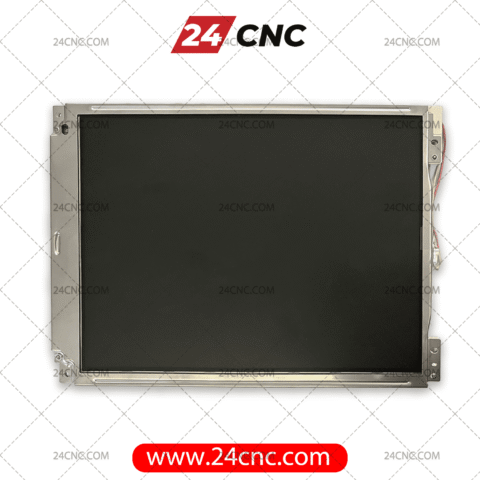

A failing monitor on your CNC machine is more than just a minor inconvenience; it is a direct and immediate cause of machine downtime, severe operator errors, and lost revenue. When the display on your CNC control system begins to flicker, fade, develop dead pixels, or completely blank out, securing a high-quality replacement becomes your top priority. Machinists rely entirely on these screens to input tool offsets, read G-code, monitor spindle loads, and verify part programs. At 24CNC, we provide a comprehensive, ready-to-ship inventory of industrial-grade CNC LCD replacement screens designed to restore perfect visibility to your critical manufacturing equipment.
Industrial CNC monitors endure incredibly harsh manufacturing environments. They are constantly subjected to high-frequency vibrations, extreme temperature fluctuations, electrical noise from nearby transformers, and airborne contaminants like vaporized coolant, oil mist, and metallic dust. Standard consumer-grade screens simply cannot survive these conditions for long. That is why we stock genuine, OEM-equivalent, and ruggedized LCD panels specifically engineered to interface flawlessly with industry-leading controllers, ensuring your operators can interact with the machine safely and with absolute clarity.

The Hidden Costs of Monitor Failure
Operating a high-value CNC mill, lathe, or router blindly is impossible. If the Human-Machine Interface (HMI) fails, the entire machine comes to a grinding halt, regardless of how perfectly the servo motors, ball screws, or spindle are functioning. Even a partially degraded screen poses significant risks. A misread decimal point due to a dead pixel or a burnt-out backlight can result in a tool crash, potentially costing thousands of dollars in mechanical damage and ruined workpieces.
Upgrading an old, failing CRT monitor to a modern, energy-efficient LCD, or replacing a cracked factory LCD, immediately improves operator efficiency. It reduces eye strain, lowers the ambient heat inside the control cabinet, and dramatically drops the risk of scrapped parts.
Why Choose 24CNC for Your Display Needs?
- Extensive, Tested Inventory: We carry displays for major brands, including specific panels for legacy and modern Fanuc™ controllers, Siemens Sinumerik, Heidenhain, and Mitsubishi Meldas systems.
- Authentic Brands: We source original panels from trusted, industry-standard display manufacturers like Sharp and NEC, guaranteeing perfect compatibility and extended longevity.
- Plug-and-Play Compatibility: Minimizing downtime is critical. Many of our replacement screens are designed to match the original factory mounting brackets, bezel dimensions, and video signal pinouts perfectly, requiring no specialized retrofitting.
- Complementary HMI Parts: If you are replacing a screen due to physical impact, the surrounding membrane might also be damaged. We stock the surrounding labels and keyboards to let you completely refurbish your operator panel to factory condition.
CRT vs. LCD: The Evolution of CNC Displays
Many older CNC machines manufactured in the 1980s and 1990s were equipped with Cathode Ray Tube (CRT) monitors. While robust for their time, CRTs are heavy, consume excessive power, generate substantial heat, and eventually suffer from “screen burn-in.” Today, finding exact CRT replacements is nearly impossible and cost-prohibitive.
Retrofitting a legacy CRT with a modern LCD panel is standard practice. LCDs utilize Liquid Crystal Display technology, offering superior brightness, sharper contrast ratios, and a fraction of the power consumption. A typical CRT might draw $110 \text{ VAC}$ and generate significant heat inside the sealed control pendant, while a modern LED-backlit LCD draws only $12 \text{ VDC}$ or $24 \text{ VDC}$, running completely cool and prolonging the life of surrounding electronic boards.
Understanding Backlight Technology: CCFL vs. LED
When selecting a replacement LCD, it is vital to understand the backlight technology powering the screen. The liquid crystals themselves do not emit light; they act as shutters, blocking or passing light from a source behind them.
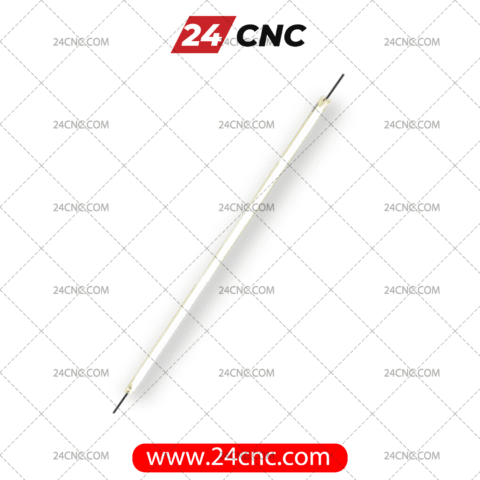
- CCFL (Cold Cathode Fluorescent Lamp): Older LCD panels used these tiny fluorescent tubes. Over time, CCFL bulbs degrade. You might notice the screen taking a long time to warm up, taking on a distinct pink or yellow hue, or gradually becoming too dim to read. They also require an inverter board to step up the voltage, which is another common point of failure. Typical lifespan is around $20,000 \text{ to } 30,000 \text{ hours}$.
- LED (Light Emitting Diode): Modern replacement panels utilize LED arrays for backlighting. LEDs offer immediate brightness upon boot-up, do not suffer from color shifting as they age, and eliminate the need for a high-voltage inverter board, simplifying the circuitry. Their lifespan often exceeds $50,000 \text{ hours}$, making them the superior choice for high-uptime manufacturing environments.

How to Select the Correct CNC LCD Part
Choosing the correct replacement screen requires identifying specific technical parameters. Do not rely solely on the CNC machine’s model number (e.g., “Haas VF-2” or “Doosan Puma”). Machine manufacturers frequently change display suppliers during a production run depending on global supply chain availability. To guarantee a match, you must look at the back of the LCD panel itself.
- Identify the Panel Manufacturer and Part Number: Power down the machine safely. Open the operator panel housing and locate the manufacturer’s sticker on the rear metal chassis of the LCD module. You will see a brand name and a specific alphanumeric code. For example, a common Sharp panel is marked as
LM64P101, while an NEC panel might beNL6448AC33-18. This is the most critical piece of information. - Determine the Screen Size: Measure the viewable area of the screen diagonally. Common industrial CNC sizes include $8.4 \text{ inches}$, $9.5 \text{ inches}$, $10.4 \text{ inches}$, $12.1 \text{ inches}$, and $15.0 \text{ inches}$.
- Verify the Resolution: Older controls typically output VGA ($640 \times 480$) or SVGA ($800 \times 600$) resolutions. Ensure your replacement panel matches this native resolution to avoid distorted or “stretched” text.
- Interface Type and Cables: Verify whether the screen uses a standard VGA connector, a TTL parallel interface, or a proprietary digital LVDS interface cable. Check the pin count (e.g., 20-pin, 31-pin). If the original cables are brittle or damaged by coolant ingress, browse our CNC cables section for replacements.
Our Primary LCD Categories
To streamline your procurement process and help you find exactly what you need quickly, we have categorized our vast LCD inventory by the original panel manufacturers:
- Sharp CNC LCDs: Sharp is arguably the most prevalent display manufacturer found in legacy and modern CNC controls. We stock a wide array of Sharp monochrome (often dual-scan STN) and modern color TFT LCDs. They are known for their high contrast ratios and robust industrial durability.
- NEC CNC LCDs: Frequently installed in Fanuc™ i-series and Siemens panels, NEC displays are renowned for their ultra-wide viewing angles—crucial when the operator is standing beside the machine rather than directly in front of it—and their exceptional backlight lifespan.
- Other LCD Brands: Our inventory extends to displays from manufacturers like Toshiba, Hitachi, Kyocera, and Optrex. We also offer modern, high-quality OEM-equivalent replacements that provide drop-in compatibility for discontinued, obsolete parts.
Technical Comparison: Common CNC Display Specifications
Below is a brief technical comparison of the common types of replacement panels available in our store, helping you understand what to expect during a replacement:
| Common Application | Typical Panel Brands | Standard Sizes | Backlight Technology |
|---|---|---|---|
| Fanuc 0i / 18i / 21i Series | Sharp, NEC, Kyocera | $8.4″$, $10.4″$ | CCFL (Dual/Single) or LED Upgrade |
| Siemens Sinumerik 840D | NEC, Toshiba | $10.4″$, $12.1″$, $15.0″$ | Mostly LED in newer units |
| Mitsubishi Meldas | Sharp, Hitachi | $9.5″$, $10.4″$ | CCFL |
| Legacy Fanuc (0M/0T, 6, 11) | Various (Retrofit Kits) | $9.0″$, $12.0″$ (CRT Equiv) | LED Retrofit System |
Troubleshooting: Is it the Screen or the Graphics Card?
Before purchasing a replacement screen, it is wise to confirm that the LCD panel is actually the culprit. Sometimes, the issue lies elsewhere in the control architecture:
- Completely Black Screen: Shine a bright flashlight at a severe angle against the screen while the machine is powered on. If you can faintly see the machine coordinates or menu text, the LCD panel is fine, but the backlight (or inverter board) has failed. If it is entirely blank, it could be the screen, a disconnected cable, or a failed graphics card on the mainboard.
- Garbled Text or “Snow”: This often points to a loose video cable, electrical interference, or a failing graphics processor, rather than the LCD panel itself. Reseat all cables before ordering parts.
- Vertical or Horizontal Lines: Static, unmoving lines across the display are almost always a physical failure within the LCD panel’s internal ribbon connectors. The panel must be replaced.
Frequently Asked Questions (FAQ)
1. Can I upgrade my old, bulky CRT monitor to a flat-screen LCD?
Yes, absolutely. We offer specialized CRT-to-LCD retrofit kits. These kits include the industrial LCD panel, custom metal mounting bezels designed to fit the exact hole pattern of the old CRT, and the necessary video signal converters to interpret older analog signals (like MDA, CGA, or EGA) into a modern digital format.
2. The screen works, but it is extremely dim. Do I need a whole new LCD?
Not necessarily. As mentioned, a dim screen usually indicates a failing CCFL backlight bulb or a burned-out backlight inverter board. However, sourcing the exact bulb is difficult, and disassembling the delicate LCD layers to replace it often introduces dust. Upgrading the entire panel to a modern LED-backlit equivalent is generally much more reliable, saves labor time, and is cost-effective in the long run.
3. Are these screens difficult to install? Do I need a specialized technician?
Most of our drop-in replacements are designed for simple installation. If you are comfortable opening the control cabinet, discharging static, and uncoupling simple ribbon cables and power harnesses, you can typically perform the swap in under 30 minutes. We provide panels that match original factory specifications to ensure a hassle-free installation.
4. Do these replacement screens come with a warranty?
Yes, quality assurance is our priority. All our LCD panels are rigorously inspected and bench-tested before shipment. They come with a standard replacement warranty protecting against premature failure, dead pixels, and backlight issues. Please contact our support team for specific warranty durations per brand.
5. What if I cannot find my exact part number on your website?
Because display part numbers update frequently and original models become obsolete, we may stock a direct, plug-and-play successor to your screen that has a different part number. Contact our technical team with a photo of your current screen and the rear sticker, and our engineers will cross-reference it and find the perfect compatible replacement for you.
Don’t Let a Dead Screen Halt Your Production
Restore perfect visibility to your control panels today. Browse our categorized inventory above, or reach out to our technical sales team to confirm compatibility, discuss retrofit options, and verify live stock levels. Get your machines back up and running with 24CNC.