
Showing all 23 results


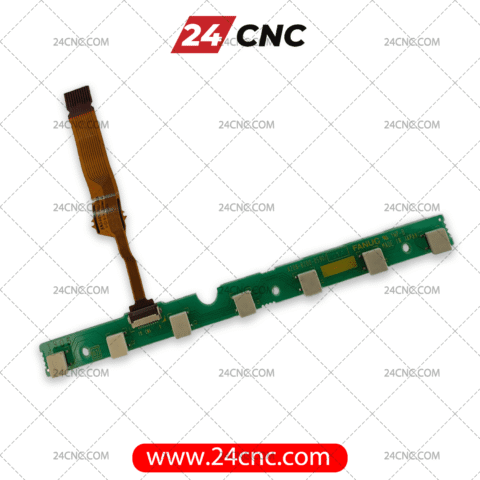


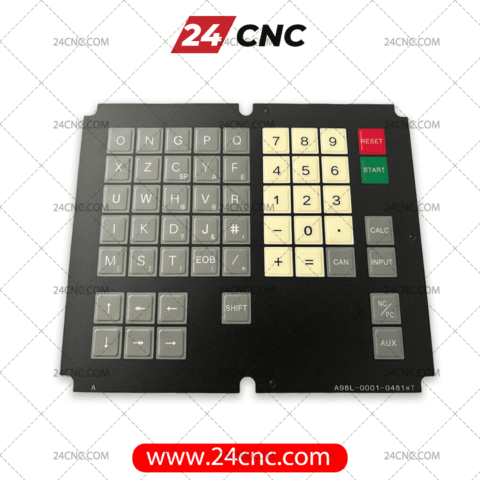


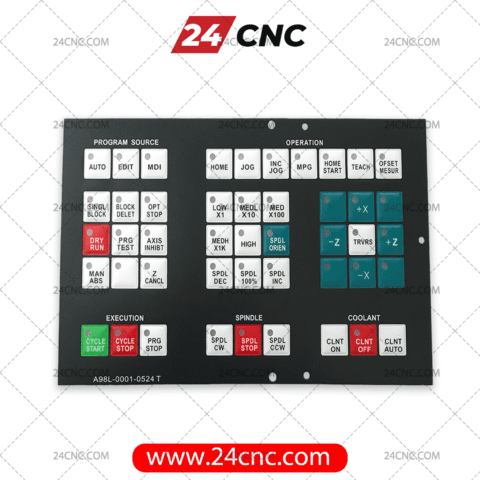


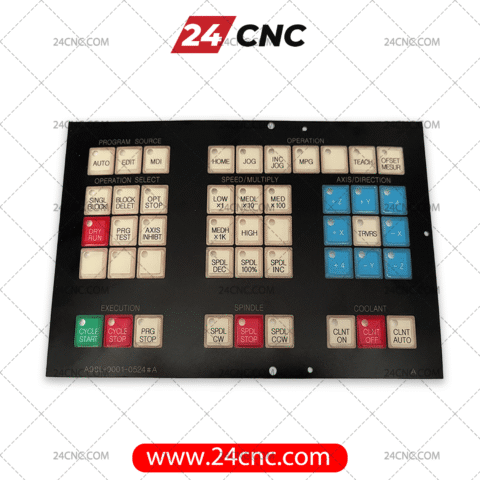

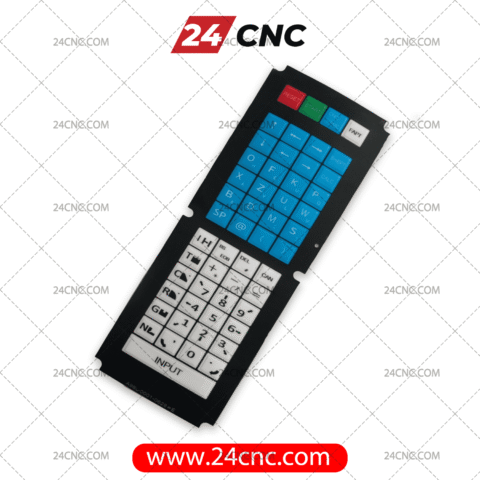
The human-machine interface (HMI) serves as the primary communication bridge between the machinist and the machine tool. Within Fanuc CNC systems, this interaction relies entirely on the tactile precision, visual clarity, and electrical reliability of the operator panel. Constant physical actuation, exposure to aggressive cutting fluids, metal chips, and general workshop wear inevitably degrade the protective membranes and tactile switches of your control station over time.
A deteriorating Fanuc label and keyboard is not merely an aesthetic issue; it severely impacts programming speed, poses a significant risk to operational safety, and often leads to costly, unplanned machine downtime. At 24CNC, we supply a rigorous, industry-grade selection of premium Fanuc labels, membrane overlays, and MDI keyboards. Our inventory is curated to restore your machine’s control panel to factory-new responsiveness, ensuring seamless integration whether you are running a legacy Fanuc 0-C series or a state-of-the-art 31i-B controller.
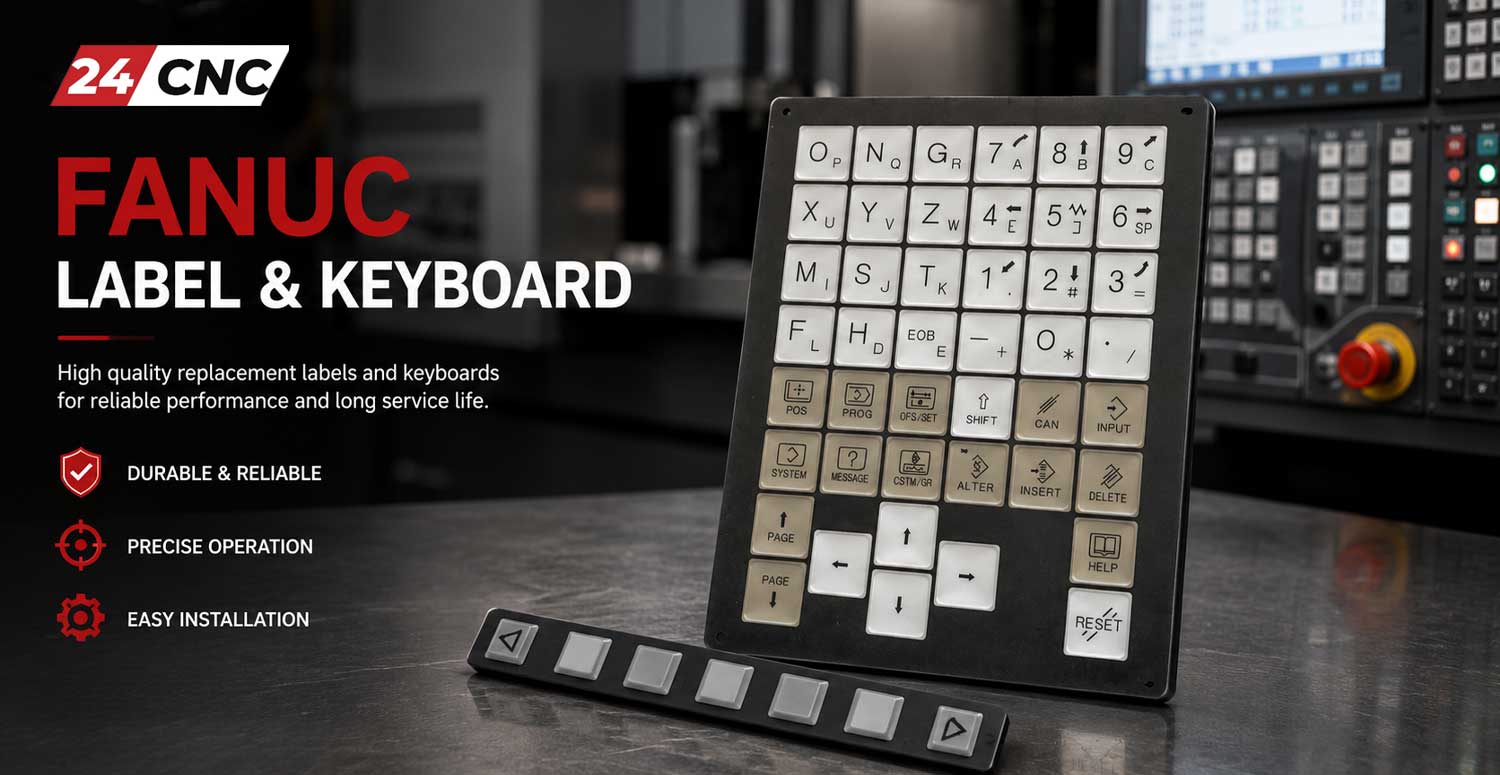
The Anatomy of a Fanuc Interface Panel
To make informed procurement and maintenance decisions, it is crucial to understand the layered architecture of a standard Fanuc Manual Data Input (MDI) panel or Machine Control Panel (MCP). The assembly typically consists of three primary layers:
-
1. The Graphic Overlay (Membrane Label)
Often designated by the A98L- prefix, this is the topmost layer made from robust, chemical-resistant polymers like Polyethylene Terephthalate (PET) or Polycarbonate. It provides visual key mapping and acts as an IP65/IP67 rated shield against coolant ingress. It must withstand millions of actuations without cracking.
-
2. The Tactile Switching Layer
Situated directly beneath the overlay, this layer contains metal or polydome domes. When an operator presses a key, the dome collapses to bridge an electrical circuit. Industrial specifications dictate an actuation force of approximately $F = 2.5 \pm 0.5 N$ to ensure positive feedback even when operators are wearing heavy protective gloves.
-
3. The Printed Circuit Board (PCB)
Often carrying an A20B- prefix, this rigid fiberglass board houses the switch contacts, LED indicators, and connection headers. A healthy switch closure typically requires a contact resistance of $R \le 100 \Omega$. If coolant breaches the overlay, it is this layer that shorts out, requiring a complete keyboard assembly replacement rather than just the label.
How to Diagnose a Failing Fanuc Keypad
Before ordering replacement parts, accurate diagnostics can save workshop owners significant time and capital. Here is how maintenance engineers isolate HMI faults:
- Visual Inspection: Look for hairline cracks, peeling corners, or bubbling on the A98L membrane. Even microscopic punctures can allow synthetic coolants to seep in through capillary action, destroying the PCB traces over time.
- Tactile Assessment: If a key feels “mushy” or fails to spring back, the underlying metal dome has suffered mechanical fatigue. The membrane label might be fine, but the switch matrix requires replacement.
- Electrical Diagnosis (Matrix Testing): Fanuc keyboards operate on a row/column matrix. If an entire row or column of keys fails simultaneously (e.g., 1, 2, 3, and RESET all stop working), the fault lies within the A20B PCB matrix or the ribbon cable connecting the MDI to the main CNC controller, not the individual key domes. You can verify continuity using a multimeter to check if the circuit closes with $R < 1 \Omega$ when pressed.
- Software Diagnostics: Utilize the Fanuc diagnostic screens (accessible via SYSTEM -> PMC -> STATUS). By monitoring the input signals (X addresses), you can physically press a key and observe if the corresponding bit flips from $0$ to $1$. If the bit flips but the CNC ignores it, the issue is software/ladder logic; if the bit remains $0$, the hardware (keyboard) has failed.
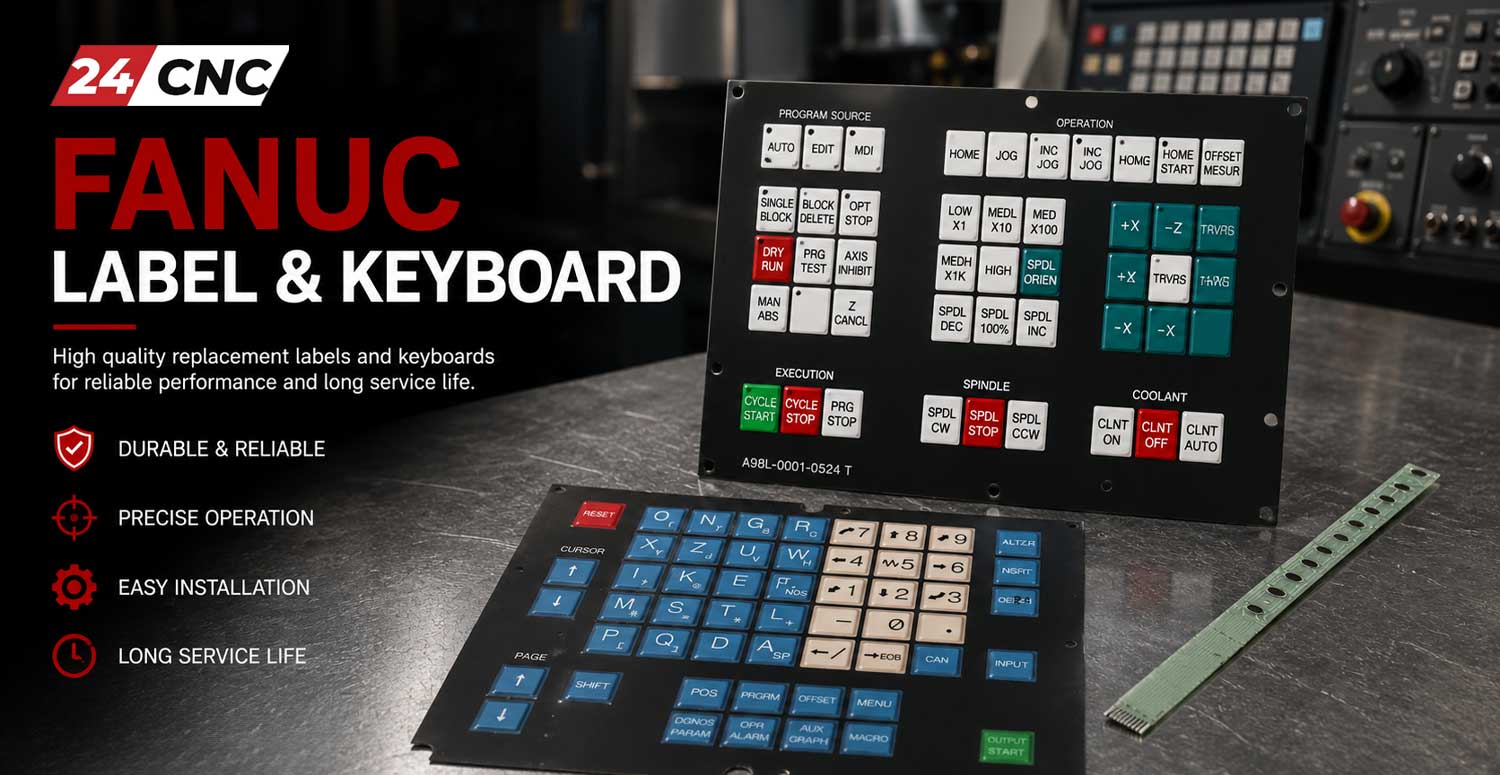
Selection Guide: Identifying Your Exact Fanuc Component
Fanuc categorizes its interface components using strict alphanumeric nomenclature. Ordering based on visual similarity alone frequently results in receiving incompatible layouts (e.g., a Turning keypad for a Milling machine). Follow these steps:
Locate the Part Number
The definitive method is retrieving the exact part number. This involves safely powering down the CNC and removing the MDI panel from the machine casting.
- A98L-xxxx-xxxx (Membranes): Look at the very edge of the plastic overlay or the back of the adhesive sheet. Example: A98L-0001-0524#J.
- A86L-xxxx-xxxx (Keyboard Assemblies): Stamped on the rear casing or the PCB of the full keyboard unit. Example: A86L-0001-0252.
Controller Series Compatibility
If part numbers are completely worn off, identify your CNC control model and machine type. For instance, a Fanuc 0i-MD (Milling) has specific keys for spindle orientation and tool changes that a Fanuc 0i-TD (Turning) does not. Furthermore, legacy systems like the Fanuc 15M use vastly different ribbon connectors compared to modern 31i-B interfaces.
Fanuc Interface Component Cross-Reference
| Part Category | Common Prefix | Technical Function | Primary Cause of Failure |
|---|---|---|---|
| MDI Membrane Label | A98L- | Environmental shielding and tactile legend mapping (Milling/Turning specifics). | Punctures from sharp tools, chemical degradation from high-alkaline coolants. |
| Full MDI Keyboard | A86L- / A02B- | Complete structural assembly housing PCB, matrix logic, and physical keys. | Coolant ingress causing short circuits, blunt force trauma, connector oxidation. |
| Soft Key Membranes | A98L- (Varied) | Horizontal/vertical arrays positioned adjacent to LCD screens for menu navigation. | High cycle fatigue (frequent menu switching), delamination. |
| Keyboard PCB | A20B- | Routes low-voltage DC signals from switches to the CNC motherboard. | Cold solder joints, trace burning from electrical surges. |
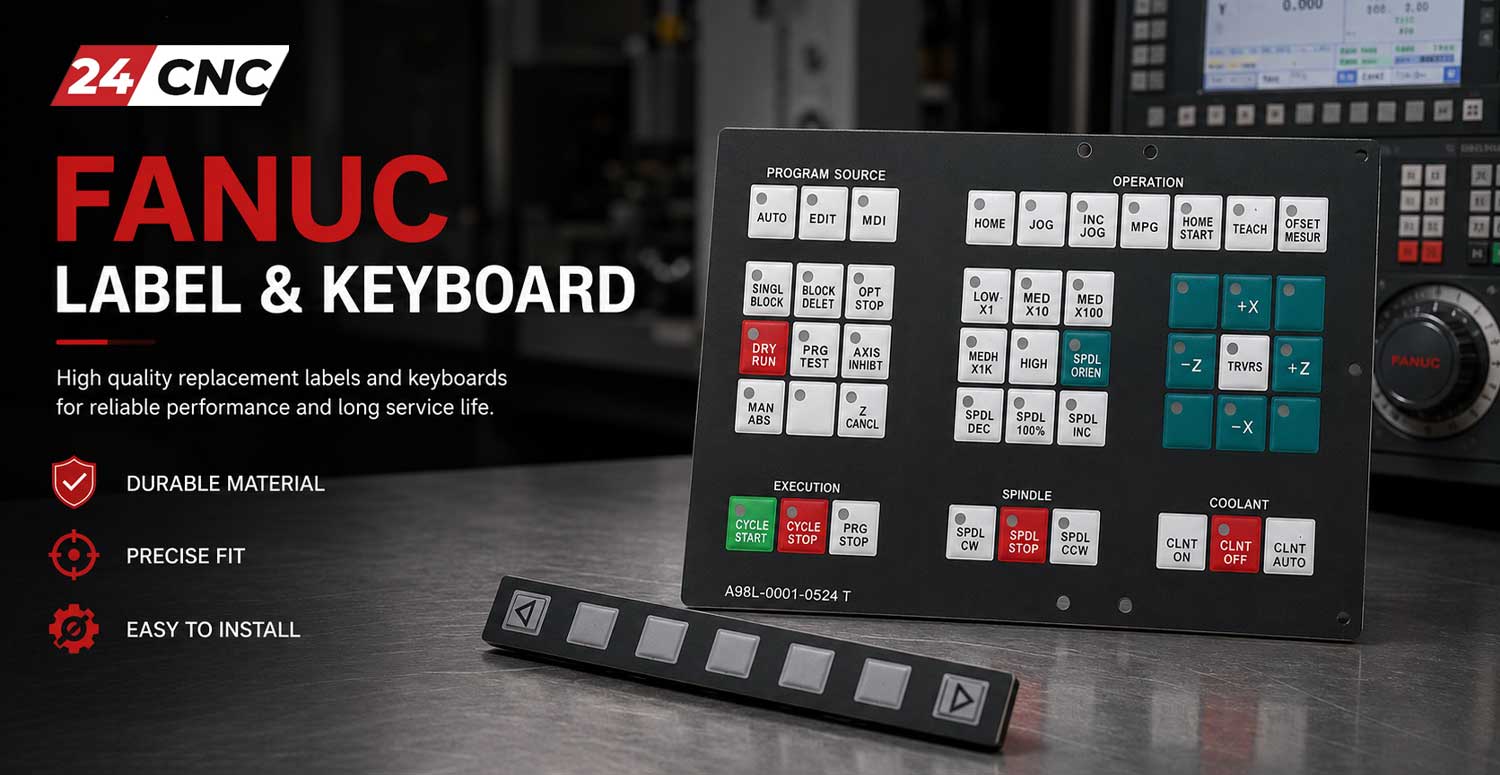
Installation Best Practices for Membrane Overlays
Replacing a Fanuc A98L label requires precision. A poor installation will lead to premature failure due to air bubbles or compromised adhesion. Follow these industrial best practices:
- Preparation: Disconnect all power. Remove the old membrane entirely.
- Surface Decontamination: The underlying mounting plate must be surgically clean. Use Isopropyl Alcohol (99%) to strip away all residual 3M adhesive, oil, and grime. Ensure the surface is completely dry.
- Alignment: Before peeling the backing, test-fit the new membrane to ensure ribbon cable cutouts and LED windows align perfectly.
- Application: Peel the backing from one edge (usually the top). Apply slow, even pressure using a plastic squeegee wrapped in a lint-free cloth, working from the center outward to expel trapped air.
- Curing: Allow the adhesive to set for at least 12 hours before exposing the panel to aggressive coolants or high workshop temperatures.
Procurement Reliability: Why Choose 24CNC?
For procurement officers and maintenance managers, downtime is the ultimate enemy. Sourcing unreliable aftermarket parts introduces unnecessary risk. 24CNC mitigates this risk through:
- Guaranteed Compatibility: Our technical staff cross-references your machine model and part numbers to guarantee the right fit the first time.
- OEM & High-Tier Aftermarket: We offer genuine Fanuc replacements alongside rigorously tested, OEM-specification aftermarket alternatives that match the original $IP$ ratings and tactile actuation curves.
- Global Logistics: We maintain a high inventory turnover of standard Fanuc HMI components, ensuring rapid dispatch to minimize your machine-down hours.
- Complete HMI Solutions: We don’t just sell keyboards. We supply MPG handwheels, panel selector switches, and interface cables to facilitate complete control station retrofits.
Frequently Asked Questions (FAQ)
Keep Your Spindles Turning
Don’t let a faulty ten-dollar membrane halt a million-dollar production line. If you are struggling to identify your exact Fanuc A86L or A98L part number, our engineering support team is ready to assist.
Send us a clear photograph of your current operator panel and the machine model.