
Showing all 11 results


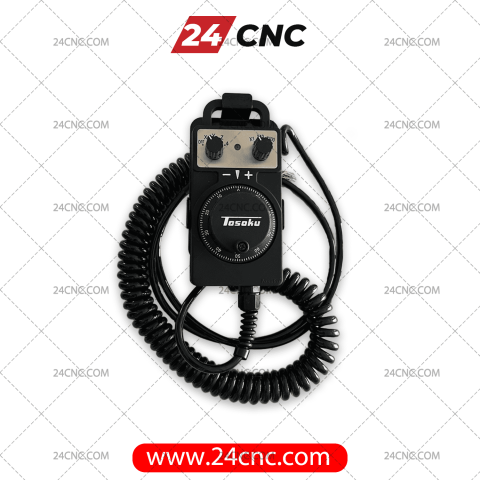
In high-stakes, fast-paced manufacturing environments, machine setup time directly impacts your operational bottom line. A reliable CNC Remote Handwheel—widely referred to in the industry as a remote pendant, jog dial, or remote MPG (Manual Pulse Generator)—is arguably the most critical physical interface an operator utilizes daily. It allows machinists to jog axes, set critical work offsets, indicate raw materials, and perform safe, close-proximity test runs away from the main control panel.
When a remote fails due to dropped impacts, aggressive coolant ingress, or frayed internal wiring, it instantly halts production and causes exorbitant machine downtime. At 24cnc.com, we supply heavy-duty, industrial-grade remote handwheels specifically designed to withstand the harshest workshop conditions. Whether you are sourcing a direct plug-and-play replacement for a Fanuc™ controller, a highly specific pendant for a Siemens controller, or a versatile universal pendant for a custom retrofit, our extensive inventory ensures you get the exact OEM or premium aftermarket component required to restore manual control immediately.
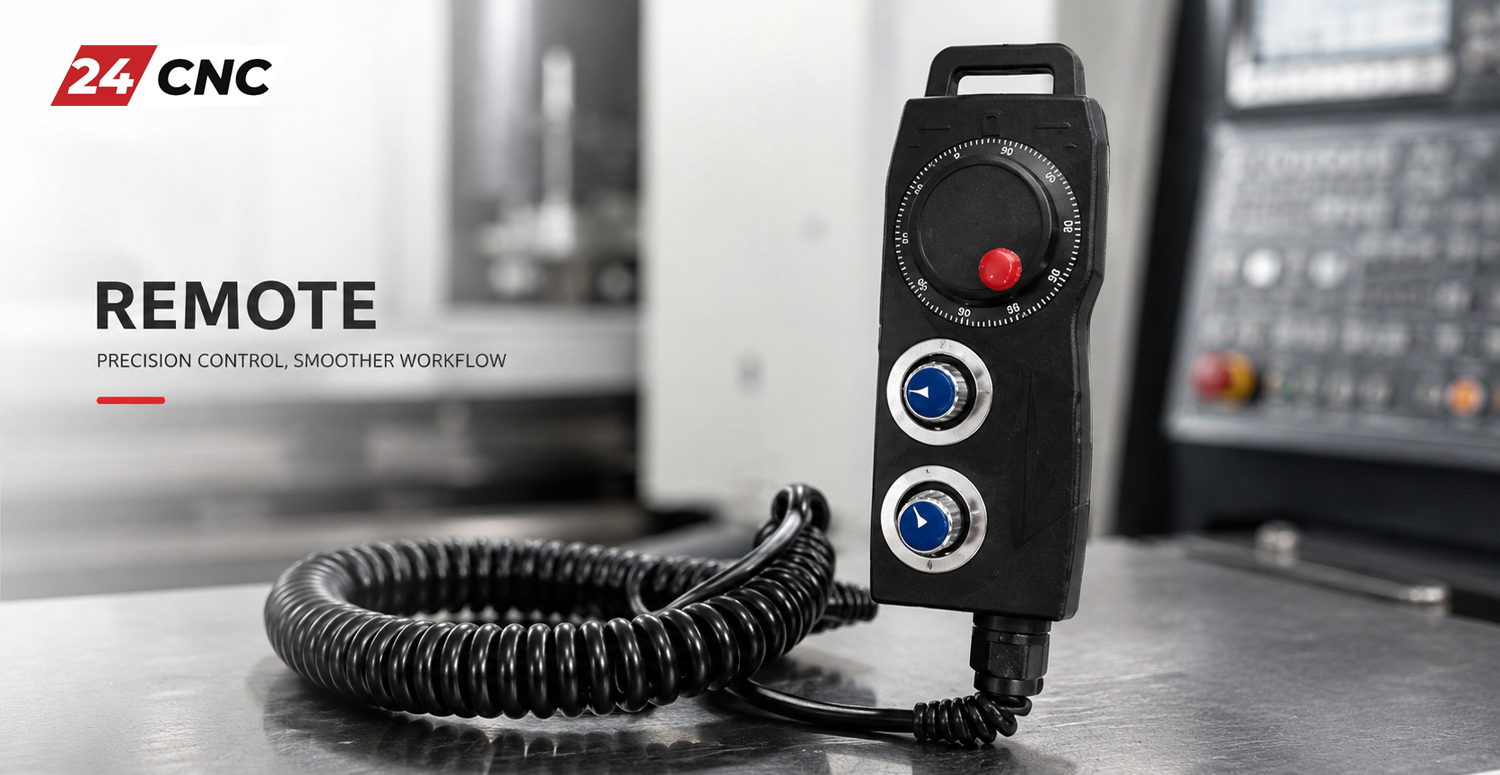
The Anatomy of a Professional CNC Remote Pendant
A modern CNC handwheel is not merely a plastic box with a dial; it is a sophisticated handheld electronic assembly that must communicate flawlessly with the machine’s module input/output system. Understanding its internal components helps in diagnosing failures and selecting the right replacement:
- ✓
The Optical Encoder (MPG Core): At the heart of the device is a highly sensitive rotary encoder. As you turn the dial, an optical sensor reads a slotted disc, sending precise square-wave electrical pulses back to the controller. The mechanical “click” or detent you feel ensures exact micro-stepping. - ✓
Axis & Multiplier Selectors: Specialized handwheel selectors allow the operator to choose which axis to move (X, Y, Z, A, B, C) and at what resolution (x1, x10, x100). A faulty selector switch can cause disastrous tool crashes if the machine moves the wrong axis or interprets a 0.001\text{mm} request as a 0.1\text{mm} movement. - ✓
Emergency Stop (E-Stop) & Enable Switches: Safety is paramount. Most industrial pendants feature a hard-wired E-Stop mushroom button. Many European and Japanese brands (like Siemens and Mitsubishi) also require dual “dead-man” enable switches on the sides of the pendant, which must be squeezed for the jog wheel to function. - ✓
The Coiled Cable: The flexible, multi-core handwheel cable must carry power, encoder signals, and safety circuits simultaneously. It requires heavy copper shielding to prevent Electromagnetic Interference (EMI) from the spindle drive and servo motors from corrupting the encoder pulses.
Common Causes of Handwheel Failure & Troubleshooting
Before purchasing a complete replacement, it is vital to diagnose the root cause of your current remote’s malfunction. Due to their mobile nature, remotes suffer from specific environmental wear and tear:
1. Cable Fatigue & Broken Conductors
Operators constantly stretch the coiled cable. Over time, the internal copper strands break. This often manifests as intermittent axis jumping, E-Stop circuit errors, or the controller failing to recognize the pendant at certain stretch angles. Solution: You may only need to buy a replacement handwheel cable rather than the whole unit.
2. Coolant and Oil Ingress
Even with high IP ratings, the continuous barrage of synthetic coolants and tramp oils can degrade rubber seals. Once fluid reaches the optical encoder disc, it refracts the light sensor, causing erratic, runaway axis movements or complete unresponsiveness.
3. Mechanical Shock (Dropping)
Pendants are frequently dropped onto cast-iron machine tables or concrete floors. This shatters the delicate glass or plastic encoder disc inside the dial or breaks the internal solder joints of the axis selector switches.
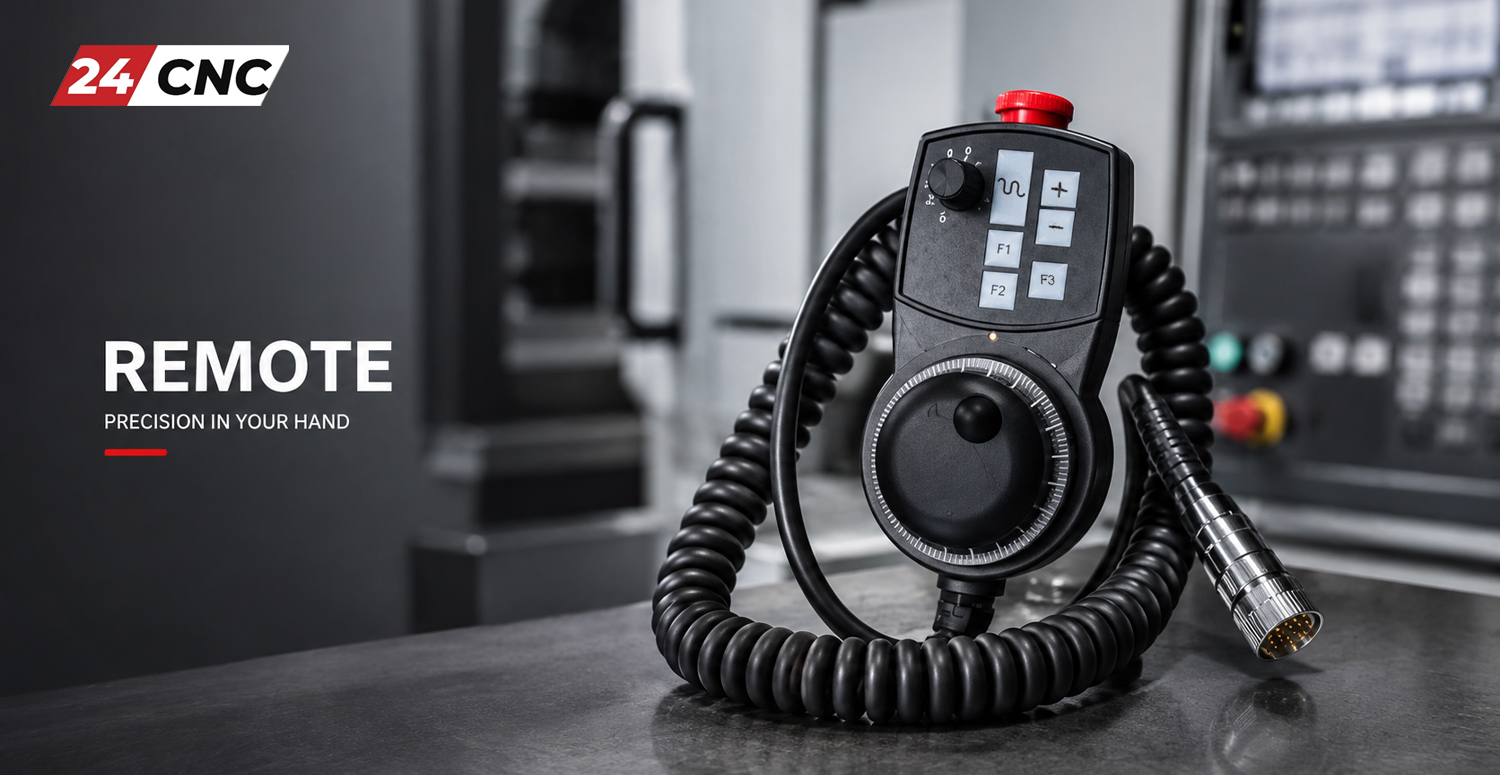
Engineering Selection Guide: Identifying the Correct Remote
Selecting the right remote pendant requires strict matching of the electrical and physical specifications of your CNC machine’s interface. Buying an incompatible unit will result in communication failures. Consider these exact parameters:
- Operating Voltage (V_{cc}): Most standard MPGs operate on either 5 \text{ VDC}, 12 \text{ VDC}, or 24 \text{ VDC}. Providing 12 \text{ VDC} to a 5 \text{ VDC} encoder will instantly destroy the optical circuitry. Fanuc™ systems almost universally require 5 \text{ VDC}, whereas older Siemens or Fagor systems might output 12 \text{ VDC} or24 \text{ VDC}.
- Pulses Per Revolution (PPR): This defines the resolution of the handwheel. The vast majority of modern CNC machines use a 100 \text{ PPR} encoder (meaning one full turn of the dial sends 100 electrical pulses to the controller). However, some older equipment, particularly retrofits or specific Japanese lathes, may require a 25 \text{ PPR} generator.
- Signal Output Type (Line Driver vs. Voltage): Does your machine’s I/O module expect differential signals (A, B, \bar{A}, \bar{B}) to reject electrical noise over long cable runs? This is known as a Line Driver output. If it only requires simple A, B signals, it is an Open Collector or Voltage output type. Matching this is non-negotiable.
- Connector Terminations: Examine the end of your current cable. Is it hardwired directly into a terminal block inside the electrical cabinet, or does it utilize a quick-disconnect socket and connector? Common types include DB15, DB25, and high-density Honda connectors. If you are retrofitting, you will need the correct soldering cups and backshells.
- Axis and Custom Features: Count the number of axes on your machine (including rotaries). We stock remotes with 3-axis, 4-axis, 5-axis, and up to 6-axis capabilities. Additionally, note if your machine requires a side-mounted enable switch to jog.
Technical Comparison: Common CNC Remote Protocols
Use this reference matrix to understand the typical specifications of the remote pendants we carry for different global control architectures. Note: Always verify with your machine’s electrical schematic before purchasing.
| Remote Controller Family | Standard Voltage | Output (PPR) | Signal Protocol | Common Identifiers & Features |
|---|---|---|---|---|
| Fanuc Series (0i, 18i, 21i) | 5 \text{ VDC} | 100 | A, B (Line Driver) | 4-Axis Select, LED Indicator, Standard E-Stop |
| Mitsubishi (M70, M80) | 5 \text{ VDC} – 12 \text{ VDC} | 100 | A, B, \bar{A}, \bar{B} | Often requires dual side-mounted enable switches |
| Siemens (Sinumerik 840D, 828D) | 5 \text{ VDC} | 100 | RS422 Line Driver | 6-Axis capable, rugged housing, magnetic backing |
| Universal / Mach3 / Hust | 5 \text{ VDC} – 24 \text{ VDC} | 100 | Open Collector | Bare wire terminations, highly customizable wiring |
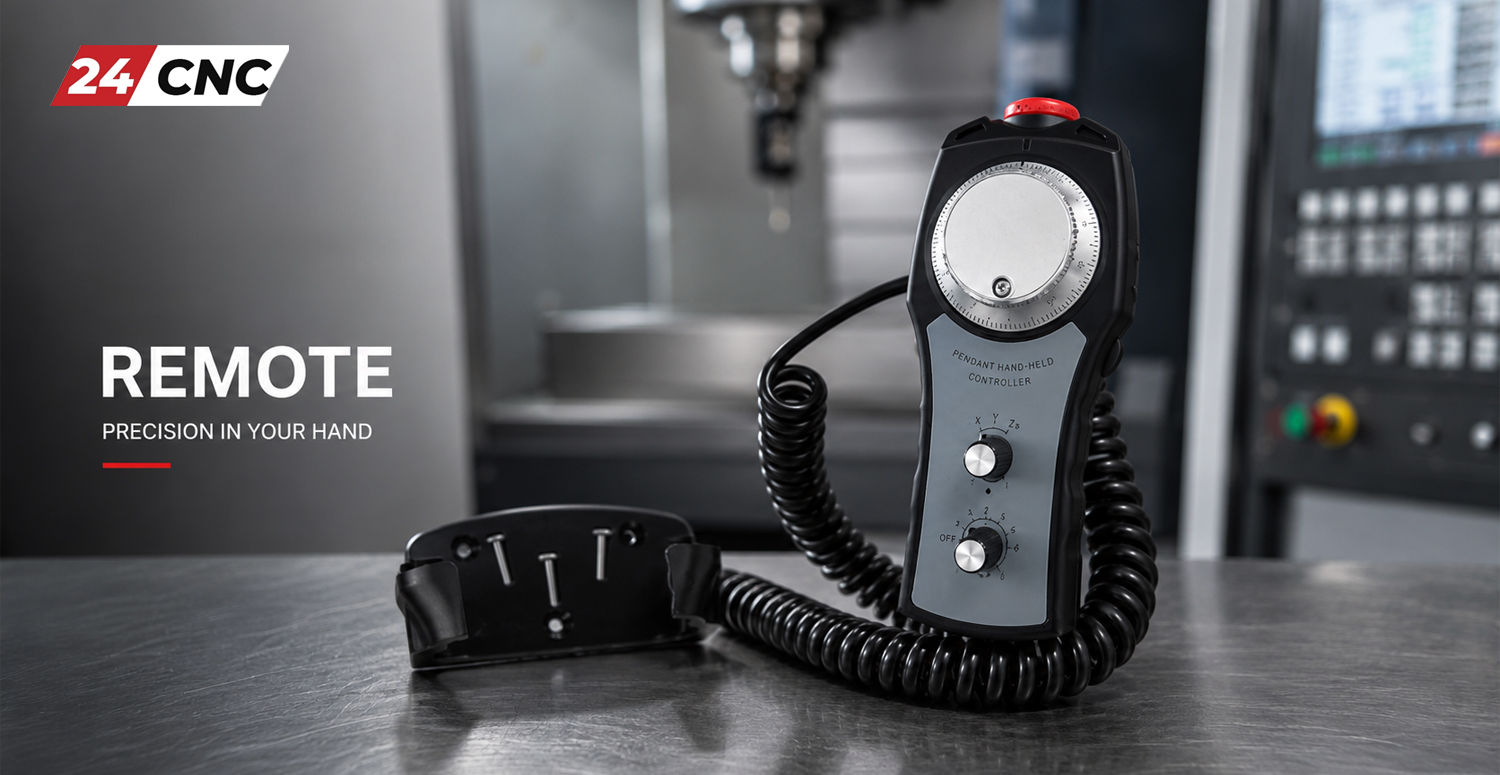
Installation & Wiring Best Practices
When installing a new remote pendant, absolute care must be taken with the wiring. Because the encoder transmits low-voltage, high-frequency signals, it is highly susceptible to factory floor noise. Always ensure that the braided copper shield of the handwheel cable is properly grounded at the controller end only. Grounding both ends can create a ground loop, which acts as an antenna for EMI and causes the axes to creep or jump unexpectedly.
If you are transferring a proprietary connector from an old, broken remote to a new universal remote, use high-quality heat shrink tubing on every solder joint, and ensure the DB-style sockets are tightly secured into their metal or metallized plastic backshells to maintain 360-degree shielding.
Frequently Asked Questions (FAQ)
Need a Specific Remote Pendant Today?
Don’t let a malfunctioning handwheel stall your production line. We offer expedited global shipping on all critical CNC parts. Contact our technical sales engineering team with your machine model or part number, and we will verify compatibility, provide pinout diagrams, and deliver an instant quote.
Fast Shipping | Genuine OEM Parts | Technical Support Included