
Showing all 30 results
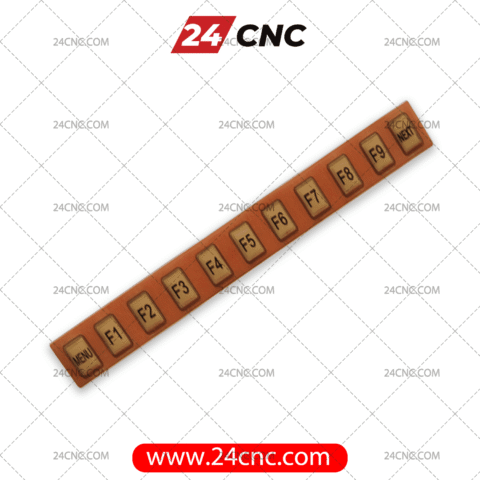


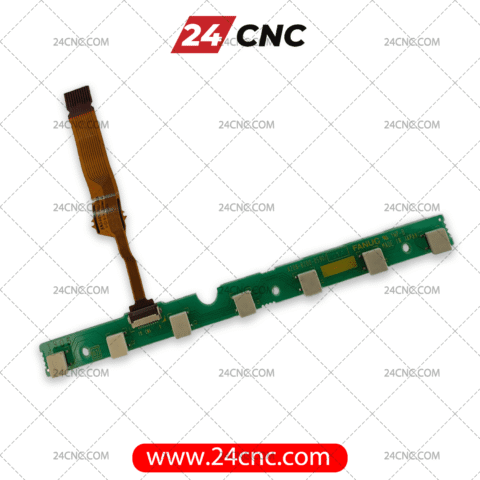


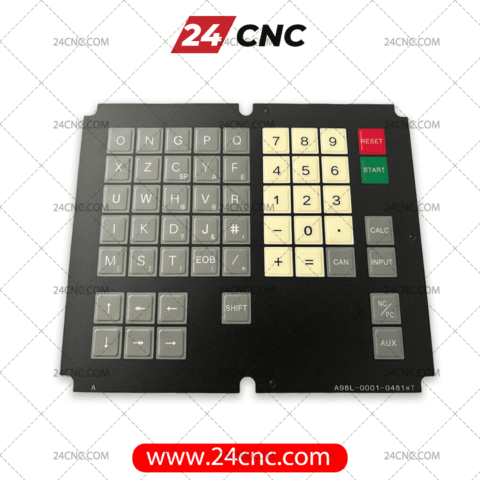


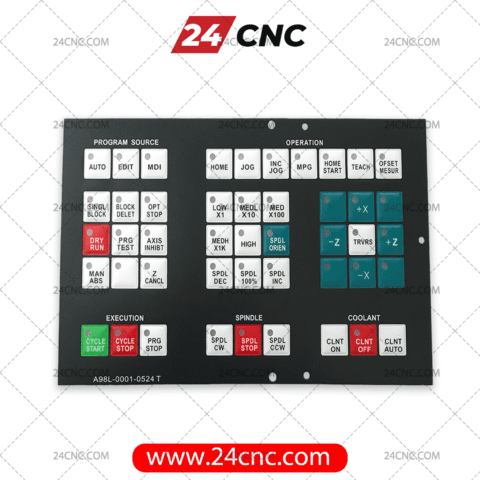


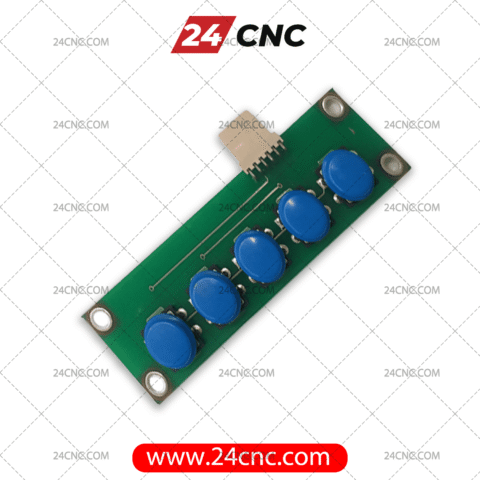


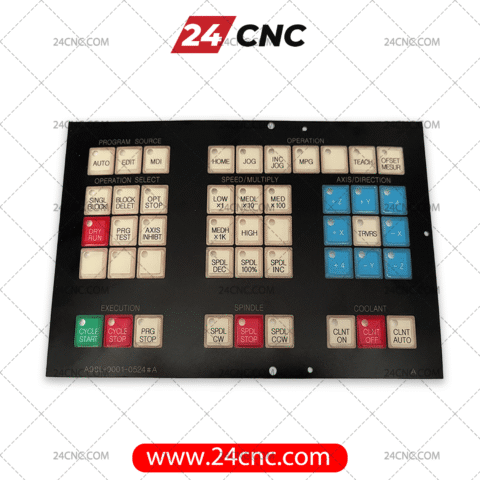

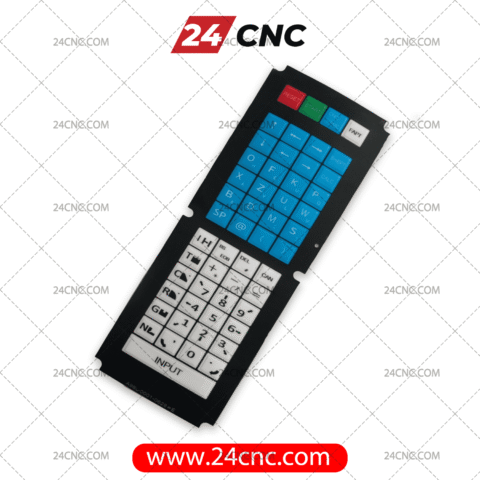
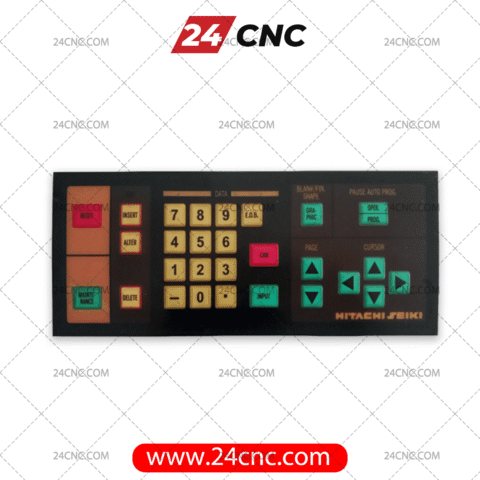
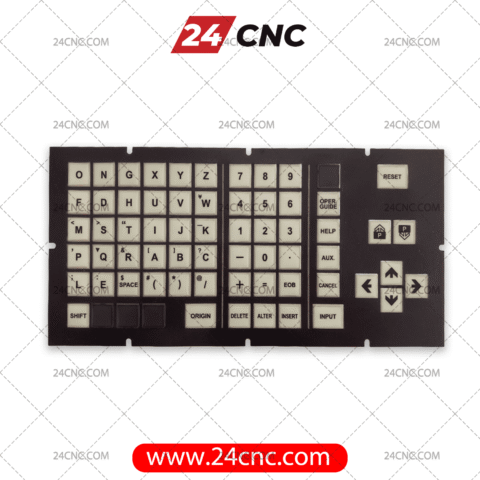


The Human-Machine Interface (HMI) is the literal touchpoint between your operators and your production output. In the rigorous environment of modern manufacturing, a CNC label and keyboard acts as the primary conduit for programming, offsetting, and controlling your machine tools. Over time, constant exposure to industrial realities—corrosive coolants, abrasive metal chips, cutting oils, and repetitive, heavy-handed operator input—inevitably degrades these critical interface components.
A compromised membrane keypad, a sticking MDI (Manual Data Input) button, or a faded operator panel label is far more than a cosmetic flaw. It is a critical operational risk. Degraded keyboards lead to missed keystrokes, double-entries, and incorrect coordinate inputs, which can result in tool crashes, scrapped parts, and catastrophic machine damage. At 24CNC, we understand that maintaining absolute control precision is non-negotiable. We supply premium, OEM-grade replacement keyboards, soft keys, protective membrane labels, and full MDI panels to restore your machine’s control panel to its original factory condition.
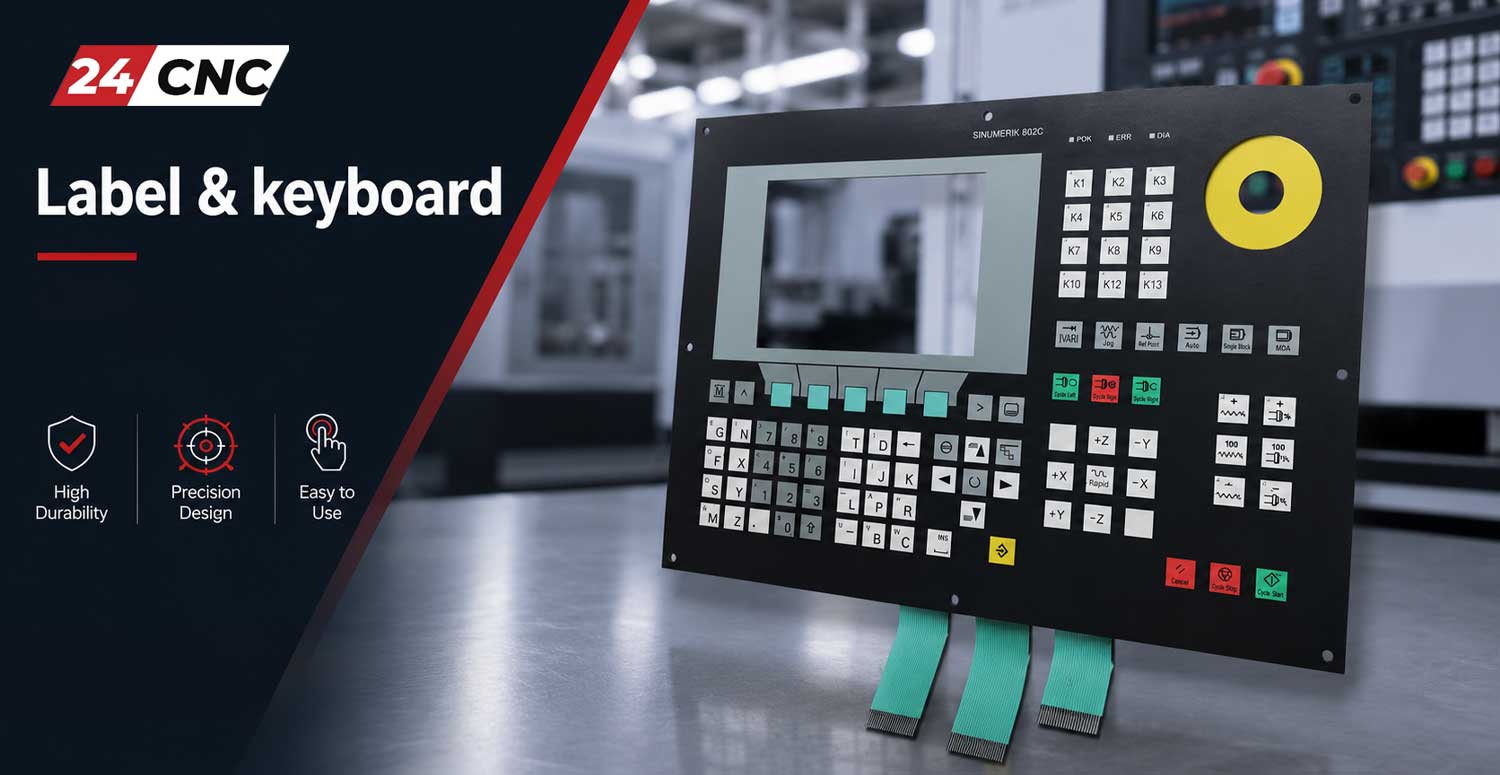
Understanding CNC Interface Components: What Do You Need?
Before purchasing, it is crucial to understand the distinct components that make up a standard CNC operator panel. This ensures you procure the exact part required to fix your specific issue, saving both time and capital.
1. Membrane Labels & Overlays
Membrane labels are the flexible, durable outer layers of the control panel. They feature printed alphanumeric characters, operational symbols (like cycle start/stop, coolant on/off), and layout grids. These are typically backed with industrial-grade adhesive. You need a membrane label if the underlying buttons function perfectly, but the visual indicators are scratched, punctured by tooling, or faded by chemical exposure.
2. Membrane Keypads (Tactile Matrices)
Situated directly beneath the label, this multi-layer circuit contains the actual switches. When pressed, it closes an electrical circuit, sending a signal to the Main Board. If certain keys are completely unresponsive, require excessive force to register, or trigger adjacent letters simultaneously, the membrane keypad matrix has likely failed and requires complete replacement.
3. MDI Units (Manual Data Input)
The MDI is the complete hardware assembly. For brands like Fanuc™, this often includes the hard-plastic keys, the underlying circuitry, the housing, and the ribbon cables required to connect to the display or motherboard. These are robust units built for specific control series (e.g., QWERTY vs. ONG layouts).
4. Soft Keys
These are the dynamic keys usually positioned horizontally beneath or vertically adjacent to the LCD Monitor. Their function changes based on the active screen menu. Wear on these keys is exceptionally high due to constant menu navigation.

OEM-Specific Replacements: Fanuc, Siemens, and Beyond
The CNC market is dominated by a few key players, each with proprietary control architectures. 24CNC stocks an exhaustive inventory of labels and keyboards tailored to these distinct ecosystems.
Fanuc Keyboards and Membranes
Fanuc controls are globally recognized for their longevity. We stock replacements across decades of Fanuc generations. When replacing a Fanuc component, the A98L- or A86L- part number is critical. Whether you are running a legacy Fanuc 0-C, a highly common Fanuc 18i/21i series, or a modern Fanuc 31i Model B, we have the corresponding MDI units and ONG-layout membranes. We cater to both milling (M) and turning (T) specific layouts, ensuring your spindle and turret control graphics match your machine’s capabilities exactly. Explore our Fanuc™ inventory.
Siemens Sinumerik Keypads
Siemens Sinumerik systems, particularly the 840D, 810D, and newer 828D controls, rely heavily on their comprehensive Operator Panels (OP) and Machine Control Panels (MCP). Siemens part numbers typically begin with 6FC. Because Siemens panels often integrate soft keys directly into larger, multi-functional membrane overlays, selecting the right replacement requires precise dimension matching and visual verification of the machine-specific hard keys. Browse our Siemens components.
Mitsubishi, Heidenhain, and Mazak
Beyond the two giants, we supply tactile switches, keycaps, and membrane overlays for Mitsubishi Meldas (M70, M80 series), Heidenhain TNC controls, and proprietary Mazatrol interfaces. If your specific machine tool builder (e.g., Doosan, Mori Seiki, Haas) uses a custom-branded overlay over a standard control, our procurement specialists can source the exact match or provide OEM-equivalent functional replacements.
Why Do CNC Keyboards Fail?
Understanding failure modes can help you extend the life of your new components:
- Coolant Ingress (Delamination): Synthetic coolants can break down the adhesives holding membrane layers together, causing short circuits.
- Mechanical Fatigue: The metal domes inside tactile switches have a finite lifecycle (usually rated in millions of presses). “Cycle Start” and directional jogging keys fail first.
- Operator Abuse: Pushing membrane keys with the tips of screwdrivers or Allen wrenches instantly punctures the protective Mylar layer.
- Environmental Degradation: Extreme temperature fluctuations and UV exposure (if near windows) can make plastic components brittle.
The Professional Buyer’s Guide: How to Select the Right Part
To guarantee a plug-and-play installation and avoid costly return shipping, follow this technical checklist before adding an item to your cart:
- Locate the OEM Part Number: Do not guess based on visual similarity alone. Dismount the current keyboard or panel. The definitive part number is almost always printed on the fiberglass PCB, the back of the plastic housing, or stamped on the ribbon cable tail.
- Verify Layout and Language: A Fanuc 0i-TD (Turning) layout has different graphics than an 0i-MD (Milling). Furthermore, ensure you are selecting the correct language (English vs. Japanese/Symbolic).
- Check the Ribbon Cable (Tail): If you are buying a membrane matrix, note the length of the ribbon cable, the number of pins on the connector, and the pitch (spacing) between pins.
- Assess Surrounding Damage: If your keyboard sustained a severe impact, the underlying Control System PCBs might also be cracked. Inspect all associated hardware.
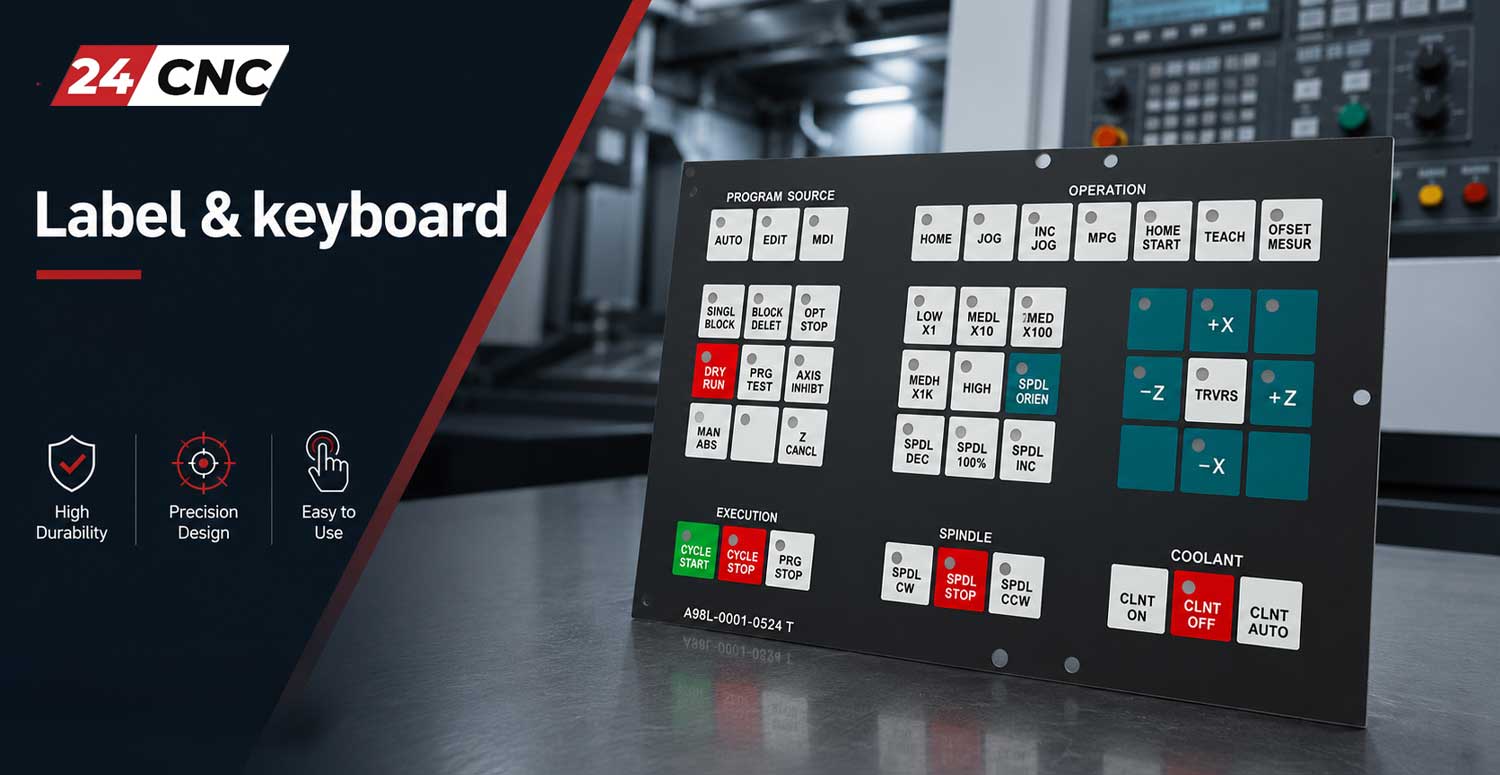
Installation Best Practices
Replacing a membrane label requires a sterile approach. First, power down and lock out the machine. Carefully peel the old label away. The most critical step is removing 100% of the old adhesive residue using isopropyl alcohol; failure to do so will cause the new label to blister or peel prematurely. When installing ribbon cables, ensure yourself grounded to prevent Electrostatic Discharge (ESD) from damaging the highly sensitive I/O boards. Insert the ribbon completely straight into the zero-insertion-force (ZIF) connector before locking the latch.
Quick Reference Matrix
| Brand | Common Identifiers | Typical Component Style | Lifespan Factors |
|---|---|---|---|
| Fanuc | A98L-0001-…, A86L-… | Hard plastic keys (MDI) or ONG Membranes | High mechanical durability; vulnerable to heavy impacts. |
| Siemens | 6FC5203-…, 6FC5303-… | Large OP/MCP integrated membrane overlays | Excellent chemical resistance; requires careful alignment. |
| Mitsubishi | FCU7-…, HDY-… | Tactile switch boards with aesthetic overlays | Highly responsive; keep clear of coolant ingress. |
Frequently Asked Questions
Is it possible to repair a single dead key on a membrane keypad?
Generally, no. Membrane keypads are constructed as sealed, multi-layered matrices. If a single conductive trace breaks or a metal dome collapses, the entire membrane sheet must be replaced. Attempting to splice or repair a membrane is highly unreliable in an industrial setting.
What is the difference between an MDI unit and an Operator Panel (OP)?
The MDI (Manual Data Input) keyboard is primarily alphanumeric, used by programmers to write G-code, set offsets, and navigate the control software. The Operator Panel (OP) or Machine Control Panel (MCP) houses the machine-specific functional switches: Cycle Start, Feed Hold, Axis Jogging, Spindle Speed overrides, and E-Stops. We supply labels and boards for both.
Are these replacement parts genuine OEM?
24CNC offers a mix of Genuine OEM New, OEM Refurbished (tested and certified), and high-quality aftermarket replacements. The condition and origin of every part are clearly stated on the individual product pages to give procurement teams full transparency.
Do you ship internationally to facilities outside the US/EU?
Yes. We understand that machine downtime costs money globally. We ship spare parts, drives, encoders, and Other CNC Accessories worldwide using major expedited logistics partners (DHL, FedEx, UPS).
Minimize Downtime. Maximize Precision.
Don’t let a worn-out fifty-dollar membrane label cause a fifty-thousand-dollar machine crash. If you are struggling to cross-reference a faded part number, our technical procurement engineers are ready to assist.