
Showing all 15 results


In modern industrial automation and CNC machining, reliable data transfer is the backbone of continuous production. Whether you are executing massive 3D surfacing programs via DNC (Direct Numerical Control) drip-feeding or backing up crucial SRAM parameters from your Fanuc™ controller, the integrity of your storage media is paramount. Consumer-grade memory cards frequently fail in harsh workshop environments due to electromagnetic interference (EMI), temperature fluctuations, and volatile read/write cycles, leading to corrupt G-code, crashed spindles, and expensive machine downtime.
At 24CNC, we supply a curated inventory of true industrial-grade CF (CompactFlash) Cards designed specifically for CNC applications. Often utilized in conjunction with PCMCIA adapters, our CF cards ensure seamless compatibility with legacy and modern CNC systems, including Fanuc™, Siemens Sinumerik, and Mitsubishi. We stock reliable brands like SanDisk and OEM-approved industrial memory designed to withstand the rigorous demands of 24/7 machining cycles.
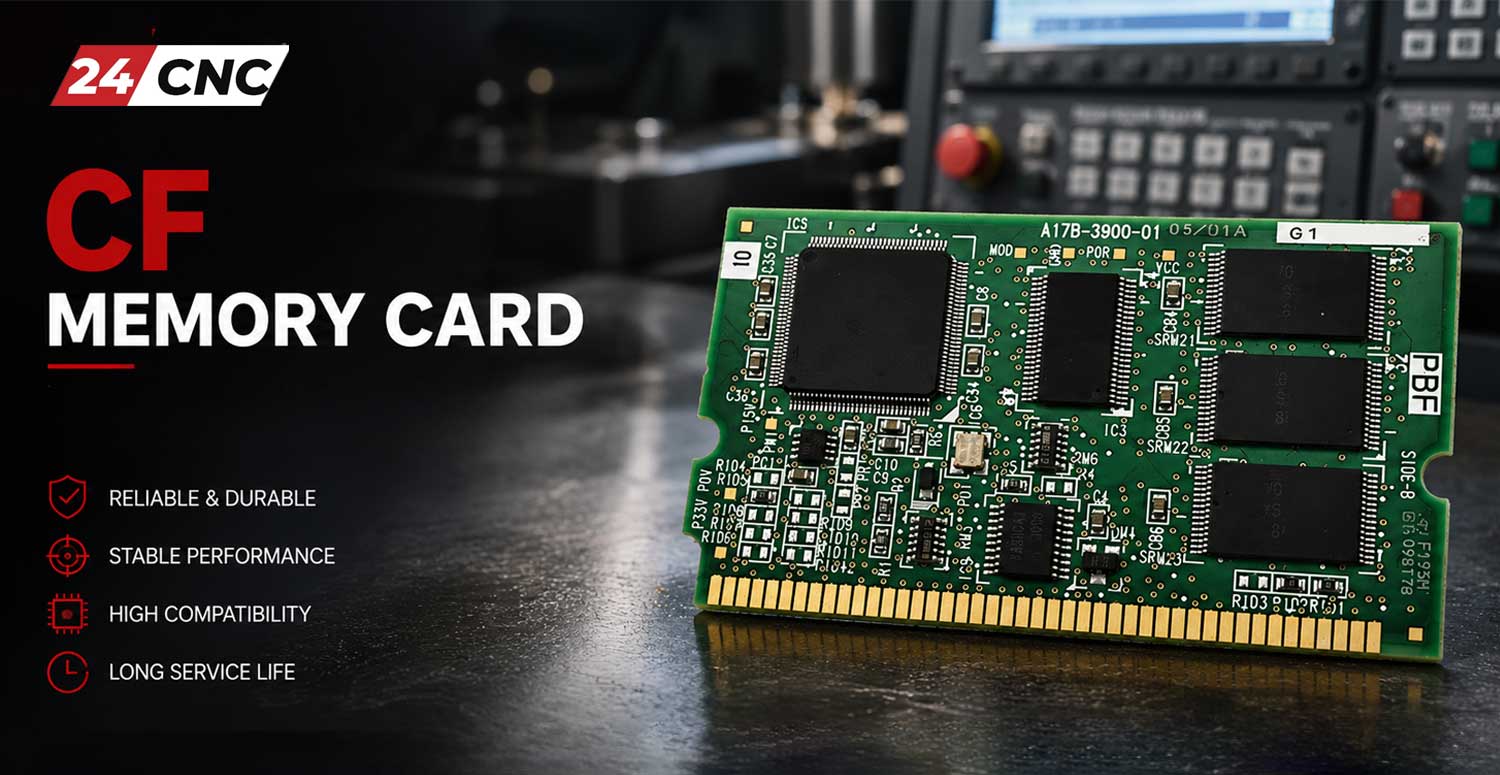
The Technical Superiority of Industrial CF Cards
Not all CompactFlash cards are created equal. When purchasing a CF card for a CNC main board, technical buyers must differentiate between commercial MLC (Multi-Level Cell) flash and industrial SLC (Single-Level Cell) NAND architecture.
-
1. SLC NAND Architecture (Endurance & Reliability)
Industrial CF cards primarily use SLC NAND flash. Because each memory cell stores only one bit of data (0 or 1), the voltage margins are wider. This translates to an exponentially higher Program/Erase (P/E) cycle endurance—typically $N \ge 60,000$ cycles compared to a mere $3,000$ cycles for consumer MLC cards. This is critical when DNC drip-feeding large toolpaths.
-
2. Wide Temperature Tolerance
Electrical cabinets housing CNC drives and controllers can reach extreme temperatures. Industrial CF cards are rated for operating temperatures ranging from $-40^\circ\text{C}$ to $+85^\circ\text{C}$, preventing thermal throttling or data corruption during heavy summer production schedules.
-
3. Integrated Wear Leveling & ECC
Premium CNC memory cards feature built-in ECC (Error Correction Code) algorithms capable of correcting up to 4 bits per 512-byte sector. Furthermore, advanced static and dynamic wear-leveling algorithms ensure that G-code files aren’t repeatedly written to the same physical memory blocks, drastically extending the card’s lifespan.
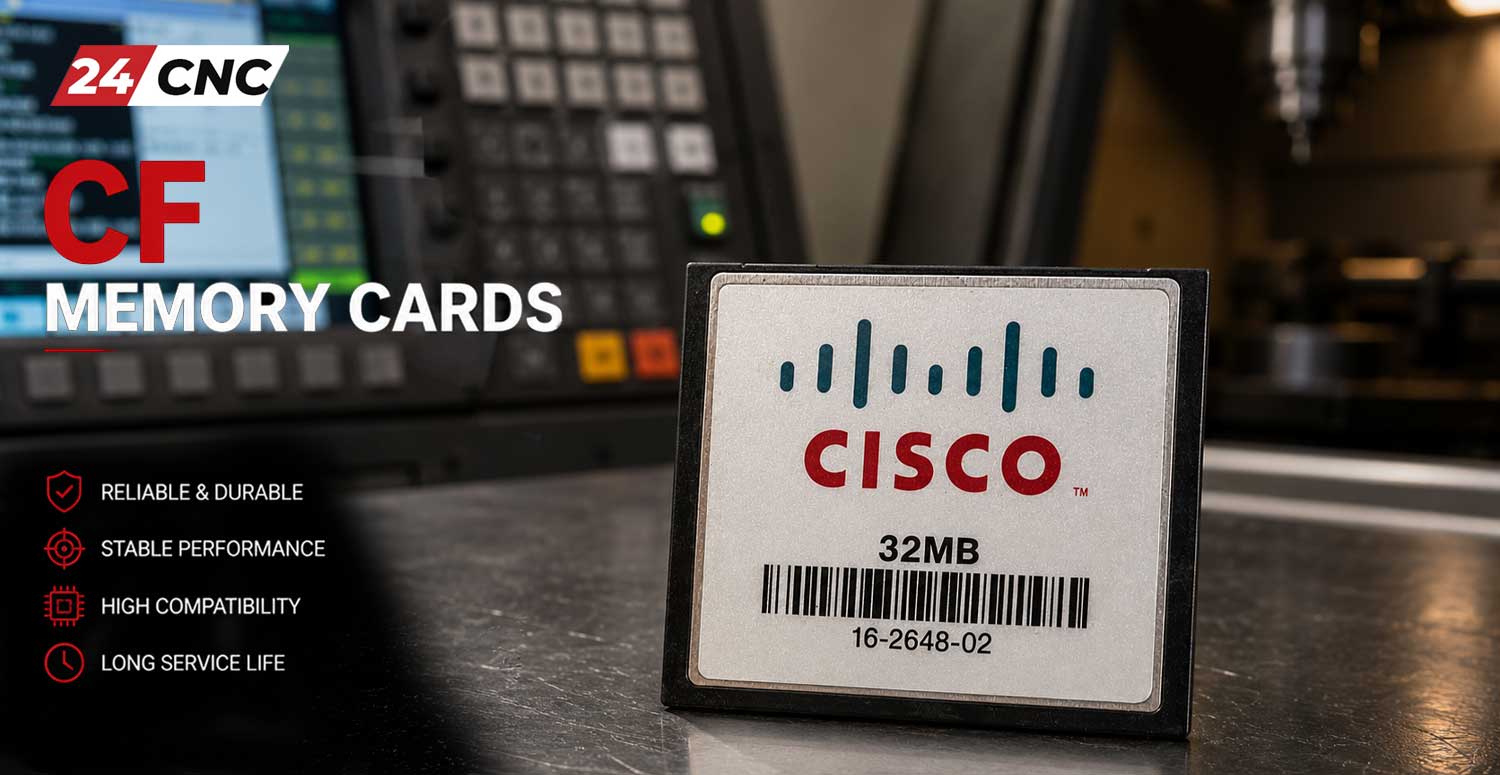
Selection Guide: Sourcing the Correct CF Card for Your CNC
Procuring the wrong CF card will result in “Memory Card Error” alarms or formatting failures on the CNC screen. Follow these engineering guidelines to ensure compatibility:
1. Capacity Limits and Formatting (The FAT16 Constraint)
Most legacy CNC controllers (e.g., Fanuc 0i-MC, 18i, 21i) operate on older BIOS architectures that strictly require the FAT16 file system. The mathematical limit for a standard FAT16 partition is based on a 16-bit cluster address, allowing a maximum of $2^{16} = 65,536$ clusters. With a maximum cluster size of 32 KB, the absolute capacity limit is $C = 2 \text{ GB}$. Inserting a modern 16GB or 32GB CF card into these machines will instantly trigger an error, as the controller cannot address the memory space. Always purchase 256MB, 512MB, 1GB, or 2GB capacities for older controls.
2. Adapters and Peripherals
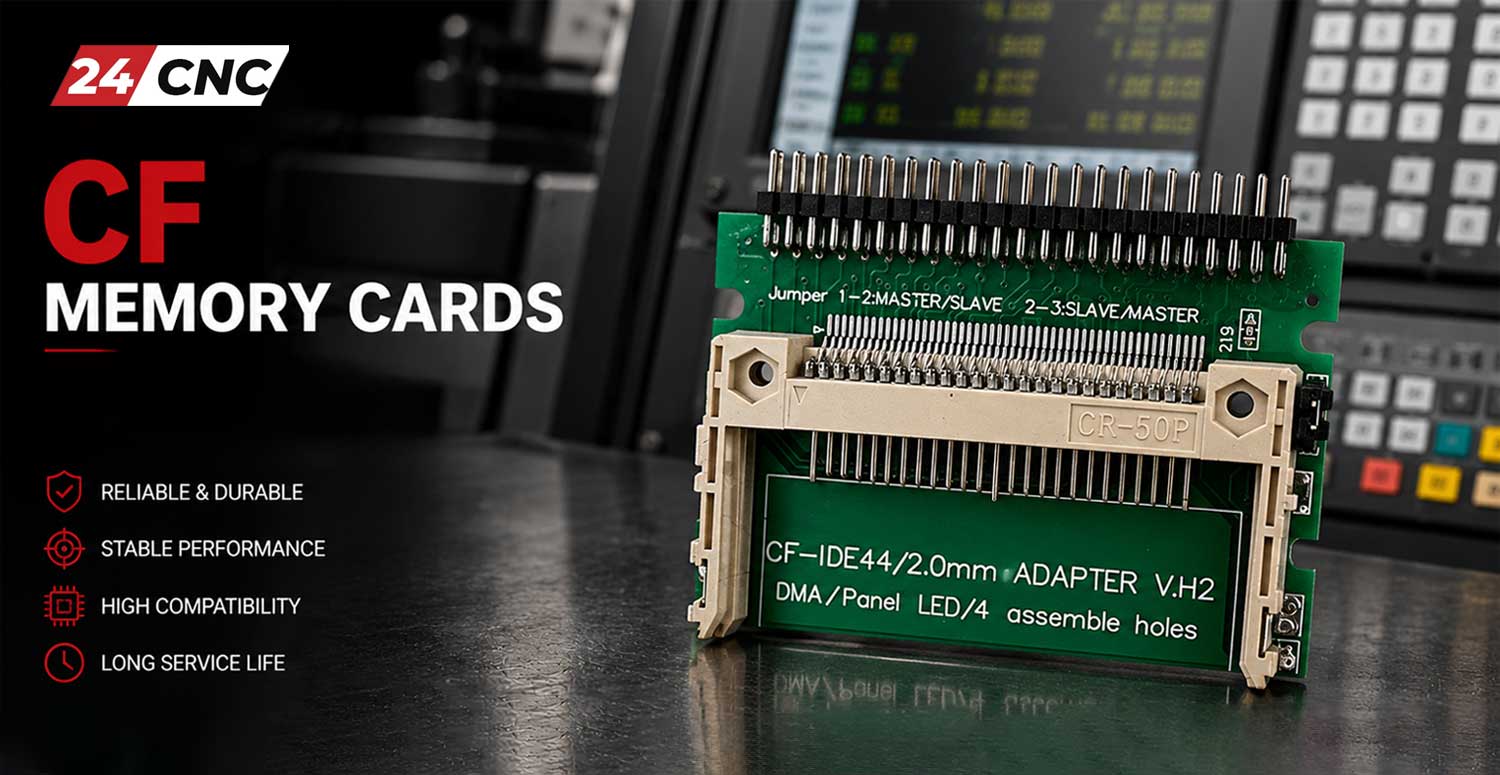
CF cards rarely plug directly into the front panel of a CNC machine. You will typically need a PCMCIA to CF Adapter. Ensure the adapter features robust, gold-plated pins (usually 68-pin interface) to prevent oxidation. Additionally, purchasing a reliable USB Card Reader is necessary for transferring the G-code from your CAD/CAM PC to the CF card before walking it out to the shop floor.
Technical Comparison: Consumer vs. Industrial CNC Memory
| Specification | Consumer CF Card (Camera/PC) | Industrial CF Card (CNC/PLC) |
|---|---|---|
| NAND Flash Type | TLC or MLC (Multi-Level Cell) | SLC (Single-Level Cell) or Industrial MLC |
| P/E Cycle Endurance | $\approx 1,000 – 3,000$ cycles | $\ge 60,000$ cycles |
| Operating Temperature | $0^\circ\text{C}$ to $+70^\circ\text{C}$ | $-40^\circ\text{C}$ to $+85^\circ\text{C}$ |
| Vibration & Shock Resistance | Standard (Office Environment) | High (MIL-STD-810G compliant) |
| CNC Compatibility | Poor (Frequent Error 1010/99) | 100% Plug-and-Play (Fanuc, Siemens) |
Why Buy CNC Memory Solutions from 24CNC?
Procuring reliable spare parts shouldn’t be a gamble. At 24CNC, we support workshop owners and procurement engineers with unmatched service:
- Pre-Tested Formatting: Upon request, our technicians can pre-format your CF cards to FAT16 to ensure immediate plug-and-play functionality on legacy Fanuc controllers.
- Comprehensive Bundles: We offer complete DNC kits, combining the CF Card, PCMCIA Adapter, and USB Card Reader in one simple purchase.
- Global Shipping & Live Stock: We maintain a massive, real-time inventory of electronic CNC parts, from memory cards to Fanuc Encoders and LCD panels, ready for immediate dispatch.
- Expert Technical Support: Experiencing I/O channel errors? Our team can guide you through parameter changes (e.g., changing Fanuc Parameter 20 to ‘4’ for memory card operation).
Frequently Asked Questions (FAQ)
Why does my CNC say “Memory Card Error 1010” or “Format Failed”?
Can I run programs directly from the CF card (Drip Feed)?
Are these cards compatible with Siemens and Mitsubishi controllers?
Secure Your CNC Program Data Today
Stop fighting with unreliable USB converters and corrupt floppy disks. Upgrade your machine’s data transfer capabilities with our proven industrial CF memory solutions. Unsure about compatibility or capacity limits for your specific controller?