
Showing all 25 results

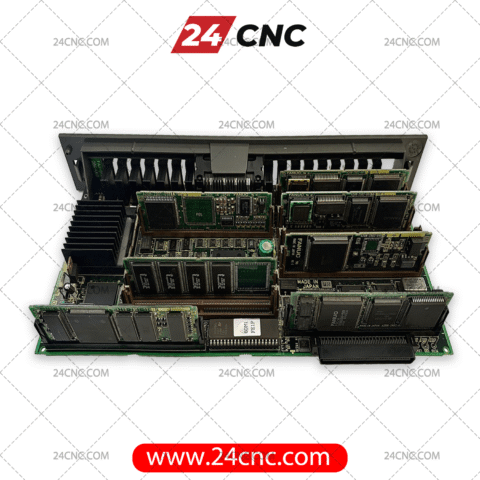
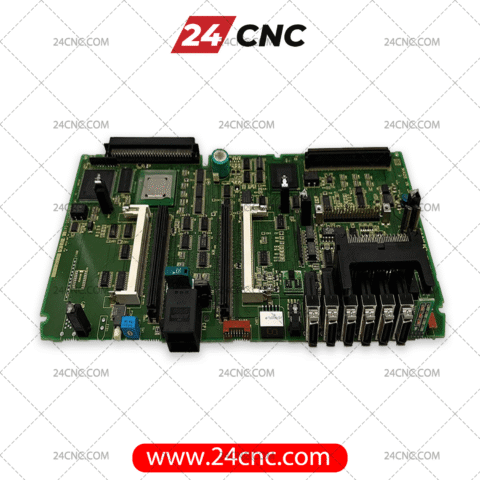


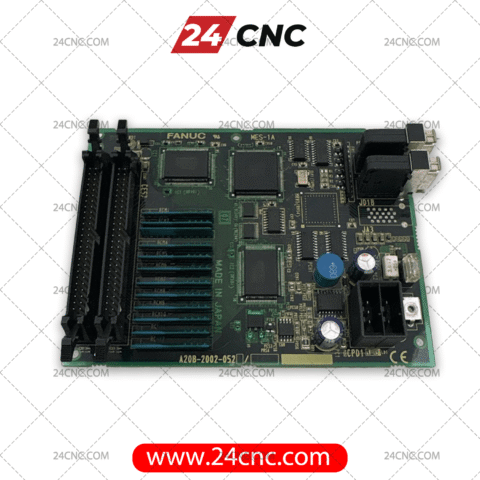


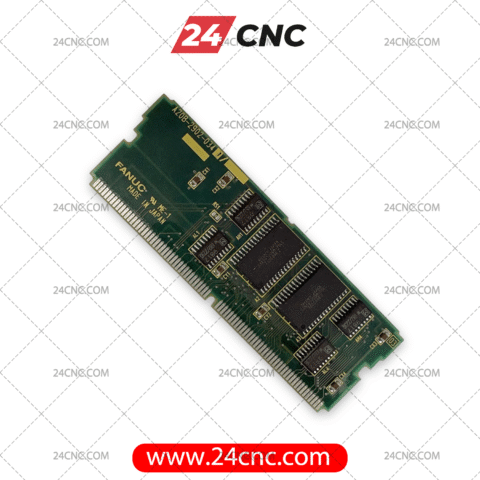


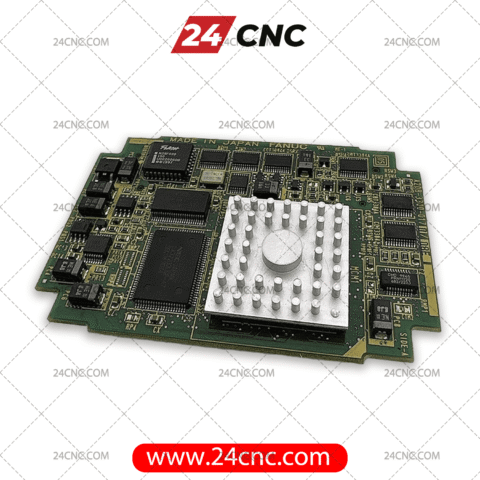

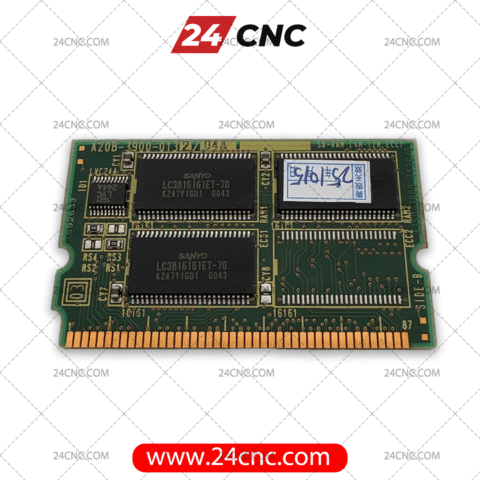
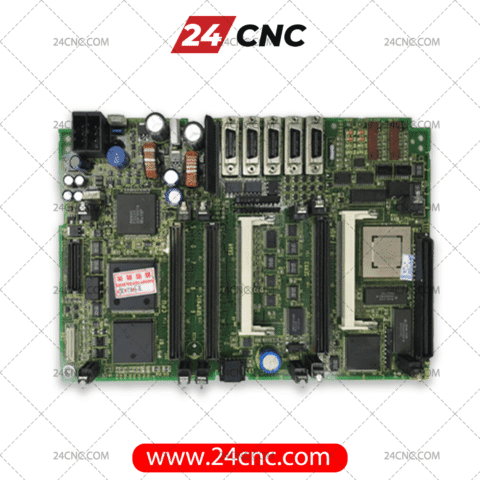


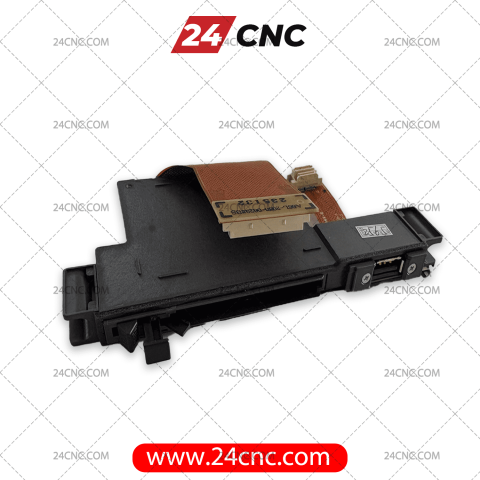


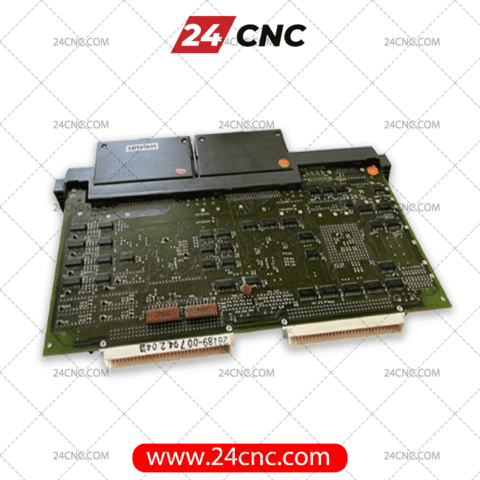
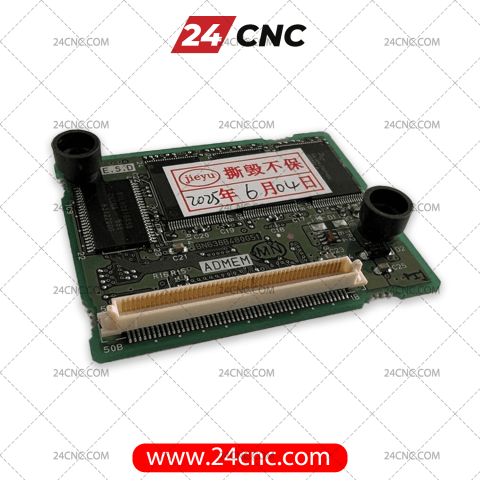
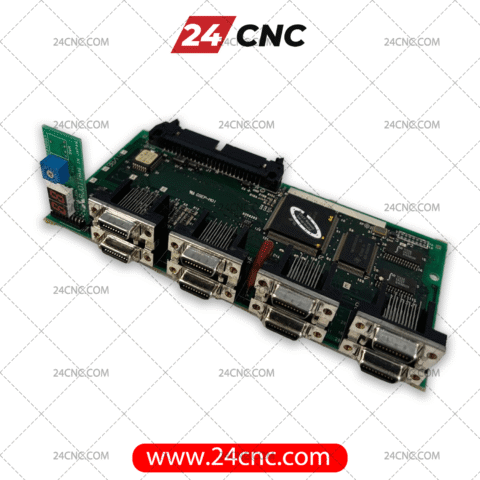
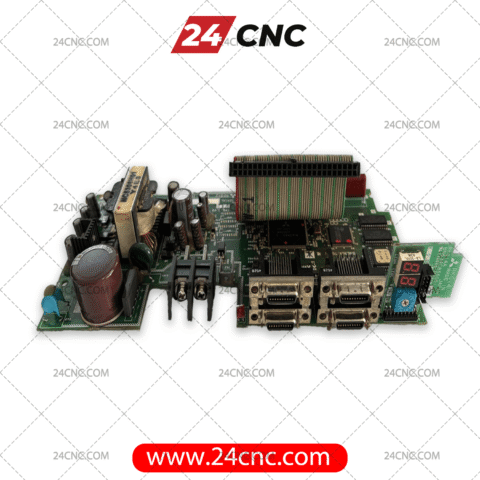
In the high-stakes environment of industrial manufacturing, a non-responsive CNC machine is a critical liability. When a machine controller fails to boot, displays fatal system alarms like “CPU INTERRUPT” or “MEMORY PARITY ERROR,” or goes completely blank, the investigation often leads to the single most important electronic assembly in the control cabinet: the CNC main board. Functioning as the central nervous system of the entire machine, the main board (also known as a motherboard, masterboard, or CPU card) is responsible for processing G-code, executing complex ladder logic, and orchestrating the perfectly synchronized motion of all machine axes. A failure here brings the entire production process to an immediate and costly halt.
At 24CNC, we recognize that machine downtime is measured in lost revenue. The financial impact of a failed motherboard is not just the cost of the part itself; it’s a rapidly escalating figure calculated by the formula: Total Cost = (Downtime Hours \times Hourly Revenue Rate) + Idle Labor Costs + Penalties for Missed Deadlines. Our mission is to drastically reduce your “Downtime Hours” by providing a comprehensive, ready-to-dispatch inventory of genuine OEM main boards from the world’s leading control manufacturers. We provide the critical hardware needed to transform a production crisis into a manageable, swift repair.
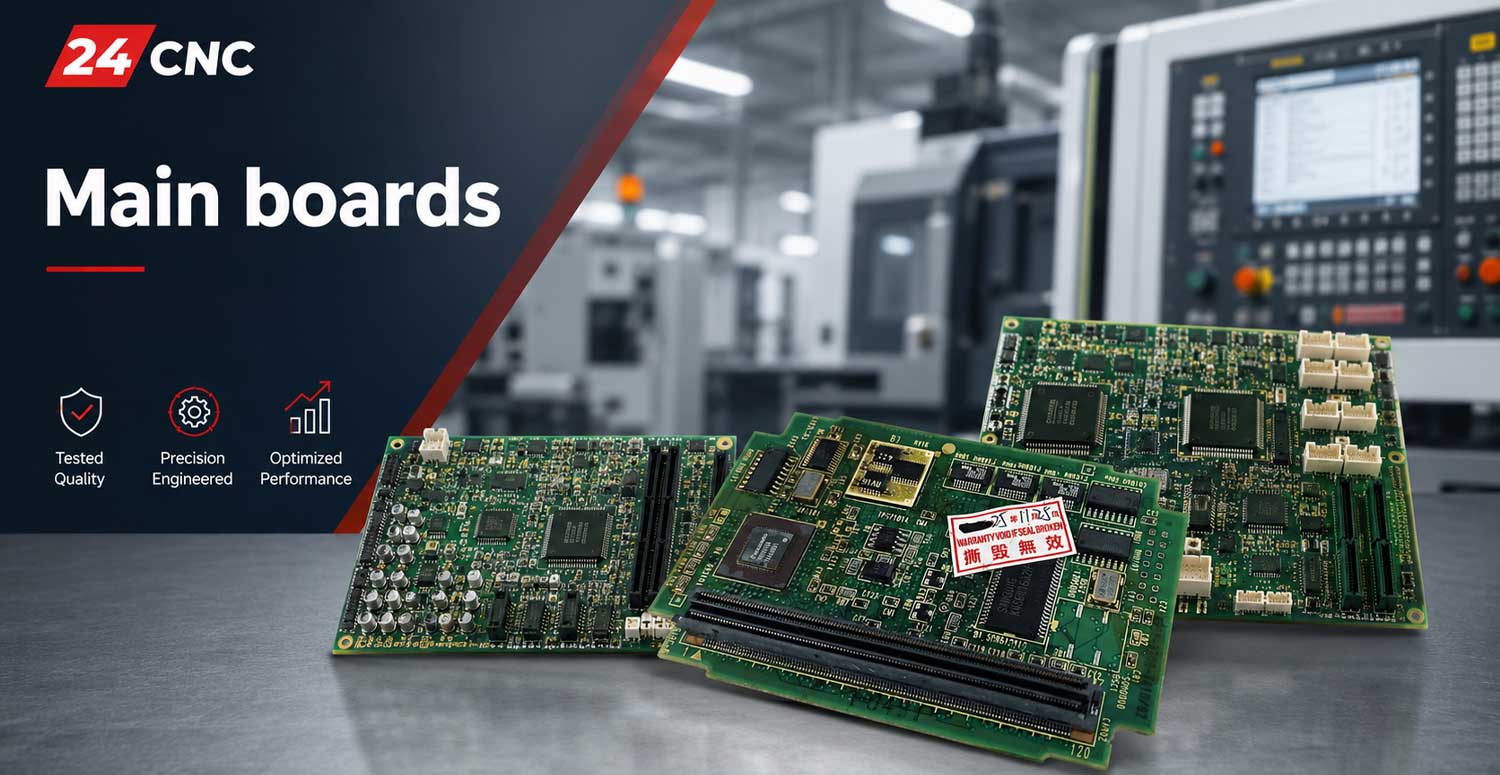
The Core Architecture of an Industrial CNC Main Board
Unlike their counterparts in consumer electronics, industrial CNC main boards are sophisticated, purpose-built computers designed for extreme reliability and real-time performance. They are engineered to withstand the harsh realities of the factory floor—from constant vibration and electrical noise to temperature fluctuations and airborne contaminants. Understanding their core components is key to diagnosing failures and selecting the correct replacement.
CPU and Real-Time Operating System (RTOS)
At the heart of every main board lies the Central Processing Unit (CPU). These are not general-purpose processors like those in an office PC. Instead, they are typically specialized RISC or CISC processors running a Real-Time Operating System (RTOS). This combination is essential for guaranteeing that motion commands are processed within microseconds, ensuring the deterministic, jitter-free performance required for high-precision machining.
Volatile and Non-Volatile Memory Systems
The main board utilizes several types of memory, each with a specific, critical function:
- SRAM (Static RAM): This battery-backed memory is the vault for your machine’s unique identity. It stores all critical machine parameters, axis tuning data, tool offsets, diagnostic files, and the machine builder’s proprietary PLC/PMC ladder logic. The battery backup is crucial; if it fails, this data is lost, rendering the machine inoperable until a full backup can be restored.
- DRAM (Dynamic RAM): This is the working memory used for executing active part programs, buffering G-code blocks (look-ahead), and running the user interface. It is volatile, meaning its contents are cleared when the machine is powered down.
- FROM/Flash Memory: This non-volatile memory stores the core firmware of the CNC controller—the bootloader and the fundamental operating system. This is the permanent software from the control manufacturer (Fanuc™, Siemens, etc.).
High-Speed Communication and I/O Bus
A CNC main board must communicate flawlessly with dozens of other components. It does this through dedicated, high-speed communication buses. These are not simple USB or Ethernet ports; they are proprietary, noise-immune protocols, such as Fanuc™’s FSSB fiber optic bus or Siemens’ DRIVE-CLiQ and PROFIBUS systems. These networks link the main board to the servo amplifiers, spindle drives, and various I/O modules that read signals from limit switches, probes, and operator panels.
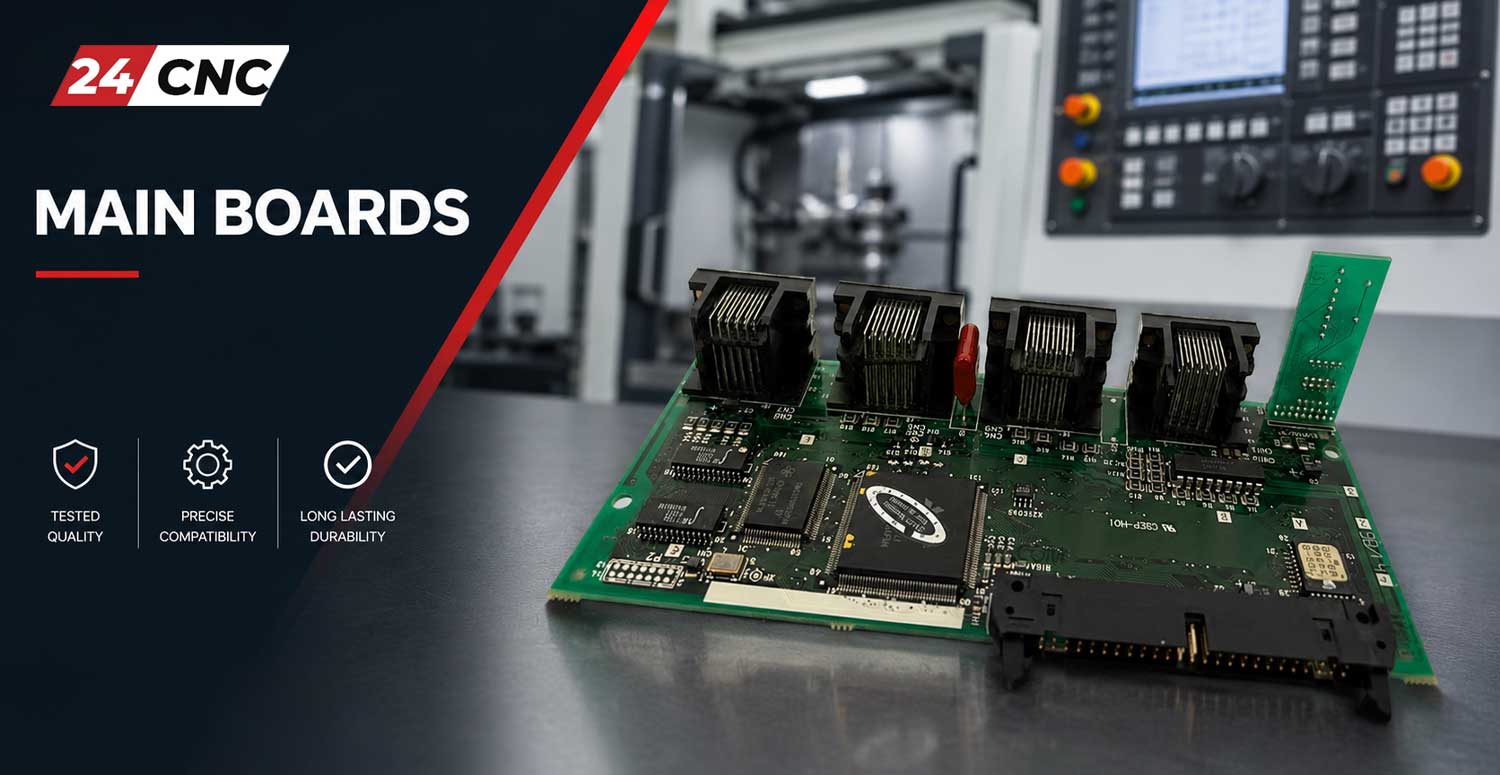
Why Source Your Replacement Main Boards from 24CNC?
Choosing the right supplier for a mission-critical component is paramount. Our entire service is structured around the needs of maintenance engineers, machine technicians, and production managers who cannot afford delays or uncertainty.
- Unmatched OEM Inventory: Our stock is not limited to the most common models. We carry a deep catalog of main boards for a vast range of control systems, including legacy hardware for older machines that are still valuable production assets.
- Rigorous, Multi-Point Testing Protocol: We do not simply “power on” our refurbished boards. Each board is installed in a dedicated test rig that simulates a real machine environment. We test all communication ports, run memory diagnostics, verify axis command outputs, and ensure the board operates stably under load.
- Expert Technical Support: Our team understands the nuances of main board replacement. We can help you verify part number compatibility, discuss the importance of revision letters, and advise on the critical process of reloading your SRAM and PLC backups from a CF card or other media.
- Flexible Condition Options: We offer a range of options to fit your budget and urgency, including factory-new, professionally refurbished, and certified surplus parts, all backed by a comprehensive warranty.
- Global Expedited Logistics: With strategically located warehousing and partnerships with top global couriers, we can dispatch your replacement board within hours, minimizing the time your machine sits idle.
A Practical Guide to Selecting the Correct CNC Main Board
Ordering the wrong main board can be a costly mistake, leading to further delays. To ensure a one-to-one, plug-and-play replacement, follow this detailed verification process:
- Physically Locate the Part Number: The most crucial piece of information is the manufacturer’s part number printed directly on the board. Do not rely on machine manuals, which can be outdated or generic. For Fanuc, this is typically an “A16B-xxxx-xxxx” or “A20B-xxxx-xxxx” number. For Siemens, it will be a “6FC…” number. This number is the definitive identifier.
- Document All Revision Codes: Look for suffixes on the part number, such as “/01A” or “-B”. These codes denote hardware revisions. While some revisions are interchangeable, others are not. A change in revision could indicate a different processor, memory configuration, or firmware compatibility that is critical for your specific machine setup.
- Photograph Everything: Before removing the board, take several clear, high-resolution photos from multiple angles. Capture all labels, stickers, and the placement of any jumper switches or auxiliary cards. These photos are invaluable for our technical team to confirm an exact match.
- Check for On-Board Diagnostics: Many main boards have diagnostic LEDs or a 7-segment display. Note any codes or color patterns displayed during the failed boot-up attempt. For example, a red “CPU” LED or a specific number on a Siemens NCU display can provide a strong clue about the nature of the failure.
- Inspect Attached Components: The main board often sits in a rack with the main power supply and other control cards. A failure in the power supply can often mimic a main board failure. Ensure the power supply’s own diagnostic LEDs indicate it is providing stable voltage.
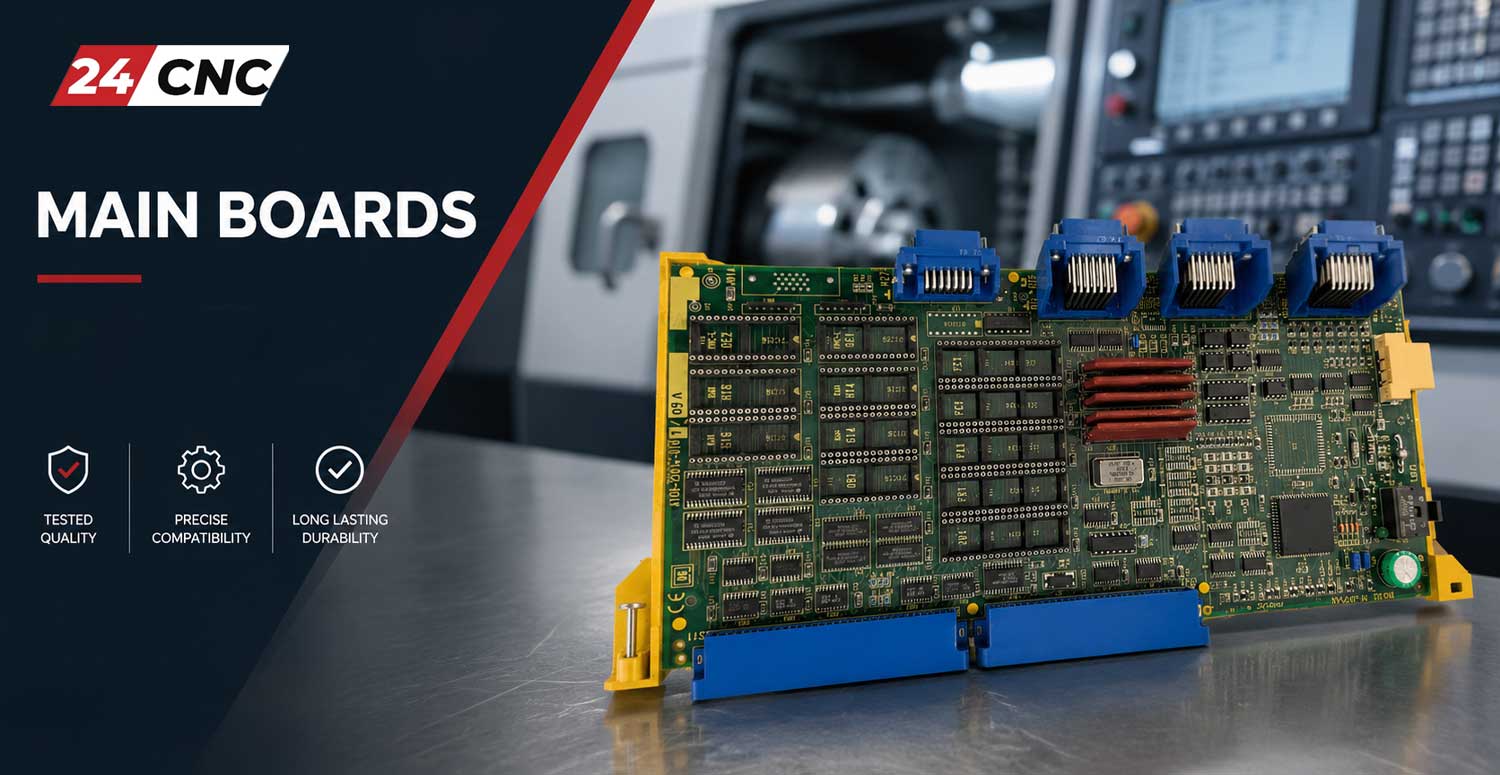
Technical Comparison: Leading CNC Main Board Architectures
| Architecture / Brand | Common Series | Communication Bus | On-Board Diagnostics |
|---|---|---|---|
| Fanuc Main Boards | 0i, 16i/18i/21i, 30i/31i/32i | FSSB (Fiber Optic), I/O Link | Status LEDs (e.g., green, red, amber) for power, CPU alarm, and bus status. |
| Siemens NCU/CCU | SINUMERIK 828D, 840D sl | DRIVE-CLiQ, PROFIBUS, PROFINET | 7-segment display showing numerical codes for boot status and faults. |
| Mitsubishi Main Boards | MELDAS M70, M80, M800 | SSCNET (Optical), MELDASNET | LED indicators and alarm codes displayed on the main HMI screen. |
Frequently Asked Questions (FAQ)
Do I need to reload parameters after installing a replacement main board?
Yes, this is a mandatory and critical step. A replacement board is essentially a blank slate. You must restore your machine’s unique SRAM backup, which contains all parameters, ladder logic, and offset data. Without this step, the machine will not function correctly and will display numerous alarms.
What is the difference between OEM, Refurbished, and Surplus parts?
OEM is a new part from the original equipment manufacturer. Refurbished means a used part that has been professionally repaired, cleaned, and fully tested to meet original specifications. Surplus refers to unused parts that may be older stock but have never been installed in a machine. All options we provide are fully tested and warrantied.
Can I upgrade my main board to a newer model?
This is generally not recommended and highly complex. An upgrade often requires corresponding upgrades to firmware, servo drives, I/O modules, and even machine cabling. It is almost always more reliable and cost-effective to replace the failed board with the exact same part number and revision.
What if I can’t find my exact part number in your store?
Our online inventory is extensive but changes daily. If you cannot find your specific board, please use the contact form or call us immediately. We have a global sourcing network and can often locate hard-to-find and obsolete components that are not listed on the website.
Need a Replacement Main Board Fast?
Don’t let a faulty CPU halt your production line. Our expert team is ready to help you verify stock, confirm compatibility, and get your machine back online with minimum delay.