
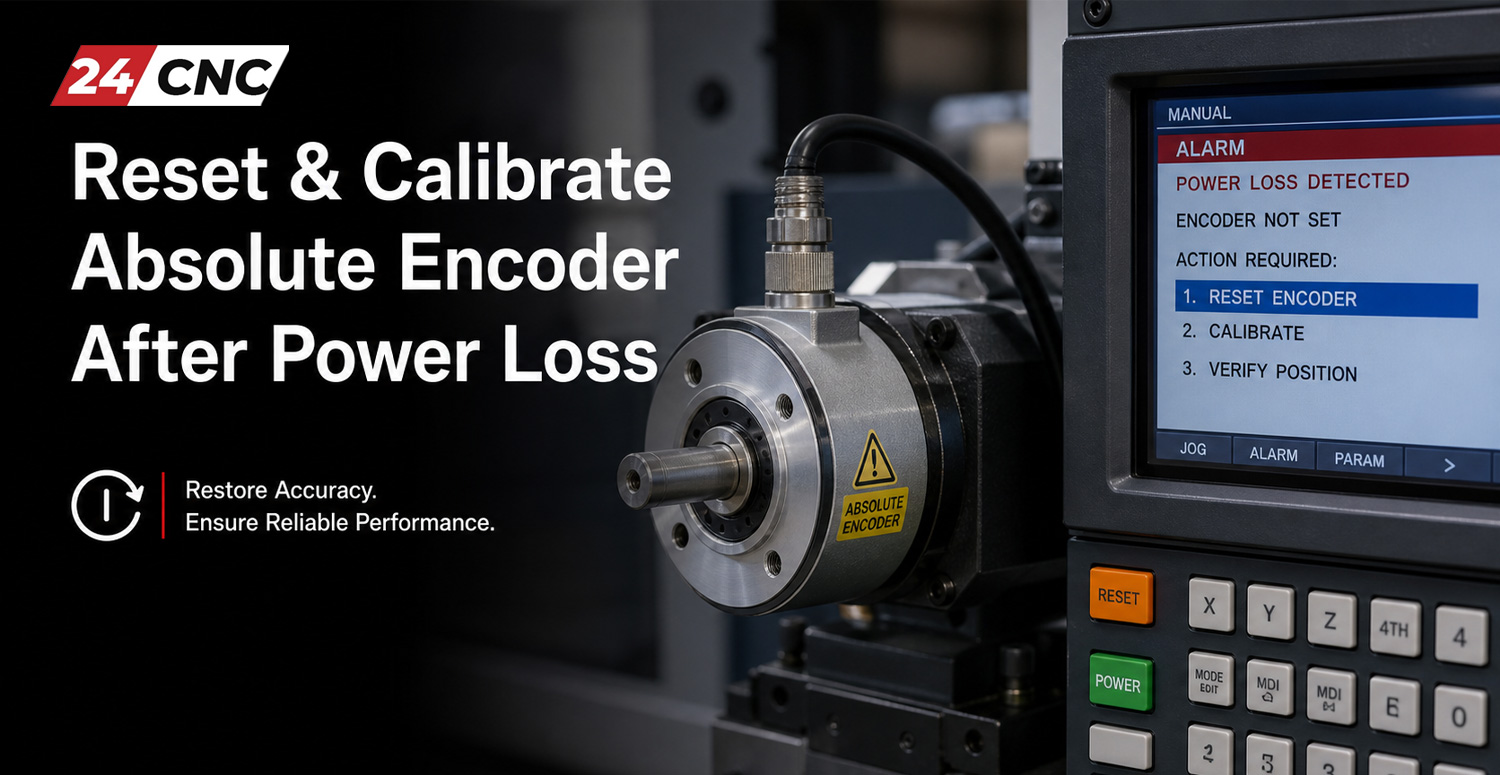
In high-precision computer numerical control (CNC) machining and automated motion control systems, absolute position tracking is vital. Unlike incremental feedback devices that require a homing sequence upon every cold start, absolute encoders retain exact machine axis coordinates even when main power is disconnected. However, when an unexpected power outage occurs, a backup battery exhausts its charge, or an encoder signal cable is disconnected during maintenance, the stored multi-turn positional data is cleared. When main power returns, the servo amplifier triggers an absolute position loss fault, preventing machine axis movement and halting production.
Restoring operation requires more than just clearing the active alarm screen. Machinery operators and service technicians must perform a systematic encoder reset followed by a mechanical zero-point reference calibration. This comprehensive guide covers the operational principles of absolute feedback systems, details why power loss causes position loss, outlines step-by-step calibration protocols across major controller platforms, and provides actionable preventive maintenance strategies to avoid unplanned downtime.
Understanding Absolute Encoders and Position Loss Mechanisms
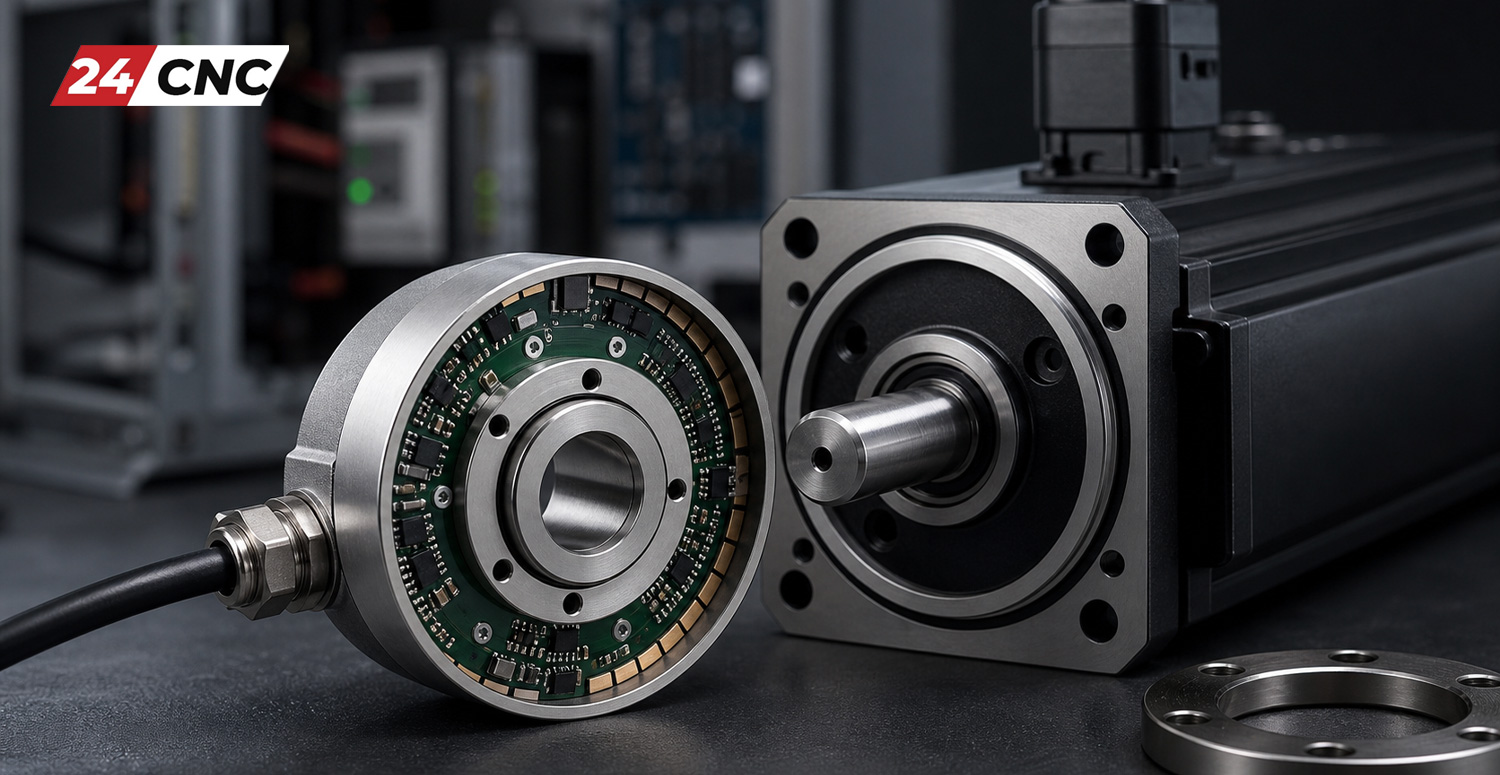
To effectively troubleshoot feedback faults, it is essential to distinguish between single-turn and multi-turn absolute feedback mechanisms. Modern CNC rotary encoders track two distinct positional metrics: the precise angular position within a single 360-degree rotation (single-turn data) and the total number of full revolutions performed by the motor shaft (multi-turn data).
Single-turn position is typically recorded using optical glass disks or magnetic tracks that maintain their physical orientation indefinitely. In contrast, multi-turn revolution counting relies on either continuous electronic counting backed up by a supercapacitor/battery circuit or internal mechanical gear trains. In battery-backed electronic architectures, main cabinet power keeps the counting circuit powered during machine operation. When cabinet power is removed, a 3.6V or 6V lithium battery takes over seamlessly to power the memory backup circuit inside the feedback unit.
When power loss disrupts this system, positional memory fails due to three main causes:
- Exhausted Backup Battery: Over years of operation, the backup battery degrades below the minimum threshold (typically under 3.0V DC). If main power is removed while the battery is depleted, multi-turn data resets to zero or corrupts.
- Cable Disconnection or Signal Interruption: Disconnecting encoder cables while main power is off isolates the encoder from its battery unit (if the battery pack is housed inside the drive chassis rather than inside the motor shell).
- Electrical Voltage Sag & Noise Transients: Severe power surges, sudden brownouts, or ground loop interference during power shutdown can write corrupted bits to the encoder’s non-volatile memory registers.
When any of these conditions occur, the servo drive locks out motion controls and displays specific alarm codes. For instance, Yaskawa servo drives trigger an A.810 or A.820 alarm, requiring specific procedures like those outlined in our guide on Yaskawa A.810 alarm battery replacement. Similarly, Mitsubishi drives display AL.20 or AL.25 faults, requiring specific reset techniques detailed in fixing Mitsubishi MR-J4 AL20 encoder errors.
Step-by-Step Absolute Encoder Reset & Zero-Point Calibration Protocol
When an absolute encoder loses its position tracking, simply resetting the drive fault on the controller display will not restore original machine home coordinates. The machine tool path relies on precise spatial synchronization between the physical mechanical reference mark (such as a hard stop, alignment pin, or dial indicator reading) and the internal digital offset parameter stored in the CNC controller. Follow this general, five-step recovery protocol to safely calibrate your system.
Step 1: Inspect, Test, and Replace the Backup Battery
Never attempt to set zero-point parameters while operating on a degraded or missing battery. If main power is removed again after calibration, all setup work will be lost immediately.
- Power down the machine according to standard lockout/tagout (LOTO) protocols.
- Locate the battery enclosure on the servo drive, control rack, or motor cable housing.
- Measure the battery voltage under load using a calibrated digital multimeter. A standard 3.6V lithium cell reading below 3.1V DC must be replaced immediately.
- Important Note on Live Replacement: On many CNC controls (such as Fanuc™ systems), replacing the battery while main control power is turned ON maintains memory and prevents loss of origin. If power has already been lost completely, replace the battery before initializing parameter routines.
Step 2: Clear Active Hardware Alarms
Once fresh batteries are installed, turn on control power. The system will continue to display absolute position loss alarms because the controller detects an uninitialized state. Enter the controller’s diagnostic menu or drive software interface (such as SigmaWin+, MR Configurator2, or Sinumerik Operating System) to execute an “Encoder Clear” or “Absolute Reset” command. This action clears the fault state from the encoder’s internal flash memory, allowing axis jog commands.
Step 3: Jog Axis to Physical Reference Point
With active alarms cleared from the drive buffer, switch the controller to Manual Pulse Generator (MPG) handwheel or Jog mode. Move the machine axis carefully to its true physical home position. Ensure slow speed near end-of-travel stroke limits to prevent mechanical crashes.
- Visual Alignment Marks: Align factory-engraved notch indicators on machine slides or rotary tables.
- Dial Indicator Calibration: Place a 0.0001-inch dial indicator on a known precision surface or spindle fixture to verify mechanical position precisely.
- Hard Stop / Block Method: Jog against precision calibration blocks supplied by the machine tool builder.
Step 4: Execute Parameter Zero-Point Writing
Once the physical axis is verified at machine home, update the software reference offset within the CNC controller parameters to bind the current physical position to 0.0000 inches/millimeters.
Step 5: Power Cycle and Position Verification
After saving parameter changes, turn off the CNC system for 30 to 60 seconds, then power back on. Verify that absolute alarms do not return. Perform slow G-code homing commands (G28 or G30) and check machine coordinate displays to confirm proper position retention.
Brand-Specific Calibration Workflows
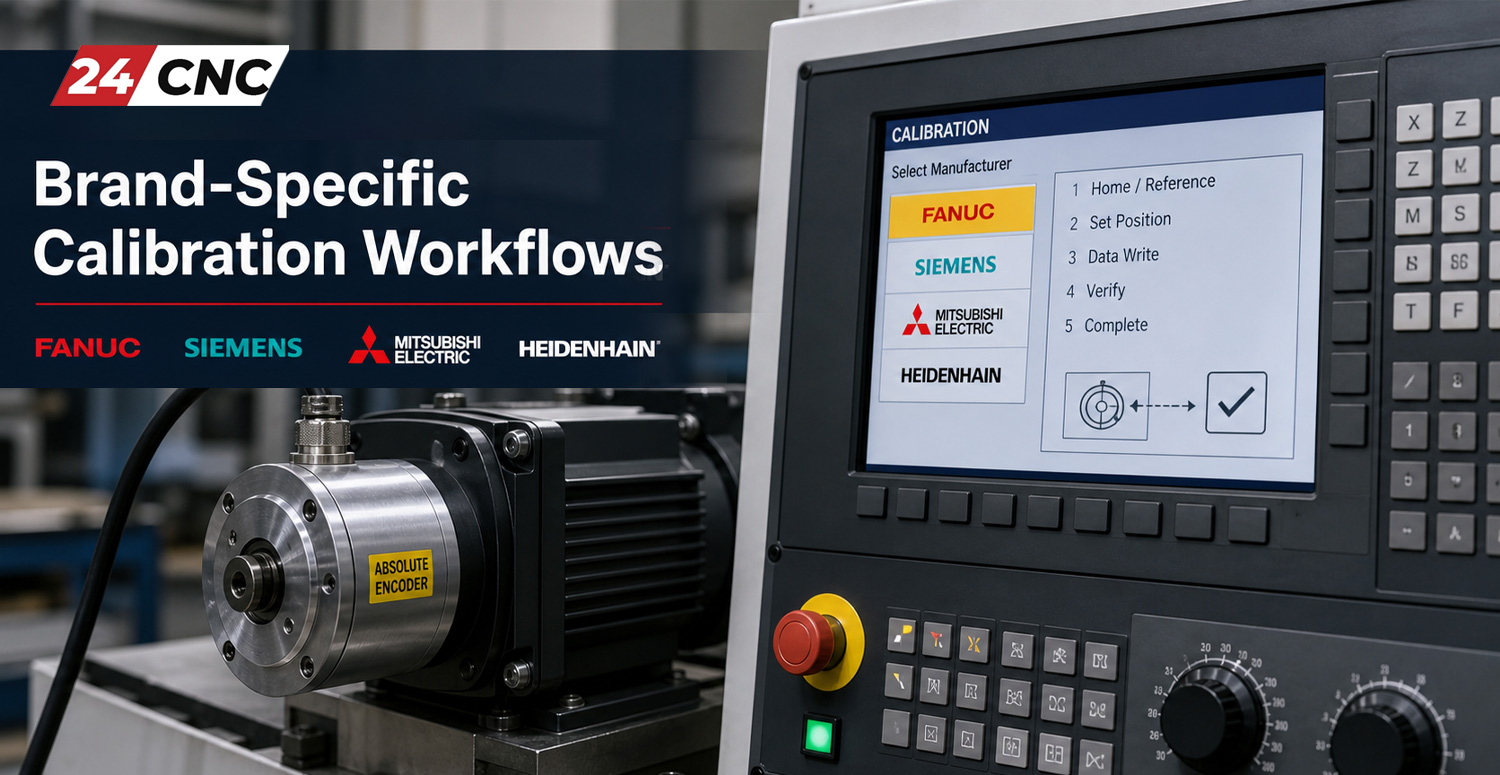
While the mechanical concepts remain identical, parameter numbers and menu structures vary across CNC controller manufacturers. Below are specific procedures for the most common industrial CNC platforms.
Fanuc™ Control Systems (0i-D, 0i-F, 31i Series)
Fanuc controls rely on Parameter 1815 to configure Absolute Position Coders (APC) and Absolute Position Zero (APZ) points:
- Select MDI Mode on the operator panel.
- Press the
SYSTEMkey, navigate toSETTING, and setPARAMETER WRITE ENABLE (PWE)to 1 (ignoring initial system alarms). - Navigate to Parameter 1815.
- Verify bit 5 (APC) is set to 1, confirming an absolute encoder is physically attached to the axis.
- Jog the target axis (X, Y, Z, or C) to its mechanical origin.
- In Parameter 1815, locate bit 4 (APZ) for the specific axis. Change its value from 0 to 1.
- If the screen prompts “POWER MUST BE TURNED OFF”, cycle main cabinet power. Upon rebooting, the axis home position is successfully established.
- Return to
SETTINGand resetPWEto 0.
Yaskawa Servo Drives (Sigma-5, Sigma-7, SERVOPACKs)
Yaskawa systems utilize drive-level parameters or setup software to clear the absolute multi-turn boundary error:
- Connect a PC with Yaskawa SigmaWin+ software to the SERVOPACK diagnostic port, or use the digital operator keypad (JUSP-OP05A).
- Enter Utility Function mode and select parameter Fn010 (Absolute Encoder Reset).
- Press and hold the
DATA/SHIFTkey for 1 second until the display flashesPG-Rst. - Confirm the reset command. The drive will execute an internal zeroing routine and flash
done. - Cycle 24V DC control power to the drive.
- Jog the axis to the machine reference position and program the home offset via controller parameters.
Mitsubishi Electric (M70, M80, MR-J3, MR-J4 Drives)
When working with Mitsubishi motion systems, resetting encoders involves both drive parameters and software configuration:
- Open MR Configurator2 software connected to the servo amplifier.
- Navigate to
Diagnostics>Absolute Position System System Initialization. - Select the target axis suffering from an AL.20 absolute encoder error.
- Set the axis to origin position using manual jog mode.
- Click Set Origin Point to write the zero position into the drive non-volatile memory.
- For custom applications, detailed steps on troubleshooting inaccurate rotary encoder readings can help isolate persistent position errors.
Siemens Sinumerik (828D, 840D sl)
On Siemens Sinumerik CNC controls, absolute calibration uses Machine Data (MD) parameters:
- Set the access level to “Manufacturer” or “Service” mode password.
- Set Machine Data parameter MD34200 [ENC_REFP_MODE] to 1 for absolute calibration.
- Set Machine Data parameter MD34210 [ENC_REFP_STATE] to 1 (Axis reference state: Initialized).
- Select JOG mode, then select REF POINT mode on the operator panel.
- Press the direction key (+ or -) corresponding to the target axis direction. The control will shift MD34210 automatically to 2 (Referenced/Calibrated).
- Perform an NCK Reset to lock in coordinate values.
Technical Comparison: Encoder Protocols & Calibration Methods
Understanding the hardware architecture of your feedback system simplifies diagnostic routines. The technical comparison table below details key operational differences among top industrial encoder systems.
| Feedback Platform | Typical Fault Alarm | Battery Specs | Key Reset Method | Post-Reset Requirement |
|---|---|---|---|---|
| Fanuc Serial Pulsecoder | DS0300 / APC Alarm 300-307 | 3.0V or 6.0V Lithium Pack | Parameter 1815 (APZ Bit 4 toggle) | Control Power Cycle |
| Yaskawa Absolute Encoder | Alarm A.810 / A.820 | 3.6V ER6V / ER3V Cell | Utility Fn010 via Keypad or SigmaWin+ | 24V DC Drive Power Cycle |
| Mitsubishi ABS System | AL.20 / AL.25 Error | 3.6V MR-BAT6V1SET | MR Configurator2 / ABS initialization menu | Home position set in CNC parameters |
| Siemens DRIVE-CLiQ | Fault 25201 / Fault 300501 | Battery-less or 3.6V internal | MD34200 / MD34210 Reference Mode set | NCK Warm Reset |
| Tamagawa Smartabs | Multi-turn overflow / battery error | 3.6V External Battery | Serial protocol reset frame via controller | Mechanical offset registration |
If you are servicing or replacing third-party encoders, reviewing hardware specifications between magnetic vs optical encoders helps determine whether environmental factors, such as vibration or oil contamination, contributed to signal corruption.

Troubleshooting Persistent Calibration Faults
In some cases, performing a standard reset fails to resolve absolute position alarms, or the coordinate system drifts shortly after calibration. When facing persistent issues, evaluate these common hardware failures:
1. Position Drift After Power Cycles
If the machine homes properly but loses reference positions every time cabinet power is cycled, check the backup battery power path. Verify that the battery voltage reaches the encoder terminals on the motor end. A severed wire inside the encoder feedback cable harness can prevent battery power from reaching internal memory circuits while main power is off.
2. EMI Signal Interference and Cable Degradation
Industrial machinery generates severe electromagnetic interference (EMI) from high-frequency pulse-width modulation (PWM) motor drivers. If high-speed encoder communication data lines run parallel to unshielded motor power cables, signal corruption can wipe absolute memory registers during power-down transitions. Always inspect high-flex cable tracks for internal shield damage and ground integrity. For broader diagnostic workflows, consult our article on troubleshooting CNC servo amplifier alarms.
3. Mechanical Shaft Coupling Slippage
If position errors appear randomly during machining operations, inspect the flexible diaphragm coupling linking the motor armature to the ball screw shaft. A loose coupling pinch screw allows physical shaft slippage while the rotary encoder continues to report accurate rotational counts, creating a misalignment between software coordinates and physical slide position.
Proactive Maintenance Checklist for Encoder Reliability
Integrating simple preventive maintenance procedures into your factory routine minimizes absolute position failures and protects production lines from emergency downtime. Consider updating your plant operations using our recommended CNC machine maintenance checklist:
- Annual Battery Replacement Schedule: Mark replacement dates on all CNC drive cabinets and replace backup battery packs every 12 to 18 months, regardless of active low-battery warnings.
- Keep Spares On-Hand: Stock replacement feedback units, such as genuine Tamagawa encoders or OEM-specific rotary encoders, to replace failing hardware quickly.
- Maintain Clean Environments: Ensure electrical cabinet cooling fans and seals function correctly. Excessive heat inside drive enclosures significantly accelerates lithium battery discharge rates.
- Document Machine Home Offsets: Keep a physical and digital record of parameter offset values (such as Fanuc Grid Shift parameters or Siemens MD values) posted inside the cabinet door for quick reference during emergency recovery.
Frequently Asked Questions (FAQ)
Q1: Can I use standard alkaline batteries instead of specialized lithium batteries for encoder backup?
A: No. Standard alkaline batteries suffer from high self-discharge rates, voltage drops under load, and risk leaking corrosive acid into expensive drive enclosures. Always use industrial-grade 3.6V or 6.0V primary lithium (Li-SOCl2) battery packs recommended by the manufacturer.
Q2: Why does my machine show absolute position loss even though the backup battery is brand new?
A: Installing a new battery supplies necessary hold-up voltage, but it does not clear the corrupted multi-turn error state in the encoder memory. You must execute a formal encoder clear/reset procedure via drive parameters software before the alarm will clear.
Q3: How long can an absolute encoder hold its position memory when power is fully disconnected without a battery?
A: Internal supercapacitors typically provide temporary hold-up power for 10 to 30 minutes during battery changes. Once supercapacitors discharge fully, all multi-turn data is lost instantly unless the unit uses mechanical gear-based absolute tracking.
Q4: What is the difference between home position calibration and grid shift?
A: Home position calibration defines the zero reference revolution of the encoder relative to physical machine coordinates. Grid shift is a fine-tuning parameter that adds or subtracts small distance offsets (in microns or thousandths of an inch) to dial in exact alignment without physically uncoupling the motor.
Q5: Will resetting an absolute encoder delete machine parameters or tooling tables?
A: No. Encoder resets only clear multi-turn revolutionary counts and update specific axis homing parameters. Part programs, tool offset tables, and general system parameters stored in non-volatile CNC flash memory remain completely unaffected.
Need Replacement Encoders, Cables, or CNC Spare Parts?
Don’t let encoder faults or dead battery packs keep your machine tools offline. Explore our extensive inventory of genuine rotary encoders, replacement cables, and industrial automation components to restore peak precision today.
Leave a comment
Your email address will not be published. Required fields are marked *