
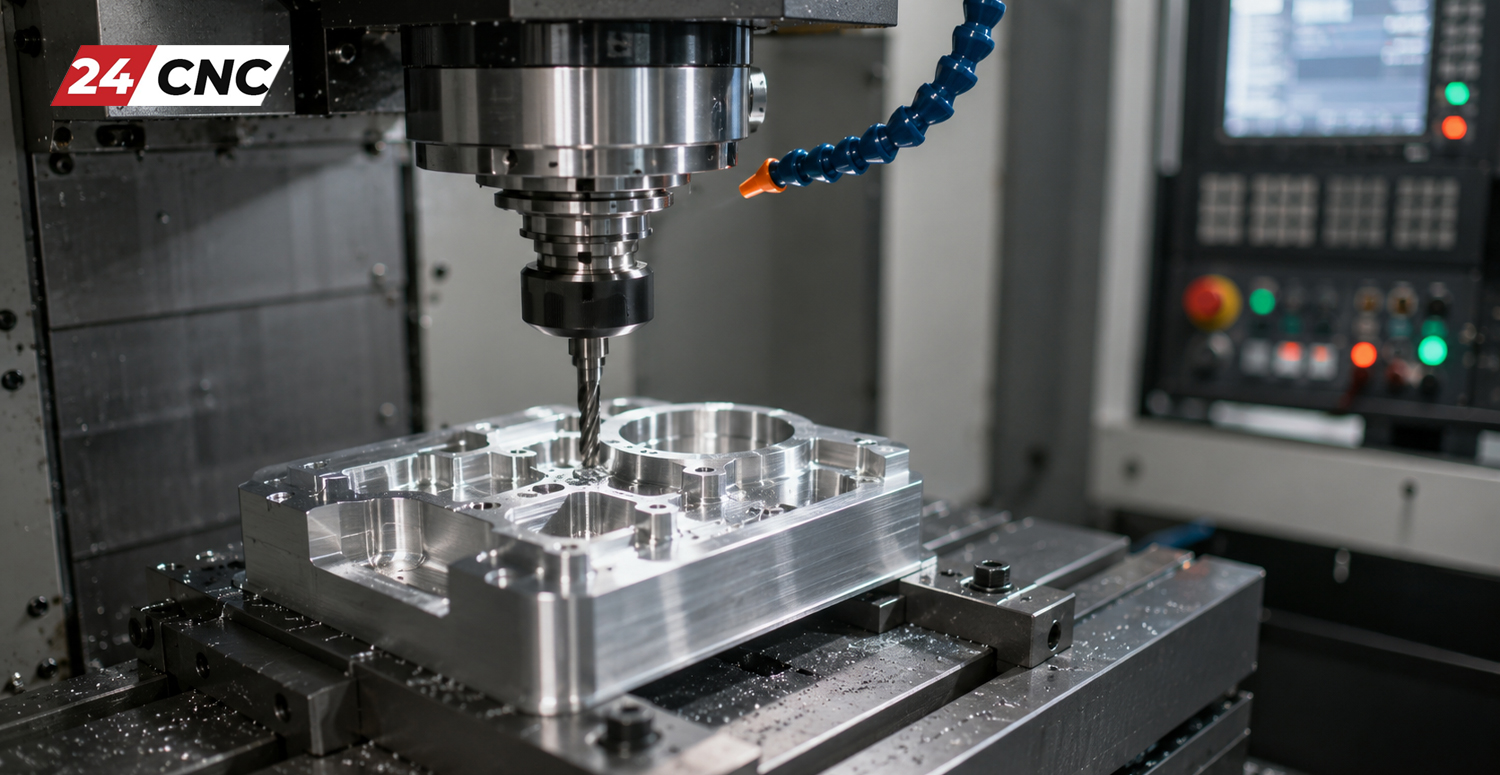
If you look around you right now, almost every manufactured product you see—your smartphone casing, the engine block of your car, the hinges on your door, and even the molds used to make your plastic water bottle—has either been made by, or created using tools made by, a CNC machine. But what is CNC machining exactly? For beginners stepping into the world of manufacturing, engineering, or industrial automation, the terminology, acronyms, and complex machinery can feel overwhelming.
In this comprehensive pillar guide, we will break down the complex and fascinating world of Computer Numerical Control (CNC) into simple, digestible concepts. From the digital design process on a computer screen to the final physical product, you will learn exactly how these incredible machines shape the modern world, what components they use, and why they are the backbone of global manufacturing.
What Does “CNC” Stand For?
The acronym CNC stands for Computer Numerical Control. To break it down into simple terms, it means that a computer is dictating the exact movements of a mechanical machine tool. Before the invention of CNC, machinists had to manually operate equipment—turning handwheels, pulling levers, and measuring constantly to move a cutting tool across a piece of metal. This was known as manual machining.
With CNC, a computer program feeds specific mathematical coordinates to the machine’s drive systems. By calculating precise locations along a Cartesian coordinate system (primarily using the $X$, $Y$, and $Z$ axes), the machine knows exactly where to move, how fast to move, and how deep to cut.
This entire process falls under the category of subtractive manufacturing. Unlike 3D printing, which builds parts layer by layer (known as additive manufacturing), CNC machining starts with a solid block of raw material (often called a “blank,” “billet,” or “workpiece”) and meticulously carves away the excess material until the desired final shape is achieved. Think of it like a sculptor chiseling away marble to reveal a statue, but done with high-speed spinning metal cutters and microscopic precision.
The Evolution: From NC to CNC
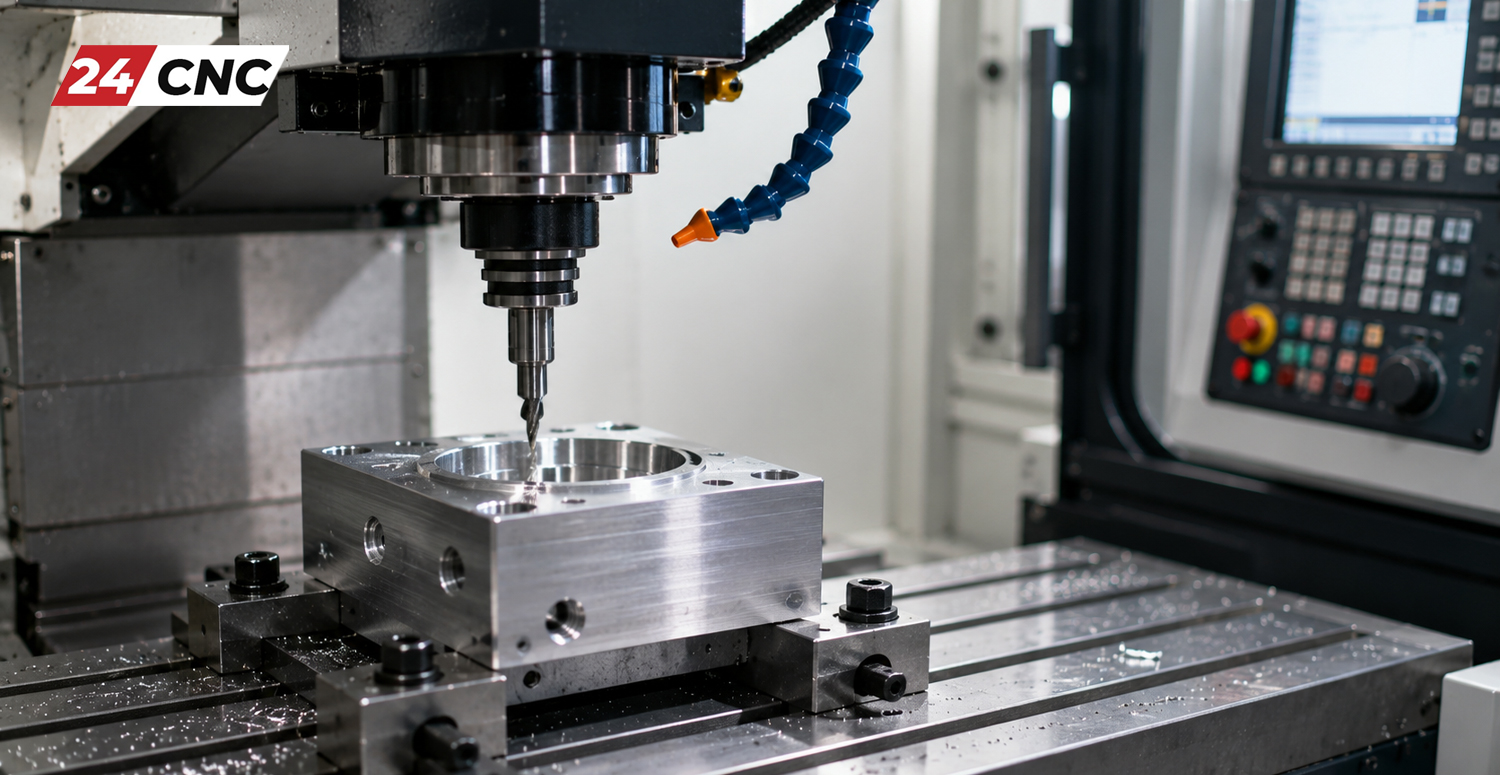
To truly understand CNC, it helps to look at its history. The technology didn’t start with computers. In the 1940s and 1950s, the aviation industry needed a way to manufacture complex helicopter blades with higher precision than human hands could achieve. John T. Parsons developed Numerical Control (NC).
Early NC machines were hardwired and operated using punched tape—long strips of paper with holes punched in them that the machine read mechanically. It was a slow and tedious process. As digital computing evolved in the 1960s and 1970s, microprocessors were integrated into these systems, adding the “C” for Computer. Today, modern CNC systems process millions of calculations per second, executing complex 3D pathways flawlessly.
How Does CNC Machining Work? The Complete Workflow
The journey from a conceptual idea to a finished physical part involves several distinct steps, bridging the gap between digital software and physical hardware. Here is the step-by-step workflow of a CNC machining project:
1. The CAD Model (Computer-Aided Design)
Everything starts in the digital realm. Engineers and designers use CAD software (such as AutoCAD, SolidWorks, Inventor, or Fusion 360) to create a highly precise 2D vector or 3D solid part design. This digital blueprint contains all the dimensions, geometries, and technical specifications required. If you are just starting out, reading up on how to design parts for CNC machining is a critical first step to ensuring your designs can actually be manufactured.
2. The CAM Software (Computer-Aided Manufacturing)
A CNC machine cannot read a 3D CAD file directly. The CAD model must be imported into CAM software. The CAM software’s job is to analyze the 3D model and calculate the optimal tool paths. A programmer selects the raw material size, the types of cutting tools to be used, the cutting speeds, and the feed rates. The CAM software then visually simulates the machining process to ensure there are no collisions before generating the code.
3. G-Code and M-Code Generation
The CAM software translates those simulated toolpaths into a programming language the machine understands, known universally as G-code.
- G-code (General Code): Tells the machine where to move and how to move. It commands the geometry of the toolpath along the $X$, $Y$, and $Z$ axes.
- M-code (Miscellaneous Code): Controls the machine’s hardware functions, such as turning the spindle on or off, changing tools, or activating the liquid coolant system.
To dive deeper into the brains of the operation, learn what a CNC controller interprets from G-code and M-code.
4. Machine Setup and Execution
Once the code is loaded into the machine’s control unit, the operator steps in. They secure the raw material into the machine’s workholding device (like a vise, chuck, or custom fixture). They load the necessary cutting tools into the machine’s tool magazine and set the “zero point” (the starting origin for the $X$, $Y$, and $Z$ coordinates). Once everything is verified, the operator presses start. The control system takes over, driving the machine’s motors to execute the cuts with microscopic precision, often unattended.
The Essential Components of a CNC Machine
To understand the process fully, it helps to know what mechanical and electronic parts make up the machine. While there are many essential components of a CNC machine, the primary elements include:
- The Controller (MCU): The central processing brain of the machine (e.g., industry-standard Fanuc or Siemens controllers) that reads the G-code and translates it into electrical signals for the motors.
- Servo Motors & Drives: These provide the exact, controlled rotational force needed to move the machine’s heavy axes accurately. (Read our beginner’s guide to CNC servo amplifiers and drives for a technical deep dive).
- The Spindle: The core rotating assembly. In a mill, it holds and spins the cutting tool. In a lathe, it holds and spins the workpiece itself.
- Linear Guides and Ballscrews: These mechanical components convert the rotary motion of the servo motors into smooth, precise linear motion along the machine’s axes.
- Feedback Encoders: Critical sensors that provide real-time feedback to the controller about the exact physical position of the moving parts, ensuring the machine hasn’t deviated from the programmed path.
- Handwheels (MPG): Manual Pulse Generators used by operators for manual micro-positioning during setup. You can explore troubleshooting common issues with CNC handwheels if you plan to operate a machine.
Common Types of CNC Machines
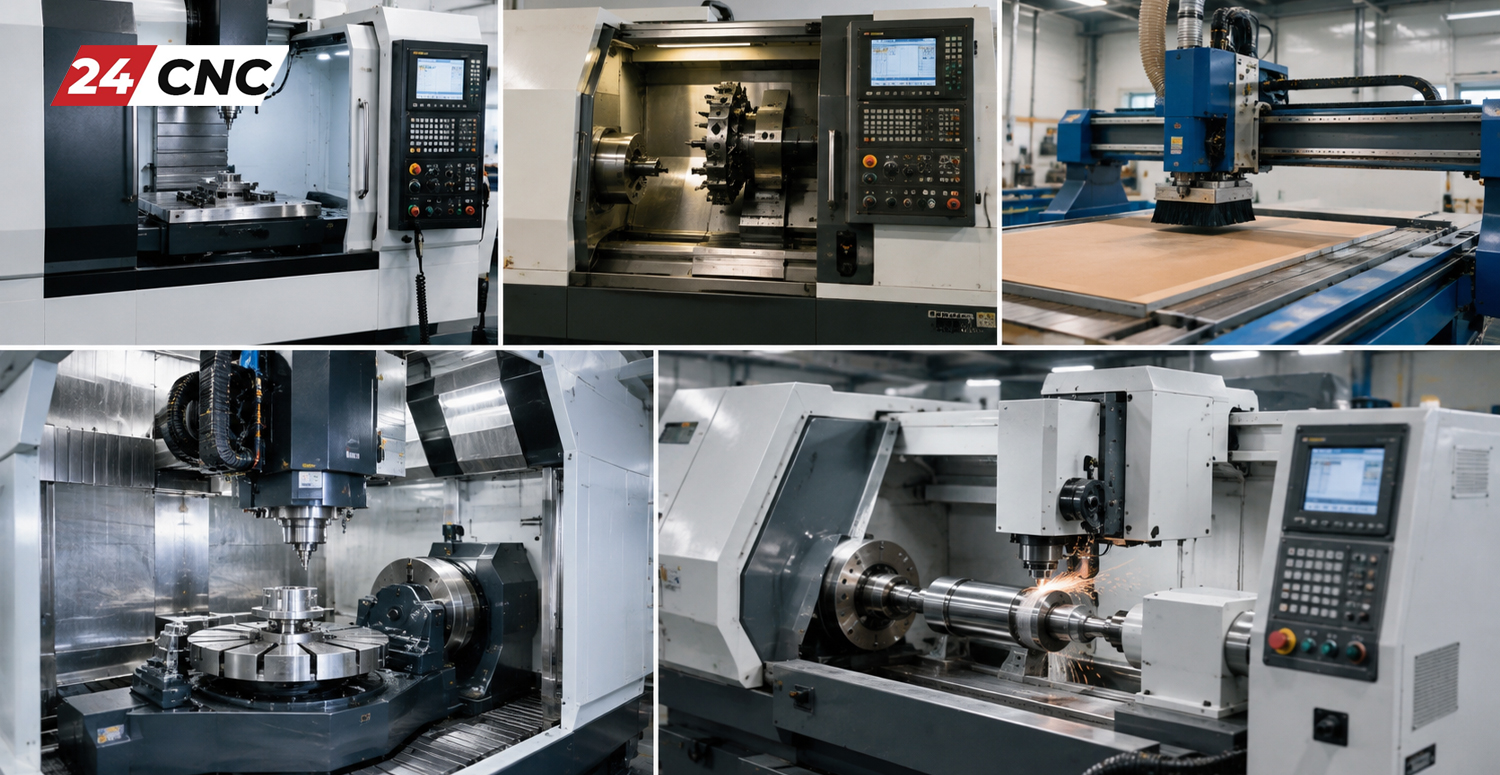
The term “CNC Machine” is a broad umbrella. Not all CNC machines do the same job or cut the same way. The specific type of machine used depends on the shape of the part, the material, and the required finish.
| Machine Type | How It Works | Common Applications |
|---|---|---|
| CNC Mills | The workpiece is securely clamped to a stationary (or tilting) table while high-speed cutting tools rotate and move across it across multiple axes. | Engine blocks, medical implants, custom brackets, flat parts, complex aerospace housings. |
| CNC Lathes (Turning Centers) | The workpiece rotates rapidly in a chuck while a stationary cutting tool is pushed against it to shave off material. | Cylindrical parts, shafts, rings, threaded pipes, custom screws, baseball bats. |
| CNC Routers | Operates similarly to a mill but features a massive cutting area. They typically use higher spindle speeds but cut softer materials. | Cabinetry, woodworking, large plastic sheets, signage, aluminum composite panels. |
| CNC Plasma/Laser Cutters | Instead of a physical spinning tool, these use high-powered lasers or ionized plasma gas to slice directly through 2D sheet metal. | Automotive body parts, metal fabrication, HVAC ductwork, decorative metal gates. |
| CNC EDM (Electrical Discharge Machining) | Uses electrical sparks to melt away material rather than cutting it. Highly precise for extremely hard metals. | Injection molds, tool and die making, micro-manufacturing. |
Understanding Axes: 3-Axis vs. 5-Axis Machining
You will often hear CNC machines categorized by their number of axes. This refers to the number of directions the machine can move.
- 3-Axis Machining: The most common setup. The cutting tool moves along three linear axes: $X$ (left and right), $Y$ (front and back), and $Z$ (up and down). This is perfect for simple, flat parts.
- 4-Axis Machining: Adds a rotational axis (usually the $A$-axis), allowing the part to rotate like a spit roast while the tool cuts it.
- 5-Axis Machining: The pinnacle of CNC milling. It includes the standard $X$, $Y$, and $Z$, plus two rotational axes (usually $A$ and $B$, or $B$ and $C$). This allows the tool to approach the workpiece from almost any conceivable angle, creating incredibly complex organic shapes like turbine blades without the operator ever having to manually flip the part.
For a deeper mathematical and mechanical breakdown, check out our guide on understanding CNC machine axes.
What Materials Can a CNC Machine Cut?
One of the greatest advantages of CNC machining is its extreme versatility regarding raw materials. While 3D printing is often limited to specific plastics and expensive metal powders, CNC machines can cut almost any solid material, provided you have the correct cutting tool and programmed speeds. Common materials include:
- Metals: Aluminum (very common due to its ease of machining), Steel, Stainless Steel, Brass, Copper, and ultra-hard Titanium (often used in aerospace).
- Plastics: Acrylic, Polycarbonate, Delrin, Nylon, and PTFE (Teflon).
- Woods: Hardwoods, softwoods, plywood, and MDF (primarily cut on CNC routers).
- Composites: Carbon fiber and fiberglass (though these require special dust extraction due to hazardous particles).
Why is CNC Machining So Popular? (Pros & Cons)
CNC machining revolutionized the manufacturing industry, effectively replacing manual machining in mass production environments. But why is it the gold standard?
The Advantages
- Unmatched Precision and Accuracy: High-end CNC machines can achieve tolerances as tight as $\pm 0.0001$ inches (a fraction of the width of a human hair).
- High Repeatability: Once the program is perfect, the machine can produce 10, 1,000, or 100,000 identical parts with zero variation.
- Speed and Efficiency: Modern factories run “lights-out manufacturing,” meaning CNC machines are loaded by robots and run 24/7 without human intervention.
- Complex Geometries: 5-axis machines can create shapes that are mathematically impossible to carve by hand.
The Disadvantages
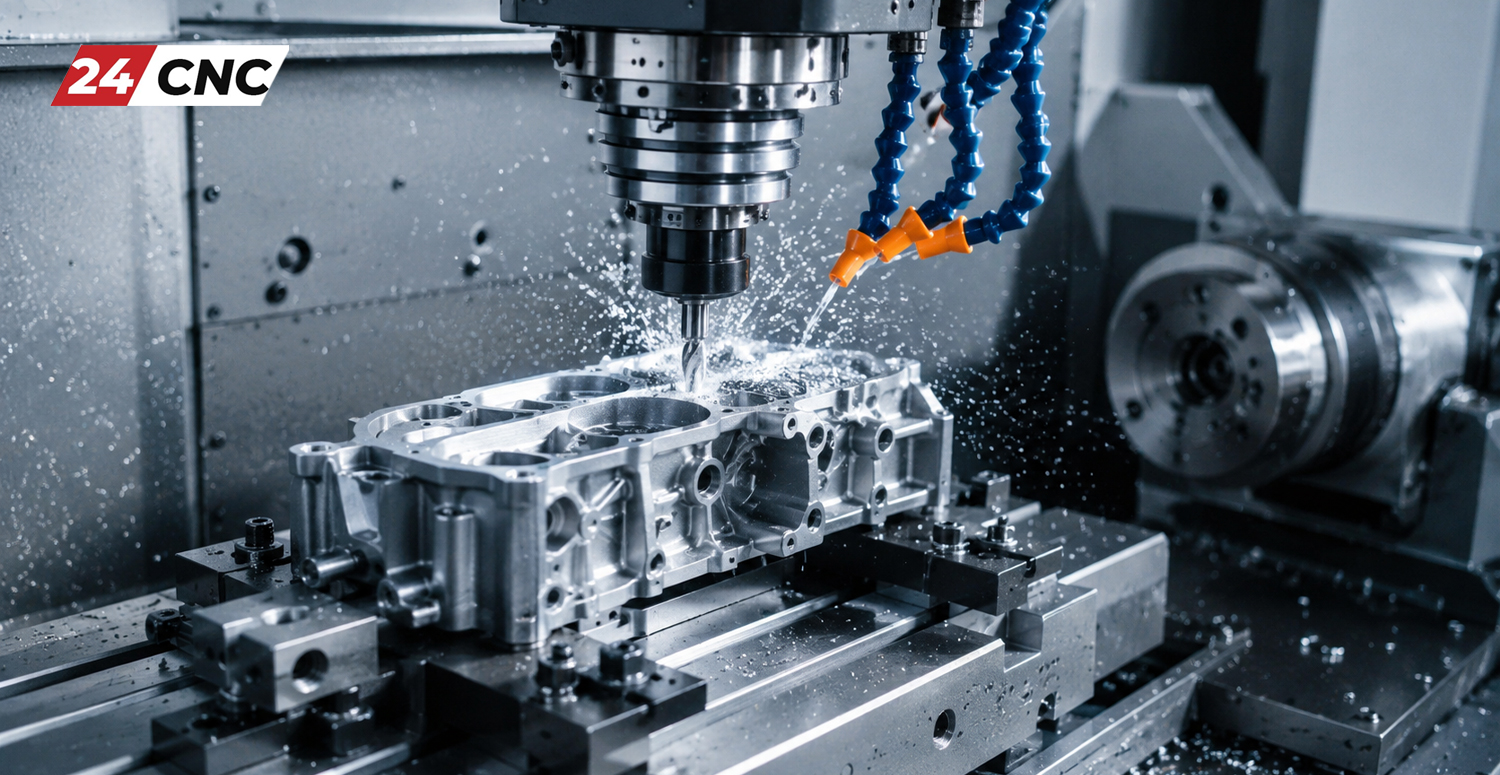
Despite its wonders, CNC isn’t perfect for every situation. The equipment and operational costs can be astronomical. The machines require skilled programmers, expensive cutting tools that wear out, and substantial electricity. This leads many start-ups to wonder why CNC machined parts are so expensive compared to injection-molded plastics. Furthermore, CNC is subtractive, meaning it creates a lot of waste material (chips/swarf) compared to 3D printing.
Frequently Asked Questions (FAQ)
Is CNC machining hard to learn?
Learning the absolute basics is highly accessible today, especially with modern, user-friendly, cloud-based CAD/CAM software. However, mastering the trade—understanding optimal cutting speeds, feed rates, material thermal properties, tool wear, and advanced hand-coding of G-code—takes years of hands-on experience and vocational training.
Can I run a CNC machine at home?
Absolutely! The maker movement has exploded with desktop CNC routers and mini-mills. These operate on the exact same Cartesian coordinate principles as massive industrial machines, just on a smaller scale. They usually run on standard 120V/240V household power and are used for cutting softer materials like wood, plastic, or aluminum.
Will 3D printing replace CNC machining?
No, they are complementary technologies. 3D printing (additive) is fantastic for rapid prototyping, highly complex internal hollow structures, and low-volume plastic parts. CNC machining (subtractive) remains superior for parts that require high structural integrity, tight dimensional tolerances, smooth surface finishes, and mass production in metals.
What happens when a CNC machine breaks down?
Like any complex blend of mechanical hardware and sensitive electronics, CNC machines require strict, regular upkeep. Following a comprehensive CNC machine maintenance checklist prevents most catastrophic issues. When parts inevitably fail due to wear and tear, such as a servo motor drive, limit switch, or display screen, they must be accurately diagnosed and swapped out with high-quality replacement parts to get the machine back online quickly.
Keep Your CNC Machinery Running at Peak Performance
Whether you are maintaining an industrial 5-axis Fanuc-controlled mill on a production floor or upgrading your workshop lathe, utilizing reliable, high-quality electronic and mechanical replacement parts is crucial for accuracy and maximum uptime. Wondering where to buy high-quality CNC parts online?
Leave a comment
Your email address will not be published. Required fields are marked *