
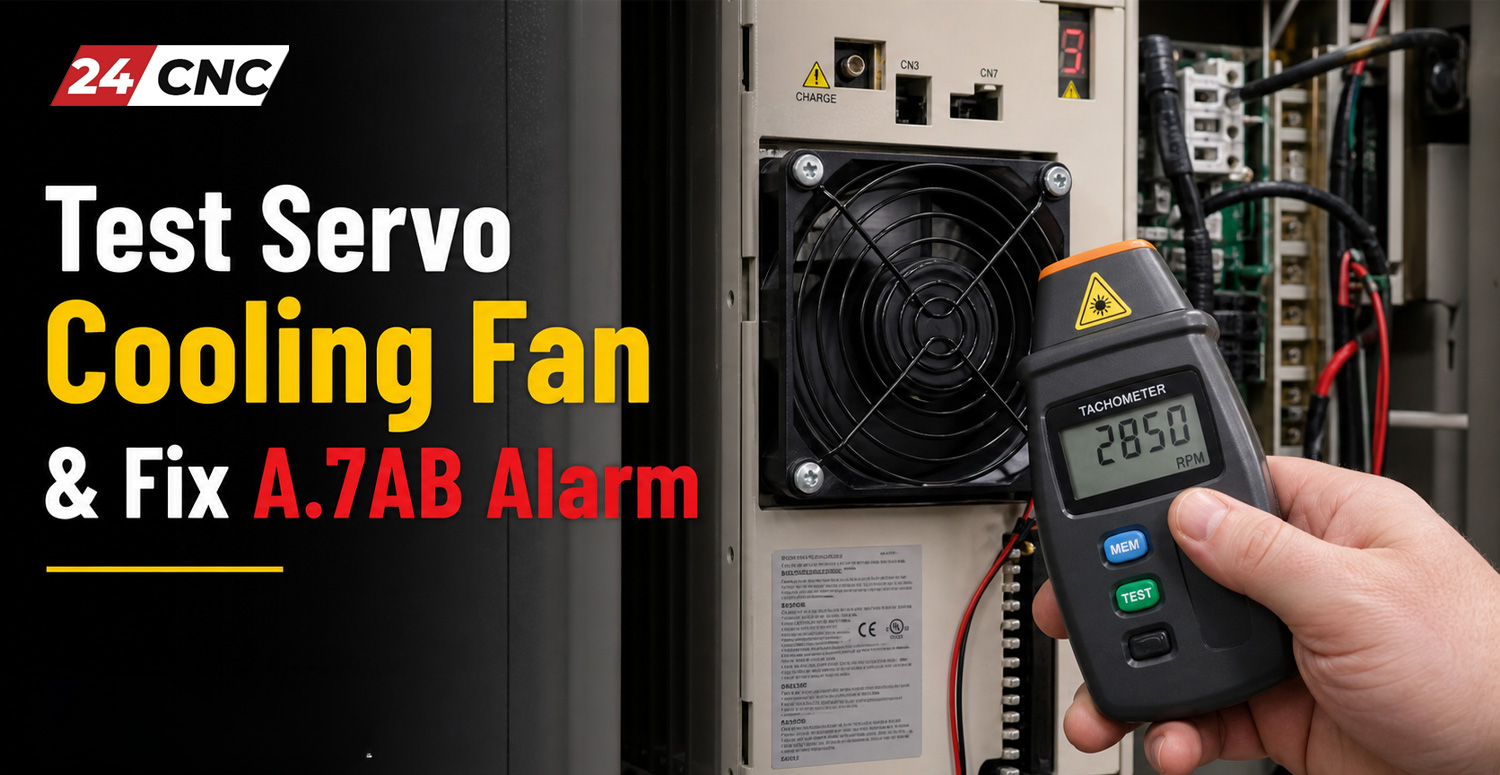
In modern computer numerical control (CNC) machining centers, servo drives and amplifiers operate under extreme electrical and thermal loads. High-speed switching, heavy continuous current draws, and dense cabinet environments generate immense heat. To protect sensitive semiconductor components, modern drives rely heavily on active cooling systems—specifically, high-performance internal and external cooling fans. When a cooling fan fails, degrades, or gets blocked by debris, the drive’s internal thermal monitoring system triggers critical protection warnings.
One of the most specific and critical warnings encountered by CNC technicians and maintenance engineers is the A.7AB alarm. This alarm directly indicates a cooling fan anomaly, warning that the drive is no longer receiving adequate airflow. Ignoring this alarm can lead to catastrophic thermal shutdown, blown IGBT modules, or permanent drive failure. In this comprehensive guide, we will explore the underlying causes of the A.7AB alarm, provide a rigorous, step-by-step procedure to test your servo cooling fan, outline corrective repair actions, and detail long-term preventive maintenance strategies.
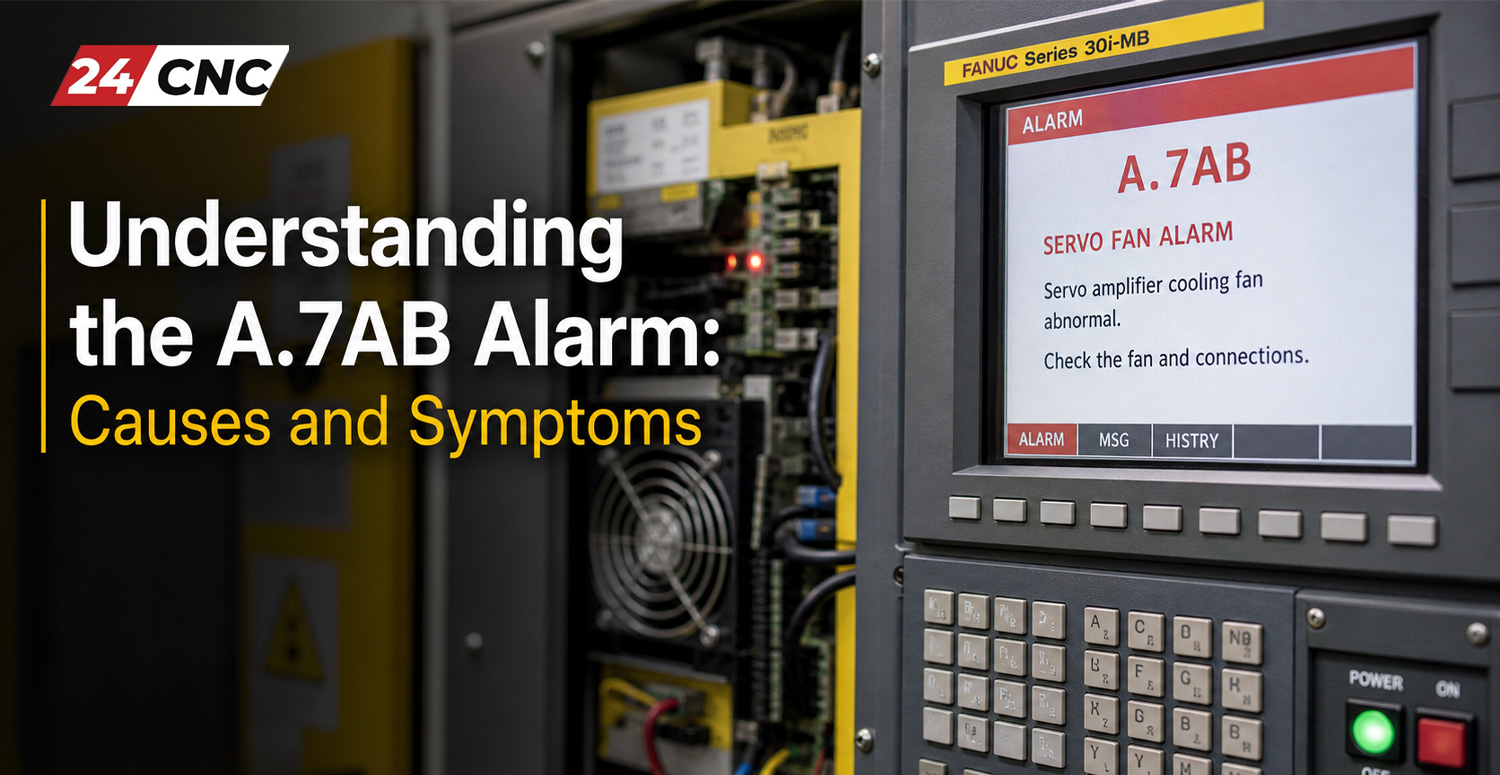
Understanding the A.7AB Alarm: Causes and Symptoms
Modern industrial servo systems, such as those produced by Yaskawa and other leading automation manufacturers, utilize sophisticated diagnostic firmware to monitor every critical subsystem. The A.7AB alarm is specifically designed to flag cooling fan abnormalities. When the drive controller detects that the cooling fan is drawing abnormal current, rotating below minimum RPM thresholds, or failing to respond entirely, it flags this error code to prevent runaway overheating.
Common root causes for the A.7AB alarm include:
- Mechanical Blockage: Accumulated workshop dust, coolant mist residue, chips, and foreign debris jamming the fan impeller blades.
- Bearing Failure: Over time, fan motor bearings dry out or wear down, increasing rotational friction and causing the fan to stall or underperform.
- Electrical Wiring Issues: Loose connectors, frayed wires, or oxidized pins along the cable harness connecting the fan to the amplifier and inverter unit.
- Internal Fan Circuitry Breakdown: Internal failure of the brushless DC fan’s tachometer feedback circuit or internal driver chip.
- Power Supply Discrepancies: Incorrect voltage supply from the main control board to the fan header pins.
Recognizing the early symptoms—such as unusual whining noises from the cabinet, recurring intermittent thermal warnings during heavy cutting operations, or immediate alarm trips upon power-up—can save your facility thousands of dollars in emergency downtime.
Step-by-Step Guide to Testing Servo Cooling Fans
When troubleshooting an A.7AB alarm, guesswork is your worst enemy. Systematic testing is required to determine whether the fault lies with the fan itself, the wiring harness, or the servo drive’s internal fan driver circuitry. Follow this structured testing protocol:
1. Safety First and Power Isolation
Before touching any electrical component inside a CNC electrical cabinet, perform a complete lockout/tagout (LOTO) procedure. Ensure that the main incoming three-phase power is turned off and verify with a calibrated multimeter that all DC bus capacitors have fully discharged. Servo drives store high-voltage DC energy even after the main breaker is switched off.
2. Visual and Mechanical Inspection
Locate the cooling fan assembly, typically mounted at the bottom or top of the drive controller. Carefully inspect the fan grille and blades for physical obstructions. Try spinning the fan blades manually using a non-conductive tool. The impeller should rotate smoothly with minimal resistance. If it feels gritty, stiff, or wobbles on its shaft, the bearings have failed and the fan must be replaced immediately.
3. Electrical Continuity and Voltage Testing
Disconnect the fan power connector from the drive board. Using a digital multimeter set to DC voltage, power on the control cabinet (safely, observing all live-circuit safety protocols) and measure the voltage output across the fan header pins on the drive board. Compare your reading against the manufacturer’s technical specification (typically 24VDC for standard industrial cooling fans). If voltage is present at the header but the fan does not spin when plugged in, the fan motor is dead.
4. Tachometer Feedback Signal Verification
Many advanced cooling fans include a third wire (tachometer or pulse output) that feeds rotational speed data back to the servo drive processor. If this feedback wire is severed, or if the internal Hall-effect sensor fails, the drive will trigger the A.7AB alarm even if the fan appears to be spinning. Check the continuity of the signal line across the cable assembly to ensure uninterrupted communication.
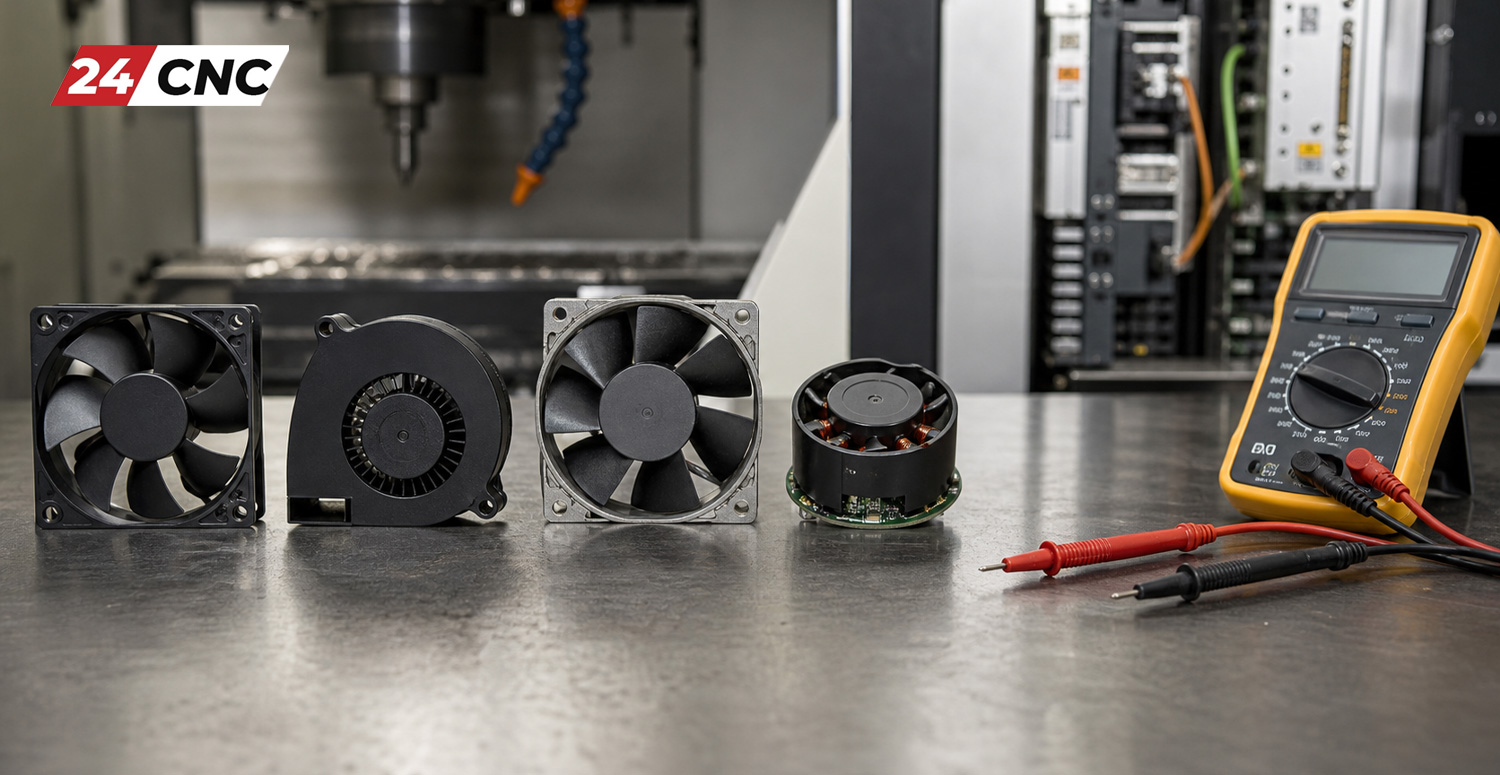
Technical Comparison: Cooling Fan Types and Diagnostics
To better understand how different cooling systems behave and how to approach diagnostics across various hardware setups, review the technical comparison table below.
| Fan Type / Design | Typical Voltage | Common Failure Mode | Diagnostic Method |
|---|---|---|---|
| Standard Axial DC Fan | 24V DC | Bearing wear, dust clogging | Check DC voltage at header; manual spin test |
| Tachometer-Feedback Fan | 24V DC (3-Wire) | Hall sensor failure, open signal line | Oscilloscope pulse check, continuity test |
| External Cabinet Blower | 110V / 220V AC | Capacitor degradation, winding burnout | AC voltage check, winding resistance measurement |
| Smart PWM Controlled Fan | Variable 0-24V DC | PWM signal corruption, driver chip fault | Monitor PWM duty cycle with diagnostic software |
How to Fix and Resolve the A.7AB Alarm Permanently
Once your testing confirms the exact nature of the cooling issue, you can implement a permanent fix. Depending on your diagnostic findings, execute one or more of the following corrective actions:
Cleaning and Debris Removal
If the fan is mechanically jammed by accumulated shop grime and oil mist, remove the fan assembly entirely. Use an electronics-safe cleaning solvent and compressed air to thoroughly clear the impeller blades and heatsink fins. Always ensure the components are 100% dry before reinstallation and power-up.
Replacing Defective Cooling Fans
When fans reach the end of their operational lifespan (typically 40,000 to 60,000 hours of continuous runtime), rebuilding them is neither practical nor reliable. Procure an exact OEM replacement or a high-grade equivalent matched in airflow (CFM), static pressure, voltage, and pin configuration. For reliable sourcing of replacement hardware, you can explore specialized channels like where to buy high quality CNC parts online.
Inspecting Drive-Side Control Circuits
If a brand-new fan still fails to spin and the A.7AB alarm persists despite correct supply voltage, the issue may stem from the drive’s internal switching transistor or fan control relay. For deeper insights into diagnosing drive faults, review our guide on how diagnose and troubleshoot CNC servo amplifier alarms.
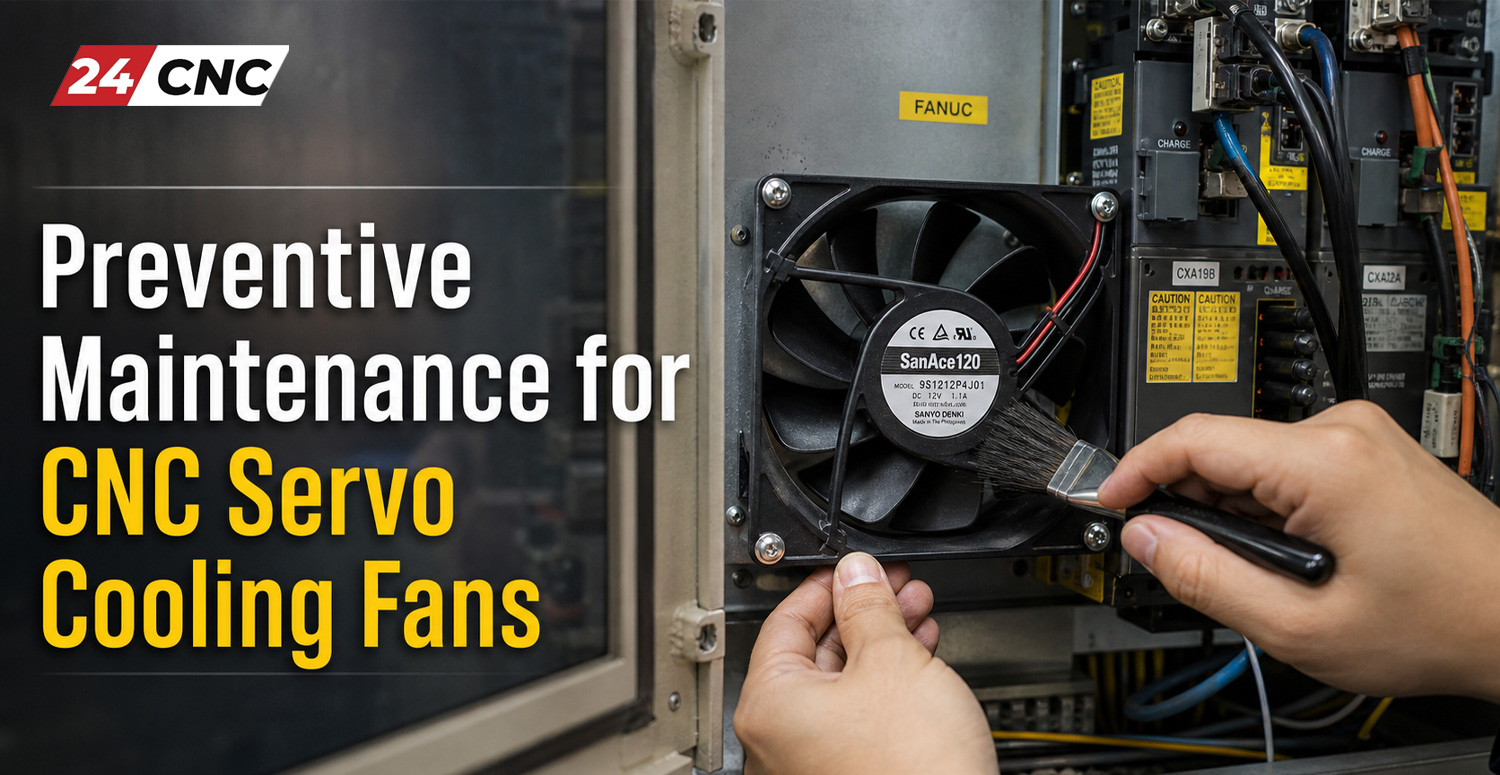
Preventive Maintenance for CNC Servo Cooling Fans
Reactive maintenance is costly and disruptive. Implementing a proactive maintenance routine drastically reduces unexpected machine downtime. Consider incorporating these tasks into your facility’s schedule:
- Monthly Air Filter Checks: Inspect and clean or replace electrical cabinet intake air filters regularly to prevent fine particles from entering the drive enclosure.
- Quarterly Thermal Scans: Use an infrared thermal imaging camera during heavy machining cycles to spot hot spots or failing cooling channels before alarms trip.
- Biennial Fan Replacements: In high-duty-cycle production environments, proactively replace critical cooling fans every 24 months to prevent unexpected mid-shift failures.
Frequently Asked Questions (FAQ)
Q1: Can I run my CNC machine temporarily while ignoring the A.7AB alarm?
A: No, it is strongly advised against. Bypassing or ignoring thermal and cooling alarms exposes the drive’s power transistors (IGBTs) to extreme thermal stress, which can lead to catastrophic hardware failure and expensive drive replacements.
Q2: What should I do if the replacement fan still triggers the A.7AB alarm?
A: If a new fan triggers the same alarm, inspect the internal wiring harness, verify the tachometer feedback pin connection, and check if the drive’s internal fan control circuit is damaged. Professional bench testing or drive repair may be necessary.
Q3: How do I know if my fan uses a tachometer feedback signal?
A: Typically, standard 2-wire fans only supply power (positive and negative), whereas intelligent fans monitored by industrial servo drives feature 3 or 4 wires, including a dedicated speed monitoring output.
Q4: Are aftermarket cooling fans safe to use on high-end CNC servo drives?
A: Yes, provided they match or exceed the original manufacturer’s specifications for airflow (CFM), static pressure, operating voltage, and RPM feedback compatibility.
Q5: How often should CNC cabinet cooling fans be inspected?
A: We recommend conducting visual inspections and cleaning cabinet filters monthly, with a comprehensive electrical and mechanical check performed every six months.
Need Replacement Servo Fans or Expert CNC Parts Support?
Don’t let a cooling fan failure bring your production line to a halt. Explore our extensive inventory of genuine replacement cooling fans, servo drives, and industrial automation components designed to get your machine back online fast.
Leave a comment
Your email address will not be published. Required fields are marked *