
In the advanced world of industrial automation and manufacturing, lathes and milling machines cannot understand our intentions on their own. They require a common language to move, cut, and create complex parts. This common language, acting as the bridge between an engineer’s mind and the machine’s mechanical arm, is called G-Code. Whether you have just entered the world of CNC machining or want to gain a deeper understanding of how these powerful machines operate, knowing G-Code inside and out is your first and most crucial step.
In this comprehensive article, we will explain in simple yet highly technical terms what G-Code is, how it is structured, and how it differs from other control codes. Join us as we journey into the beating heart of machine tool programming.
Introduction to the Machining World: The Language of CNC Machines
Computer Numerical Control (CNC) machines require highly precise, millimeter-accurate instructions to perform their tasks. When an engineer creates a beautiful, intricate part in 3D CAD (Computer-Aided Design) software, that model means absolutely nothing to a CNC machine until it is translated into a set of coordinates and movement commands. This translation process is typically handled by CAM (Computer-Aided Manufacturing) software, resulting in a text file containing thousands of lines of code known as G-Code.
G-Code essentially tells the machine how fast the cutting tool should move, what coordinates (such as X, Y, Z) it should travel to, what path it should take, and when to start or stop the material removal process. Understanding this language is vital for operators and programmers, not only for producing critical parts but also for troubleshooting and optimizing machining time.

What Exactly is G-Code and How Does it Work?
The term G-Code stands for Geometry Code. Originally developed in the 1950s by the MIT Servomechanisms Laboratory, it is now globally recognized as the industrial standard (RS-274). G-codes directly affect the geometry of movement. In other words, wherever there is a need for linear movement, circular motion, drilling, or positioning, G-Code is involved.
Structure of a Program Line (Block) in G-Code
A CNC program consists of multiple lines, with each line referred to as a “Block”. The machine’s controller (such as the popular Fanuc or Siemens controllers) reads and executes these blocks line by line. The standard structure of a block usually looks like this:
- N (Line Number): For example, N100. Used purely for program organization and readability.
- G (Geometry Code): The main movement command. For example, G01 for linear interpolation.
- X, Y, Z (Coordinates): Defines the tool’s position along the CNC machine axes.
- F (Feed Rate): The speed at which the tool moves while cutting (e.g., F500).
- S (Spindle Speed): The rotational speed of the tool or workpiece in Revolutions Per Minute (RPM).
- T (Tool Number): Used to call a specific tool from the automatic tool changer (e.g., T01).
- M (Miscellaneous Codes): Used to control the machine’s auxiliary functions.
For example, the block N05 G01 X50.0 Y25.0 F200 tells the machine: “On line 5, use linear movement at a feed rate of 200 to travel to coordinates X=50.0 and Y=25.0.”
What is the Difference Between G-Code and M-Code?
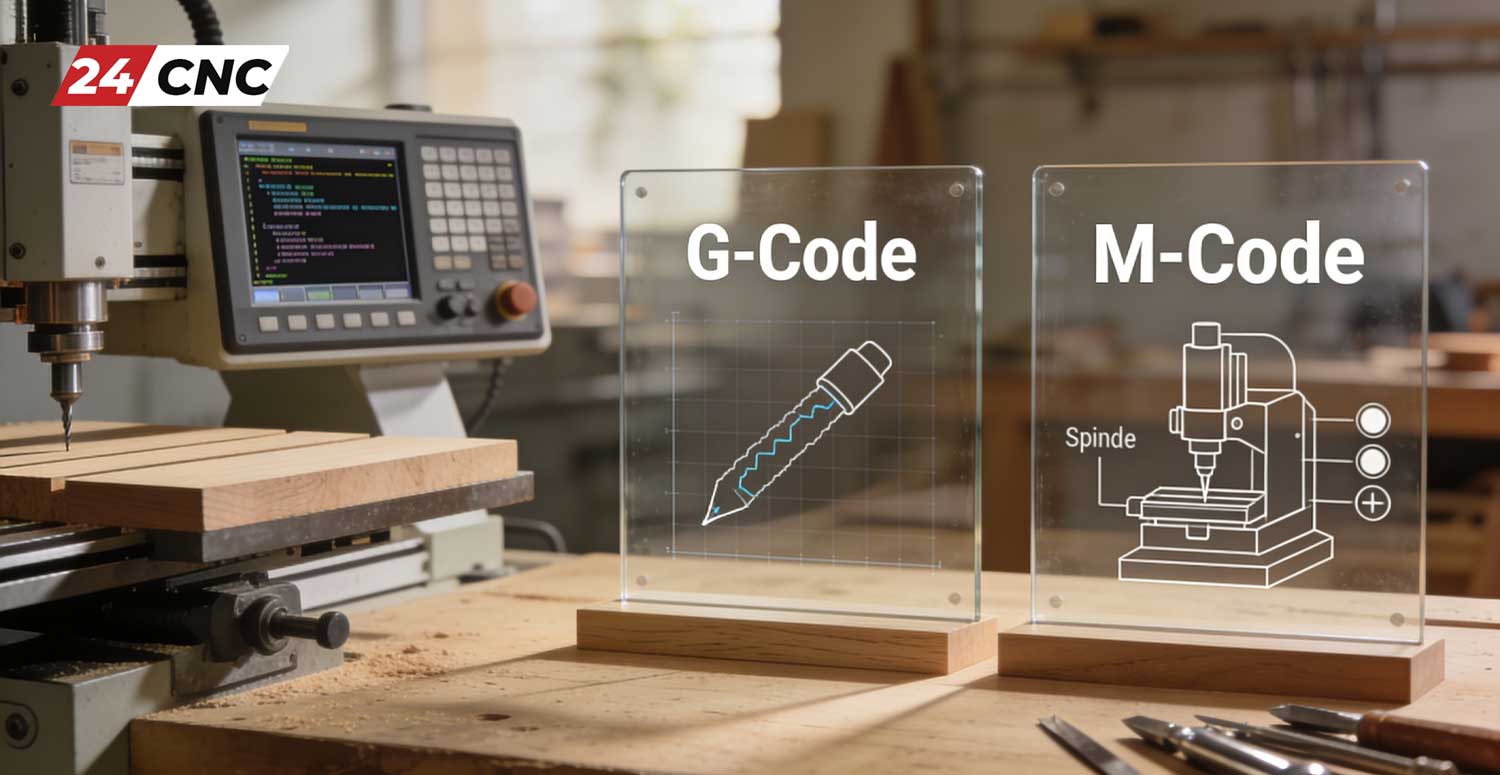
One of the most frequently asked questions among beginners is the difference between G-codes and M-codes. To answer this, we must look at the nature of the machine’s operations. As mentioned earlier, G-codes are responsible for movement and geometry. They dictate the toolpath. However, a CNC machine needs to do more than just move; for instance, it needs to turn on the coolant system, start the spindle rotation, or stop completely at the end of a cycle.
This is where M-codes, or Miscellaneous Codes (sometimes called Machine Codes), come into play. M-codes are responsible for hardware control and auxiliary functions. For example, the code M03 issues the command to turn on the spindle in a clockwise direction, while M08 turns on the coolant pump. To read more on this topic, you can check out our comprehensive article on how a CNC controller interprets G-Code and M-Code.
List of the Most Common G-Codes in CNC Machining
There are hundreds of different G-codes, and they can vary slightly depending on the machine type (lathe, mill, laser, etc.) and the controller. However, certain codes are entirely standard and essential. In the table below, we review the most frequently used codes:
| Code Name (G-Code) | Function & Technical Description | Command Group |
|---|---|---|
| G00 | Rapid Traverse – Moving the tool at maximum machine speed without cutting. | Motion |
| G01 | Linear Interpolation – Moving the tool in a straight line at a specified feed rate (F) for cutting. | Motion |
| G02 | Circular Interpolation Clockwise (CW). | Motion |
| G03 | Circular Interpolation Counter-Clockwise (CCW). | Motion |
| G20 / G21 | Set measuring units (G20 for Inches, G21 for Metric/Millimeters). | Setup |
| G90 / G91 | Set coordinate system (G90 for Absolute positioning, G91 for Incremental positioning). | Setup |
The Role of CAM Software in G-Code Generation
In the old days, engineers had to manually write all lines of G-Code on paper using complex mathematical calculations and then transfer them to the machine via punched tape! Today, however, thanks to technological advancements and the presence of powerful CAM (Computer-Aided Manufacturing) software like Mastercam, PowerMill, and Fusion 360, this process has been completely transformed.
These software programs take the 3D model and, based on parameters set by the programmer (such as workpiece material, tool type, machining strategy, and cutting speeds), simulate the toolpath. Once the path is approved, a unit called the Post Processor comes into play. The post processor’s job is to translate the toolpath into G-codes that are specifically understood by your machine’s controller. Having a highly accurate post processor ensures that the generated codes won’t cause errors or crashes on your specific machine.
Industrial Controllers and How They Interpret G-Code
Not all CNC machines interpret G-Code in exactly the same way. The brain of any CNC machine is its controller, which is considered one of the essential components of CNC machines. Various global brands manufacture these controllers, with the most famous being Fanuc, Siemens, Mitsubishi, and Heidenhain.
For instance, a G-Code program written for a Fanuc controller might require modifications to specific codes (like drilling or tapping canned cycles) to run on a Siemens controller. This is why familiarizing yourself with the programming manual of the controller you are working with is highly important. Professional programmers always carefully simulate their codes in virtual environments before final execution on the machine to prevent any potential errors.
Frequently Asked Questions (FAQ) About G-Code
Your Frequently Asked Questions
Is it still necessary to learn how to write G-Code manually?
While writing complex 3D codes manually might be obsolete due to advanced CAM software, understanding the structure of G-Code is absolutely essential for any operator and engineer. You must be able to read and modify G-codes for quick program edits at the machine, troubleshooting controller errors, and understanding exactly how the machine will behave.
What happens if we feed incorrect G-Code to the machine?
It depends on the type of error. If the code is syntactically wrong, the controller will throw an alarm and stop (Syntax Error). But if incorrect coordinates are entered (for example, Z-50 instead of Z-5), the machine, unaware of the danger, will drive the tool into the workpiece or machine table at high speed. This is known as a Crash and can cause severe financial damage.
Is the G-Code used in 3D printers the same as in CNC milling machines?
The foundation of the language (like G00, G01, and the coordinate systems) is similar, but 3D printers have their own dedicated codes to control nozzle temperature (Extruder), heated bed temperature, and filament extrusion, which have no application in milling or turning.
Conclusion and Final Words
G-Code is the alphabet of the smart manufacturing world. From turning a simple aluminum part to manufacturing ultra-complex airplane engine components on 5-axis machines, everything is made possible thanks to these simple lines of text. Mastering the fundamental concepts of G-Code, understanding the difference between G-code and M-code, and grasping coordinate systems will elevate you from a simple operator to a skilled CNC specialist and programmer. Remember, in the machining world, precision is everything, and G-Code is your tool for achieving that unparalleled precision.
Looking for high-quality spare parts for your CNC machine?
To flawlessly execute the most precise G-codes, your machine requires powerful hardware and original electronic components. At 24CNC Group, we supply the best and rarest spare parts, including controllers, drives, encoders, and components from reputable brands like Fanuc, Siemens, and Mitsubishi, with guaranteed authenticity.
Leave a comment
Your email address will not be published. Required fields are marked *