

In the precise world of automated manufacturing, the CNC Controller is the undisputed brain of the operation. Whether you are running a high-speed production line or maintaining a custom workshop, understanding the intricacies of your control system is vital. From the simplest DIY router to complex 5-axis industrial mills, the controller dictates every move, every cut, and every safety protocol.
This ultimate 2026 guide will break down the anatomy of a CNC system, explaining how digital code transforms into physical motion. We will also explore the critical hardware ecosystem—from control systems and servo motors to the essential cables that connect them.
Table of Contents
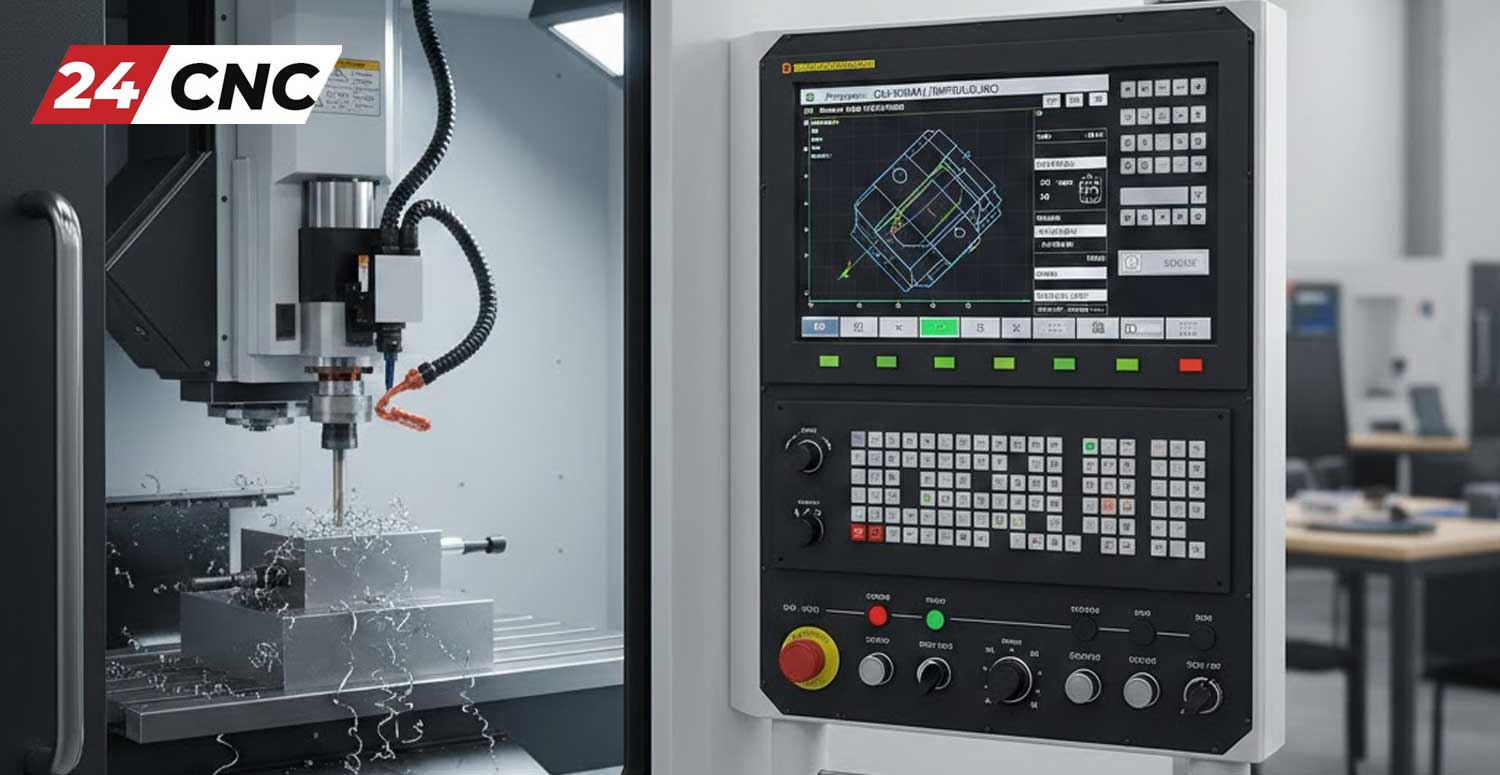
Defining the CNC Controller
At its core, a CNC (Computer Numerical Control) Controller is a specialized computer designed to control machine tools. It reads a program (usually G-code) and converts those instructions into synchronized electrical pulses. These pulses drive the axes of the machine to specific coordinates with micron-level accuracy.
However, a modern controller is more than just a pulse generator. In 2026, advanced control systems manage the entire machining environment. They monitor spindle load, manage tool changers via I/O modules, and ensure operator safety through rigorous feedback loops.
The Anatomy of a CNC System: Key Components
To fully grasp how a controller works, you must look at the hardware ecosystem it commands. A controller does not act alone; it relies on a network of specialized parts.
1. The Human-Machine Interface (HMI)
This is the point of contact between the operator and the machine. It typically consists of an LCD Screen (often manufactured by brands like Sharp, NEC, or Toshiba) which displays coordinates and simulation graphics. Below the screen, you will find the keyboard and control panel labels. Over time, the tactile switches on these panels wear out, making replacement Fanuc keyboards or generic membranes a common maintenance item.
2. Motion Control & Drives
The controller calculates the path, but the Amplifier and Inverter (often called the servo drive) provides the muscle. The controller sends low-voltage signals to the drive, which then amplifies this into high-power current to turn the servo motor.
For specific systems, matching the drive to the motor is crucial. For example, a Fanuc drive is engineered to communicate perfectly with a Fanuc motor.
3. Feedback Systems (Encoders)
Accuracy is achieved through feedback. Rotary Encoders are attached to the motors to track the exact shaft position.
- Incremental encoders report relative movement.
- Absolute encoders (common in Mitsubishi and Fanuc systems) know exactly where they are even after a power loss.
4. Manual Control Devices
For setup and calibration, operators use a Handwheel (MPG). Whether it is a wired MPG or a modern wireless handwheel, these devices allow for manual “jogging” of the axes using a selector switch.
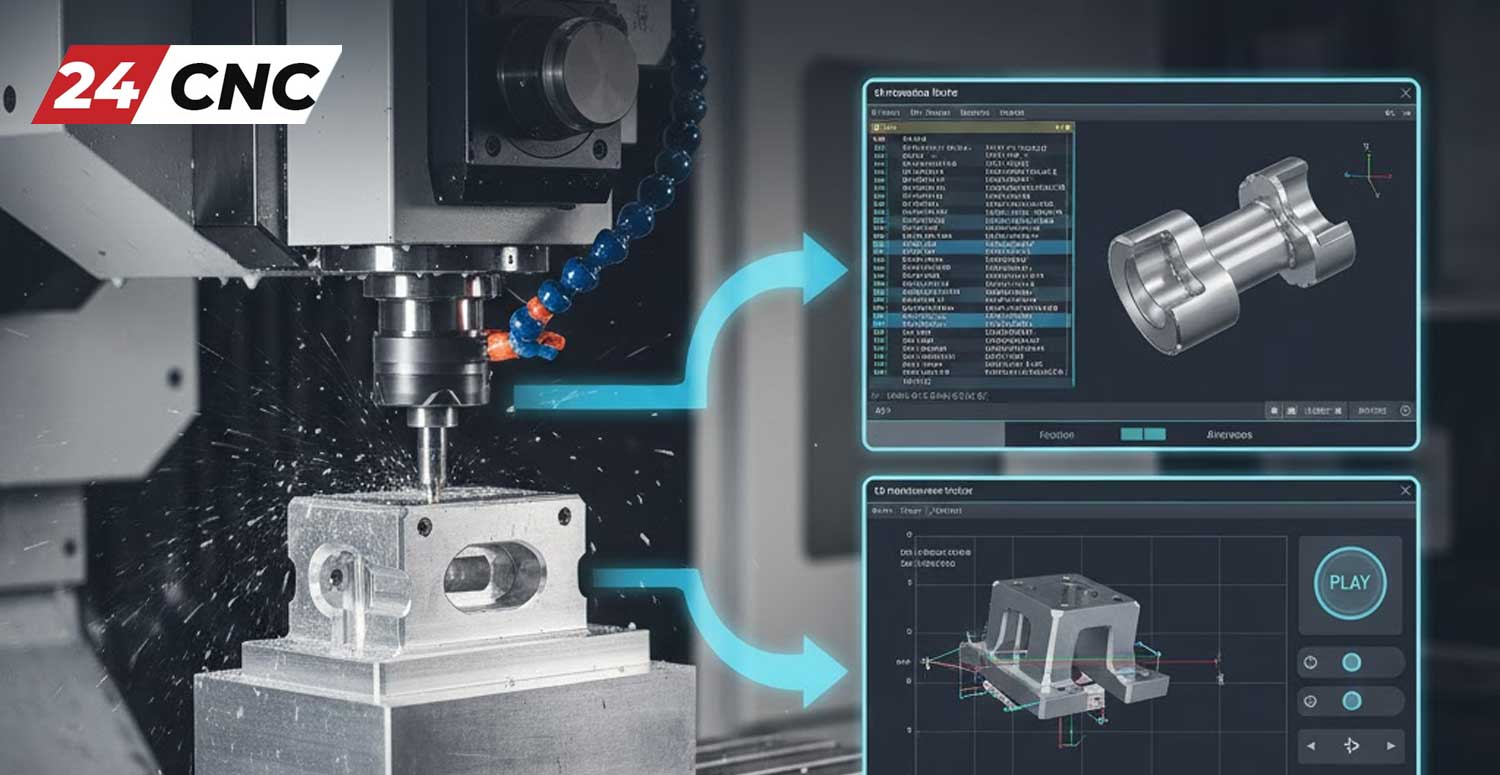
How It Works: The Data to Motion Workflow
The magic of CNC happens in milliseconds. Here is the step-by-step workflow of a working cycle:
- Input: The operator loads a program via a CF Card or network connection.
- Processing: The Main Board of the controller parses the G-code. It looks ahead to calculate acceleration and deceleration curves.
- Logic Handling: The internal PLC checks the status of all sensors and safety interlocks. If a sensor detects a door open, motion is inhibited.
- Signal Transmission: Coordinates are sent to the drives via high-speed optical cables or standard encoder cables to minimize noise interference.
- Execution: The motors move the machine table. The encoders send position data back to the controller to verify the move was completed successfully.
Industrial Giants: Fanuc vs. Siemens vs. Mitsubishi
Not all controllers are created equal. The market is dominated by a few key players, each with their own ecosystem of parts.
Fanuc
Known for legendary reliability, the yellow Fanuc Controller is the industry standard. Their ecosystem is vast, including proprietary power supplies and distinct I/O modules. They are the workhorses of the automotive and aerospace industries.
Siemens
The Siemens Controller (Sinumerik series) is renowned for its high-end processing power and flexibility. It is often favored in complex 5-axis machining throughout Europe.
Mitsubishi & Others
Mitsubishi controls are famous for high-speed processing in mold making. Other brands like Delta and Yaskawa provide excellent servo systems that integrate with various generic controllers.
Maintenance & Hardware Replacement
Even the best systems fail. Heat, vibration, and time take their toll on electronics. Keeping a CNC machine running often involves troubleshooting specific sub-components.
- Cooling: Overheating is a major killer of electronics. Regularly checking the cooling fans inside the cabinet and on the spindle motor is essential.
- Power Integrity: Spikes in voltage can damage sensitive boards. A stable power supply is critical. Always check fuses first when a system won’t power up.
- Connectivity: Old cables become brittle. Faulty cables are a common cause of erratic jogging behavior. Similarly, ensuring tight connections with high-quality sockets and connectors prevents intermittent signal loss.
- Board Repair: Sometimes the issue lies deep within the circuitry. Failing IC Hybrids or IGBT modules in the drive can cause motor alarms.
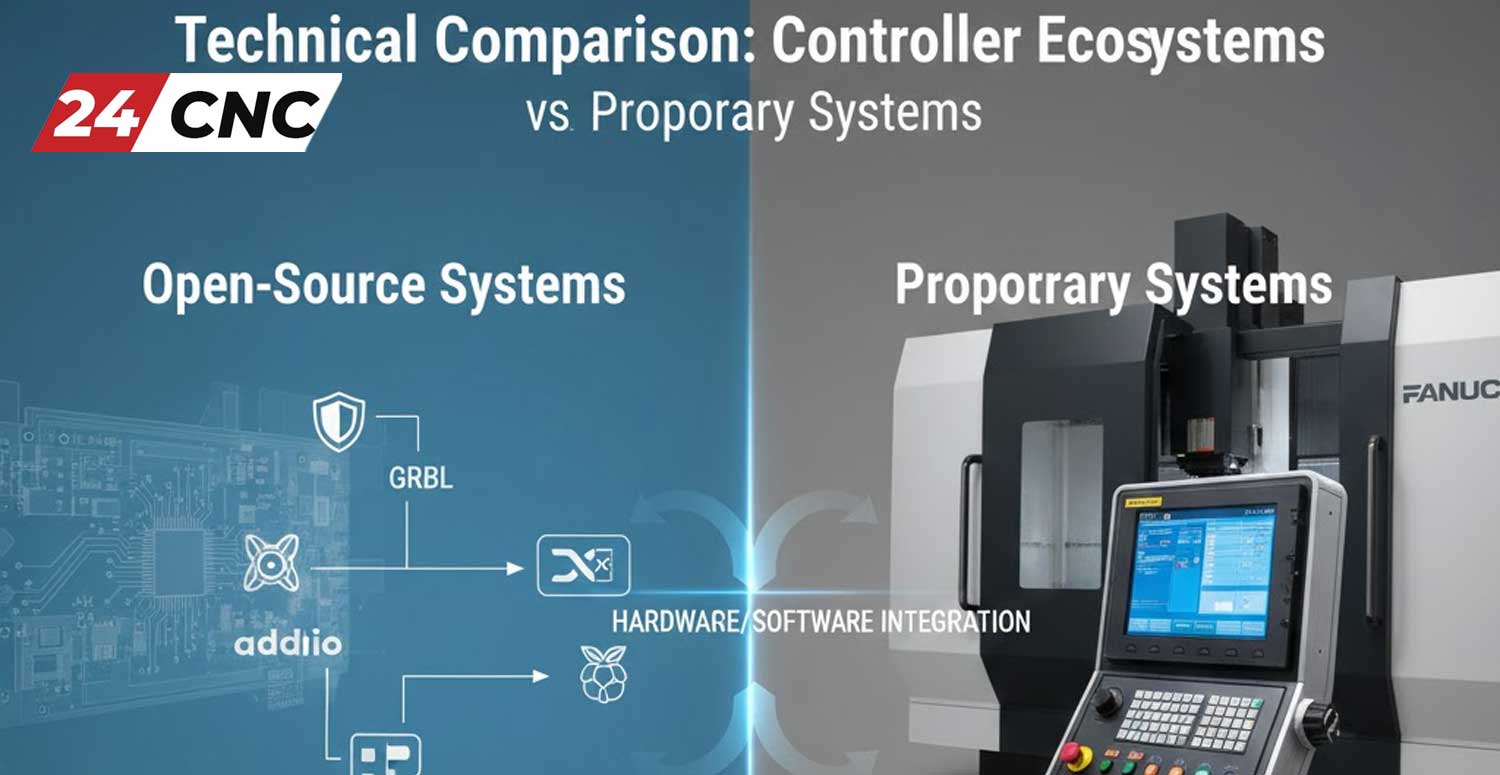
Technical Comparison: Controller Ecosystems
Choosing a control system dictates the hardware you will use for the life of the machine. Here is how the major ecosystems compare.
| Feature / Brand | Fanuc Ecosystem | Siemens Ecosystem | Mitsubishi Ecosystem |
|---|---|---|---|
| Primary Communication | FSSB (Optical Fiber) | Drive-CLiQ | SSCNET III/H (Optical) |
| Feedback Device | Fanuc Absolute Encoder | Heidenhain / Siemens | Mitsu High-Res Encoder |
| HMI Display | Dedicated LCD Unit | PC-based or Panel | Touchscreen Integration |
| Drive Technology | Alpha / Beta Series Drives | Sinamics Modules | Meldas / M80 Series |
Frequently Asked Questions (FAQ)
Why is my CNC controller screen blank?
A blank screen can be caused by a failed backlight on the LCD panel, a loose video cable, or a power supply issue. Check the fuses on the power unit first. If the screen is old, the inverter powering the backlight may need replacement.
Can I replace a Fanuc Encoder with a generic one?
Generally, no. Fanuc encoders use a proprietary communication protocol to talk to the servo amplifier. Using a generic encoder will usually result in a communication alarm. Always replace with the exact part number.
What is the function of the I/O Module?
The I/O (Input/Output) module acts as the nervous system for auxiliary functions. It takes signals from switches, buttons, and sensors, and sends commands to relays (like turning on coolant or opening a valve).
My Handwheel (MPG) is skipping steps. What is wrong?
This is a common issue. It is often due to a worn-out optical disk inside the MPG unit, or a damaged handwheel cable that has an intermittent break. Inspect the cable for kinks and consider replacing the MPG unit if it’s old.
Need Replacement Parts for Your CNC Controller?
From rare Fanuc servo amplifiers to the latest wireless handwheels and industrial LCD screens, we stock the hard-to-find components that keep your shop running. Minimize downtime with high-quality spares.
Leave a comment
Your email address will not be published. Required fields are marked *